What Do Your Sales Calls Actually Tell You? 12 Call Disposition Codes Every Outbound Team Should Track
Most outbound teams already record call outcomes. But the list is often treated as an administrative afterthought: pick a label, save the call, move on. That leaves useful information sitting idle. Consistent call disposition codes can help your team choose the right follow-up, understand which campaigns are producing useful conversations, and spot problems with contact…
Most outbound teams already record call outcomes. But the list is often treated as an administrative afterthought: pick a label, save the call, move on.
That leaves useful information sitting idle. Consistent call disposition codes can help your team choose the right follow-up, understand which campaigns are producing useful conversations, and spot problems with contact data. The key is to make each code clear and connect it to a decision.
What is a call disposition code?
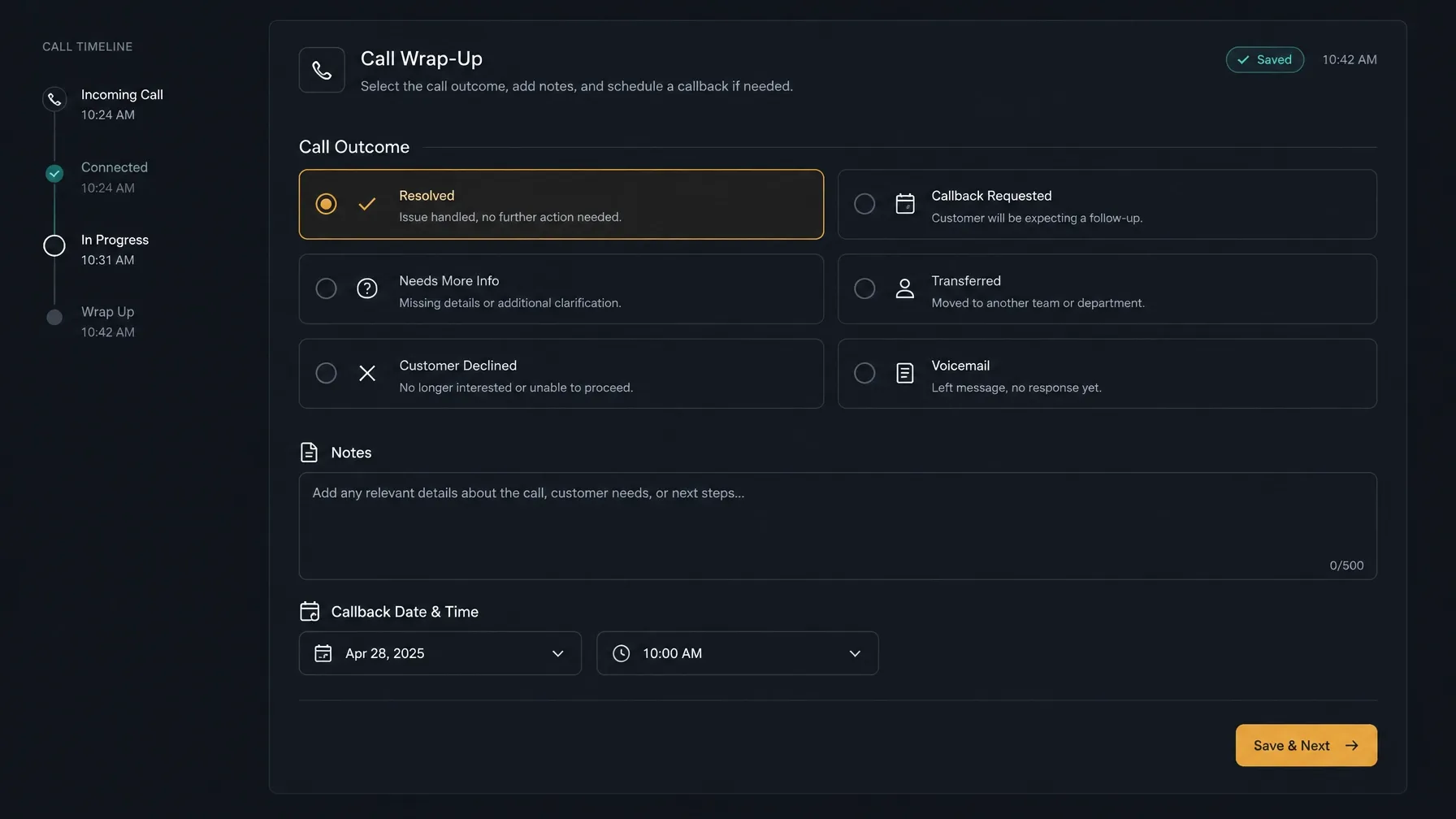
A call outcome records what happened during a call. A call disposition is the standardized result your team records to decide what should happen next.
In practice, a disposition often captures both: the result, such as “callback requested,” and the action that follows, such as creating a dated callback task. Treating each code as a decision, not just a label, makes call disposition tracking more useful for agents, managers, and reporting.
Consistency matters. If two reps use different codes for the same situation, your reports become harder to interpret. If a code does not point to a clear next action, it may not belong in your list.
12 call disposition codes to consider
Use these as a starting point, not a required template. Adapt the definitions to your campaigns, CRM, and compliance procedures. The trigger matters as much as the name.
Unreached: no conversation with the prospect
No answer
Meaning: The call rang or was attempted, but no one answered and no voicemail was left.
Use it when: The number did not connect to a person or answering machine.
Next action: Apply your approved retry and timing rules. Keep the contact eligible only while it meets your campaign criteria.Voicemail left
Meaning: You reached an answering machine and left a message.
Use it when: A rep actually left a voicemail. If no message was left, use “No answer.”
Next action: Record any follow-up required by your process, then continue attempts according to your campaign rules.Wrong number or disconnected
Meaning: The number is incorrect, disconnected, or otherwise unusable.
Use it when: The call or a person’s response confirms the number cannot reach the intended contact.
Next action: Stop retrying that number. Flag the record for correction or removal.Gatekeeper reached, decision-maker not connected
Meaning: Someone answered, but the intended contact was unavailable or could not be reached.
Use it when: You spoke with an assistant, receptionist, or colleague without having the sales conversation.
Next action: Record a useful routing detail or agreed next attempt, if appropriate. Avoid treating this as a conversation with the prospect.
Reached: no sales progress
Not interested
Meaning: The prospect declined, without indicating that the offer is unsuitable for a specific reason.
Use it when: The contact clearly declines the offer or discussion.
Next action: Follow your campaign’s rules for closing, suppressing, or moving the record to an appropriate nurture process. Don’t keep calling simply because the code is not “Do not call.”Not a fit or disqualified
Meaning: The contact or organization does not meet your defined qualification criteria.
Use it when: A specific reason, such as company size, need, or eligibility, rules the prospect out.
Next action: Record the reason if it will support list quality or future targeting. Remove or reroute the record according to your process.Do not call or opt-out
Meaning: The person has asked not to receive further calls, or your policy otherwise requires the number to be suppressed.
Use it when: A contact makes a clear request to stop calls. Follow your organization’s rules for interpreting and recording the request.
Next action: Stop further calling and route the request through your suppression process promptly. Don’t treat this as an ordinary “not interested” result. Requirements vary by location and campaign, so confirm your process with qualified compliance or legal advisers.
Reached: a useful next step exists
Interested or qualified
Meaning: The prospect has a relevant need and meets your initial qualification criteria, but no meeting has been booked yet.
Use it when: The conversation shows credible interest and a fit worth pursuing.
Next action: Record the agreed next step and owner. Move the opportunity forward only in line with your sales process.Callback requested
Meaning: The prospect asked for another call.
Use it when: They specify or agree to a future time or period for contact.
Next action: Save a dated follow-up with an owner. Include the time zone when it matters. “Call again later” is not a usable plan.Meeting or demo booked
Meaning: A meeting or product demonstration has been scheduled.
Use it when: The prospect agrees to a specific appointment.
Next action: Record the scheduled details and prepare the handoff or follow-up your process requires.Information sent or nurture
Meaning: The prospect wants information or is open to future contact, but is not ready for a direct sales step now.
Use it when: You have agreed what information to send or when to reconnect.
Next action: Set a specific follow-up or place the contact in the relevant nurture process. Avoid using this as a catch-all for any call that did not end in a meeting.Referral or alternate contact provided
Meaning: The person points you to another contact or provides a route to the right decision-maker.
Use it when: A new contact or referral is explicitly provided.
Next action: Verify the details and follow your process for creating or updating a record. Keep the original contact’s outcome separate from the new contact’s call history.
Keep the list short and usable
A disposition list gets harder to use as overlapping options accumulate. “Callback,” “call later,” and “follow up” may mean the same thing to one rep and different things to another.
Review the list regularly:
- Merge overlapping codes. Keep separate options only when they lead to different decisions or support a meaningful report.
- Retire codes nobody uses. Check whether a code is still useful before removing it from reporting.
- Keep required fields minimal. Ask for details only when someone needs them to take the next action or understand the result.
- Define exceptions. Clarify close calls, such as when a voicemail is reached but no message is left.
- Give every code an owner and next step. If no one knows what happens after selection, revisit the code.
Keep a short definition beside each label. A quick “use when” note can prevent a lot of interpretation during a busy calling session.
Build a taxonomy that supports follow-up and reporting
Organize your taxonomy around the work that follows a call. The three groups above: unreached, reached with no progress, and reached with a next step, are one practical structure.
Before rollout, agree on:
- The selection rule. Is each call assigned one primary disposition? If so, define which code takes priority when more than one seems relevant.
- The follow-up owner. Make clear who handles callbacks, corrections, meetings, and opt-outs.
- The information to record. Decide which notes or dates are necessary for the next action.
- The reporting question. Know what you need to compare before adding a new code.
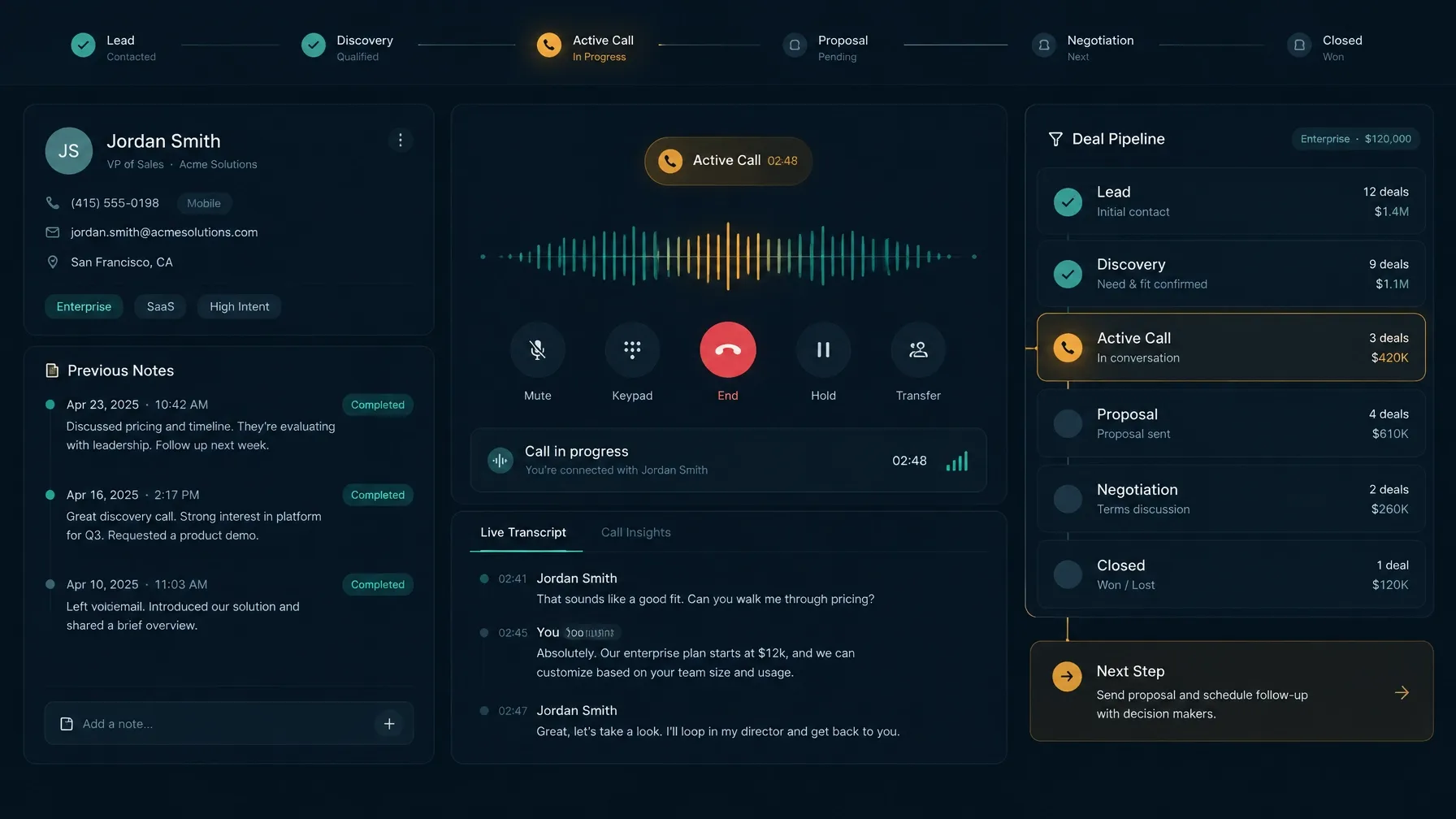
The taxonomy and the follow-up workflow are related, but they are not the same thing. A label can identify the result; a task, reminder, or suppression process carries out the next step. Confirm what your CRM or dialer actually supports before assuming that selecting a code will trigger a specific action.
Keep dispositions accurate
A neat code list will not help if reps use it differently. Train agents with short examples: a prospect asks to be called next Tuesday; a receptionist answers but cannot transfer the call; a contact asks not to be called again.
Then check how the taxonomy works in practice:
- Spot-check records. Compare selected codes with notes and, where appropriate, call records.
- Look for corrections and rework. Repeated edits or missing follow-up details may indicate unclear definitions.
- Ask agents where they hesitate. A code that frequently prompts questions may need a better definition or a simpler label.
- Update the guidance, not just the label. Explain what changed and how to handle past records in reports.
Call review can help managers understand how conversations relate to recorded outcomes. Follow your organization’s rules for call recording, access, and retention.
Turn call disposition tracking into management intelligence
Once definitions are consistent, compare outcomes by list source, campaign, agent, and time of day. First make sure each comparison uses the same definitions and denominator.
For example, you might compare the share of attempts that reached a person, then the share of live conversations that produced a qualified lead or meeting. Those are different questions. Don’t compare “meetings per attempt” in one campaign with “meetings per conversation” in another.
Disposition trends can help you investigate:
- List quality: A rise in wrong or disconnected numbers in one source may point to stale contact data.
- Follow-up execution: Callback requests without a recorded next step may indicate a gap between the call and the work queue.
- Campaign fit: Many conversations ending in “not a fit” may mean your targeting or qualification criteria need review.
- Timing and dialing strategy: Compare outcomes across call windows before changing schedules or campaign settings.
Consider a hypothetical team comparing two lead sources over a week. Both sources produce a similar number of live conversations. One produces more qualified prospects and booked meetings; the other produces more “not a fit” results. That does not prove the first source will always perform better. It gives the team a specific question to investigate: Are the sources targeting different company types, or are reps applying qualification criteria differently?
Pair disposition trends with other context. A code is a useful signal, not a complete explanation of why a prospect responded as they did.
Keep the next step close to the call
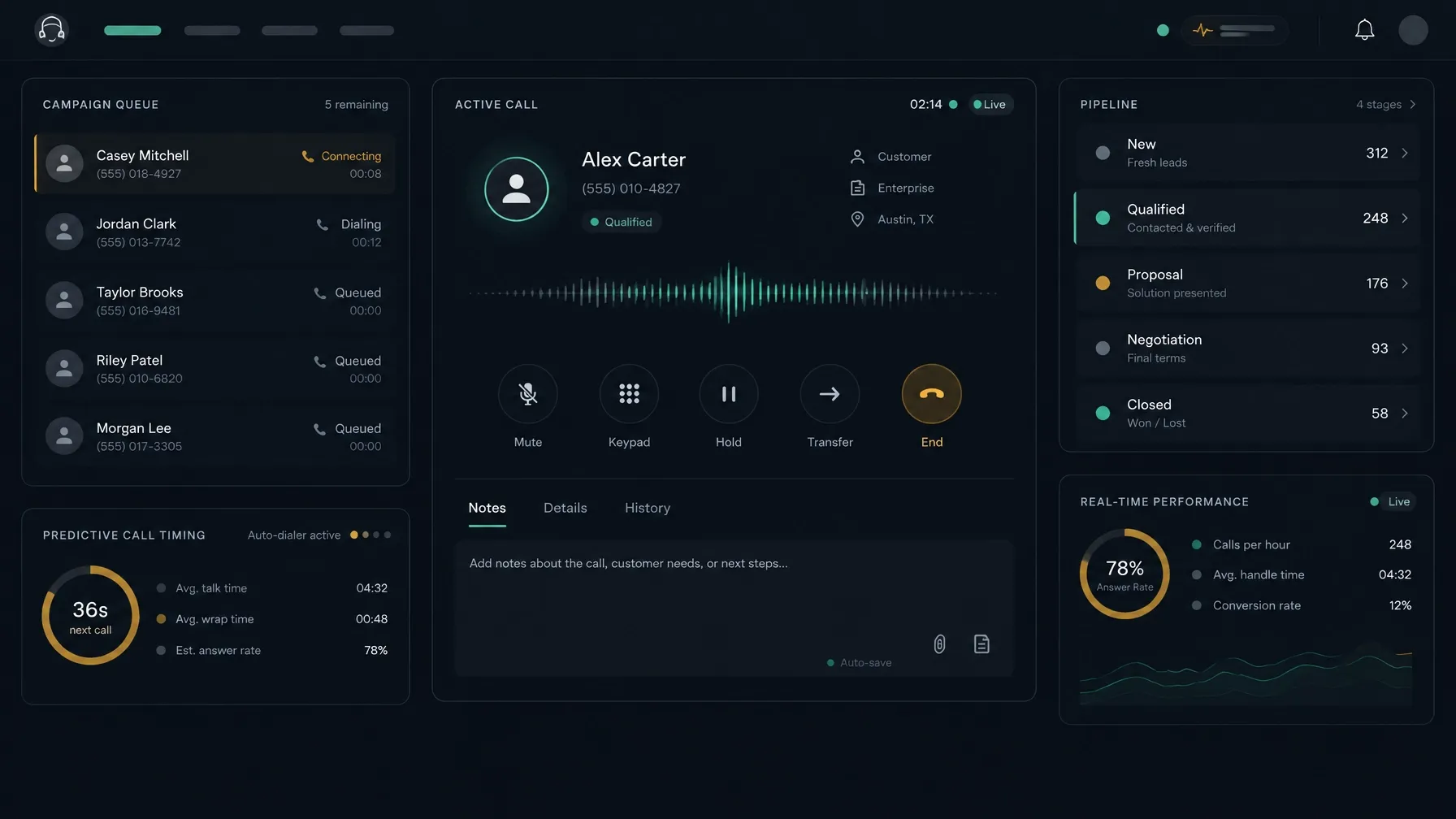
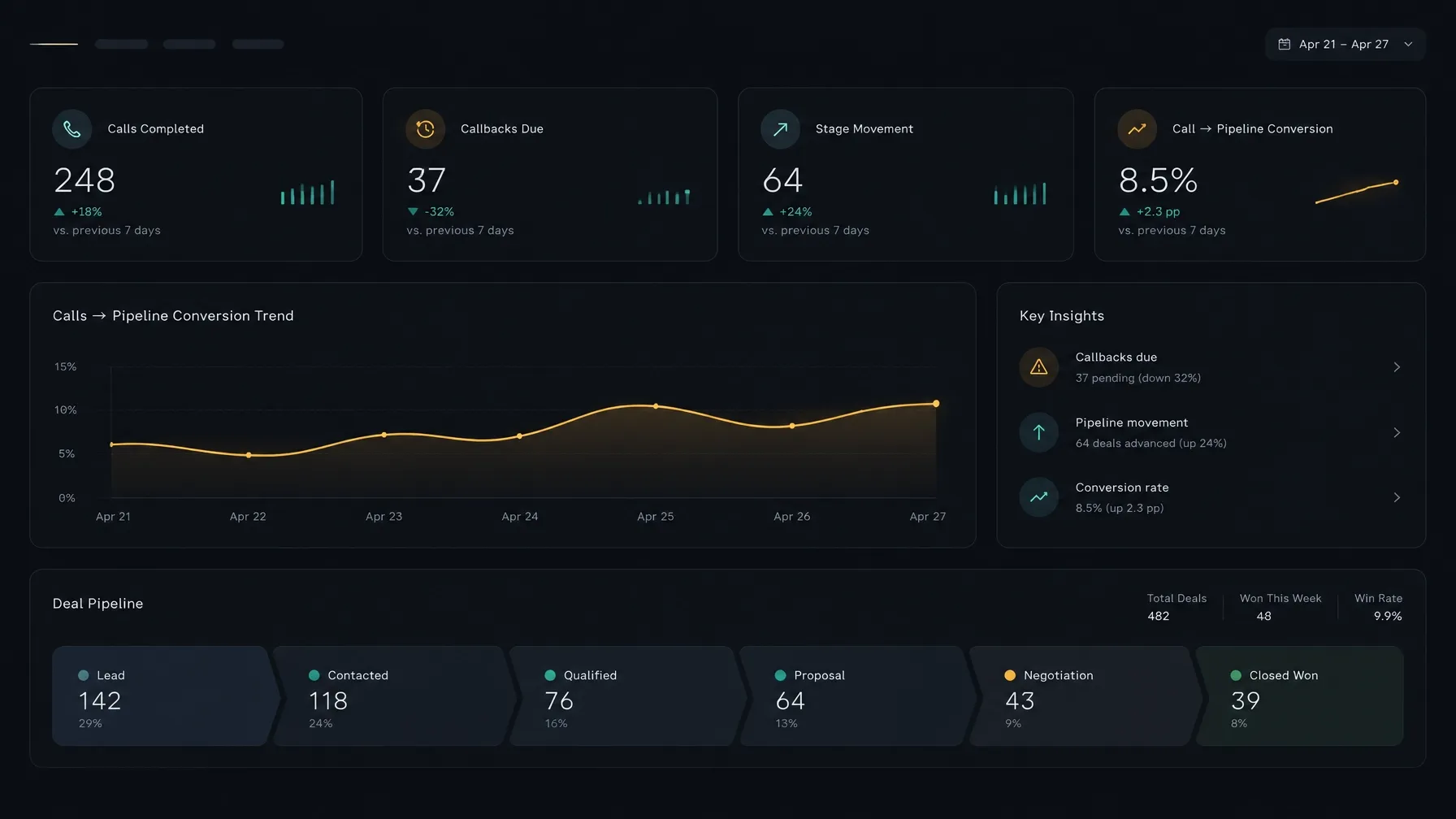
NexusDialer’s website describes calling workflows where reps can save call outcomes, notes, and callbacks alongside contact and deal records. It also describes a built-in CRM with a visual pipeline, plus predictive dialing and manager workspaces with reports.
Those capabilities may be relevant if you are reviewing how your team records calls and follows up. Confirm the setup and available features for your deployment before relying on a particular workflow. You can explore NexusDialer.
For related guidance, read how to understand the time agents spend between calls, how CRM and calling workflows can work together, and how to build a call quality scorecard.
Frequently asked questions
What is a call disposition code?
A call disposition code is a standardized category recorded after a call. It captures the result in a consistent way and should help the team decide what happens next, such as retrying, scheduling a callback, or suppressing a number.
How many disposition codes should a call center have?
Use enough codes to distinguish outcomes that require different decisions or reporting, but not so many that agents struggle to choose. Start with a focused list, review how it is used, and add or retire codes when there is a clear operational reason.
What is the difference between a disposition and a call outcome?
A call outcome describes what happened, such as whether someone answered. A disposition is the standardized result your team records to guide the next action. In many systems, the terms overlap, so define how your team uses them.
Should “not interested” and “do not call” be separate codes?
Yes. “Not interested” records a sales response. “Do not call” records a request or instruction that requires separate handling under your organization’s suppression and compliance procedures.
How can dispositions improve outbound call reporting?
Consistent dispositions let managers compare call outcomes across campaigns, list sources, and time periods. They can help identify patterns in contact data, qualification, and follow-up, but should be reviewed alongside other context rather than treated as a complete explanation.
Meta title: 12 Essential Call Disposition Codes for Outbound Sales Teams
Meta description: Learn 12 practical call disposition codes for outbound teams, how to connect each to a next step, and how to use consistent outcomes for better follow-up and reporting.