Your Contact Center Is Busy, But Is It Profitable? 8 Hidden Problems That Are Draining Your Revenue
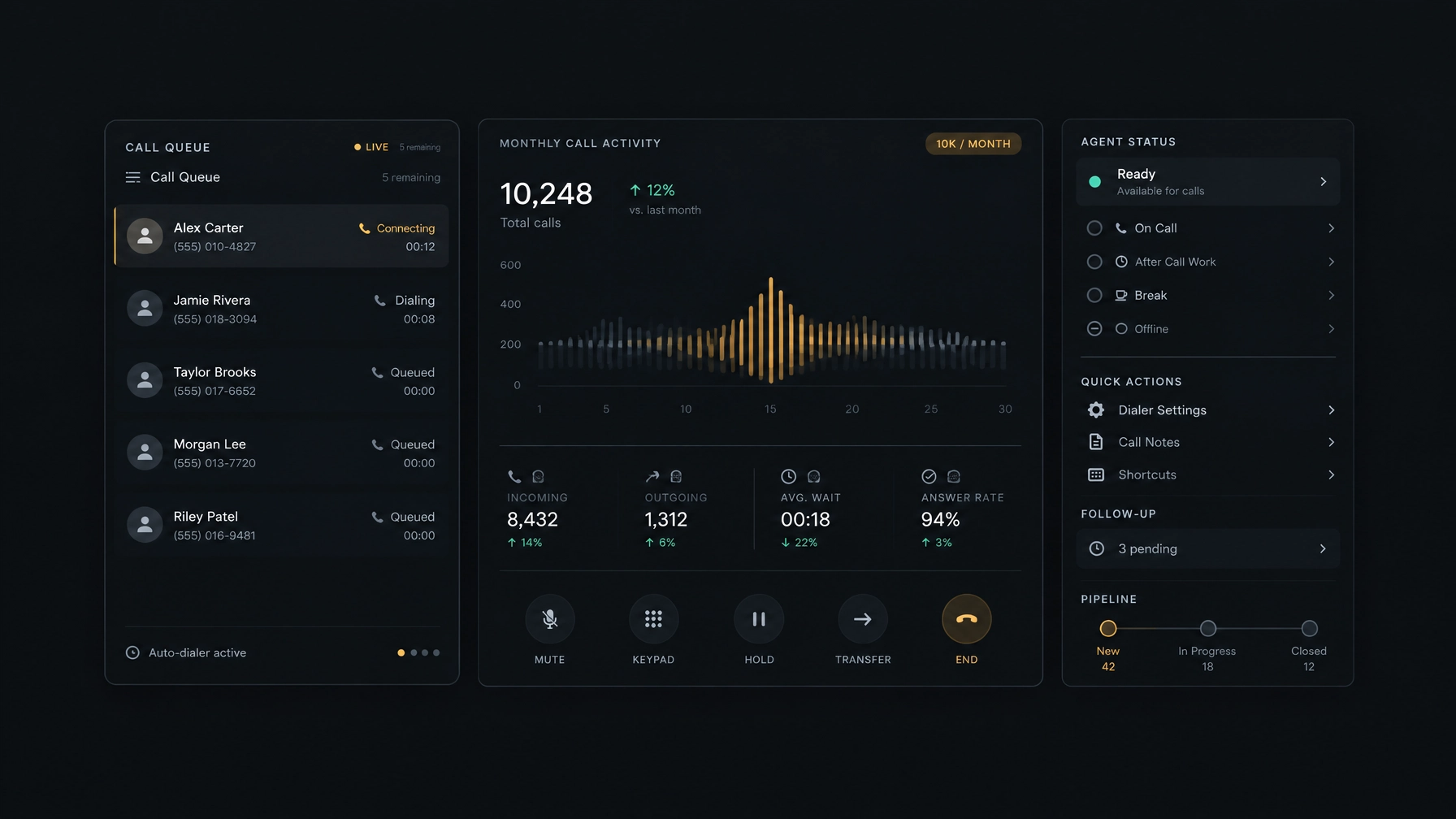
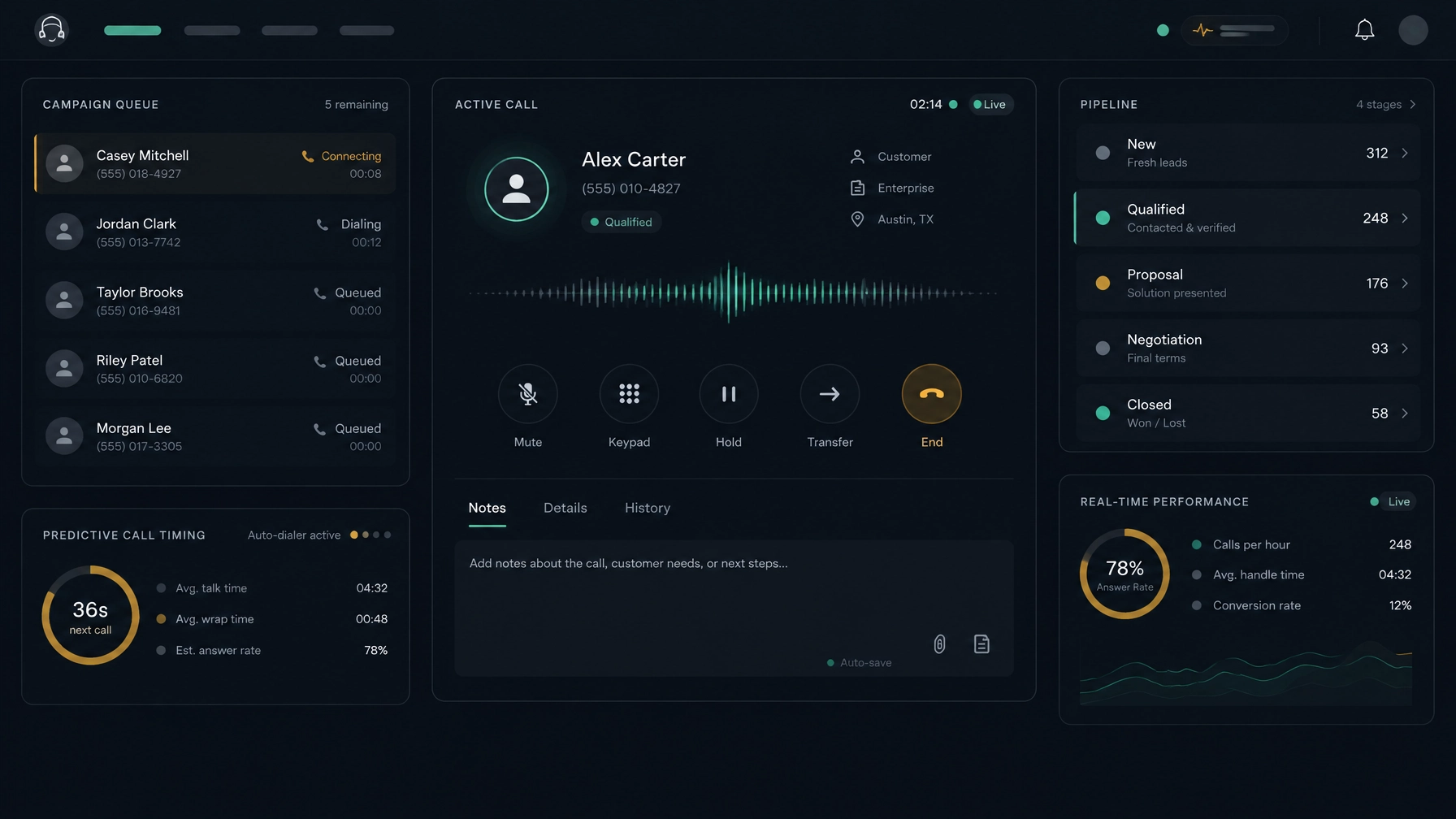
A full call queue can look like progress. Agents are dialing, calls are being handled, and reports show plenty of activity. But activity alone does not tell you whether your contact center is profitable. Revenue can slip away between attempts, conversations, and follow-ups. Agents may spend paid time dialing manually. High-value prospects may wait behind…
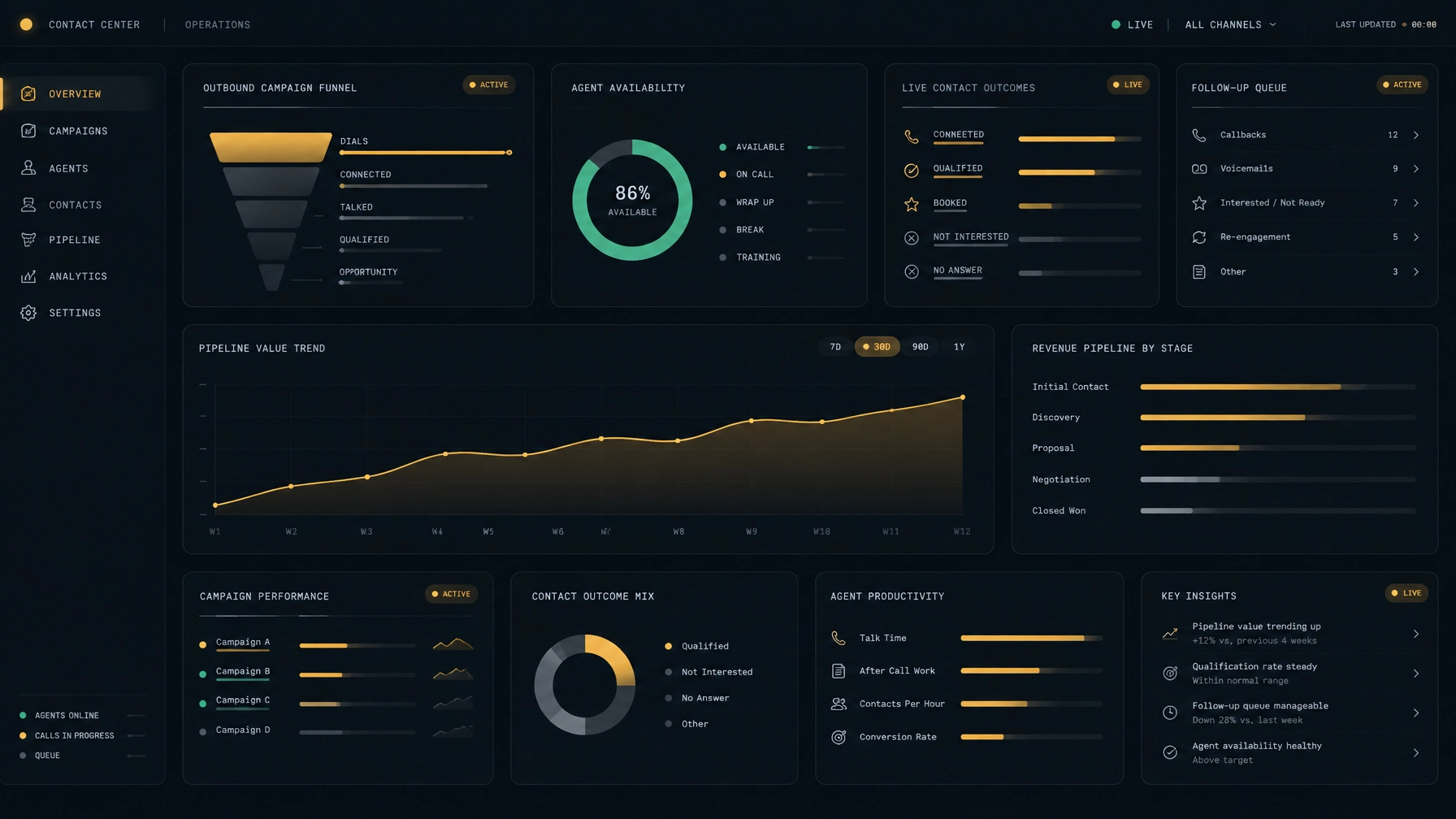
A full call queue can look like progress. Agents are dialing, calls are being handled, and reports show plenty of activity. But activity alone does not tell you whether your contact center is profitable.
Revenue can slip away between attempts, conversations, and follow-ups. Agents may spend paid time dialing manually. High-value prospects may wait behind weaker leads. Managers may track call volume without knowing which conversations produced revenue. The result is a busy operation that uses its capacity without getting enough value from it.
To improve contact center efficiency, look beyond how many calls your team makes. Connect agent time and operating costs to completed conversations, follow-up actions, and revenue outcomes. These eight problems are a practical place to start.
1. Manual dialing takes time away from conversations
Why it happens: Agents search lists, dial numbers, wait for a response, then record the outcome and move to the next contact. When each step happens separately, the time between conversations adds up.
How it drains revenue: Every minute spent on repetitive dialing and record updates is time an agent cannot spend talking to a prospect or following up with a warm lead.
What to fix: Review the steps between calls. Automate routine dialing and keep contact details, notes, and outcomes close to the calling workflow. Track live conversations and follow-up completion, not just attempts.
For example, a rep might spend a stretch of the morning opening a spreadsheet, copying numbers into a phone system, and then returning to the spreadsheet to log results. A connected call workflow can reduce that switching and make the next contact easier to reach.
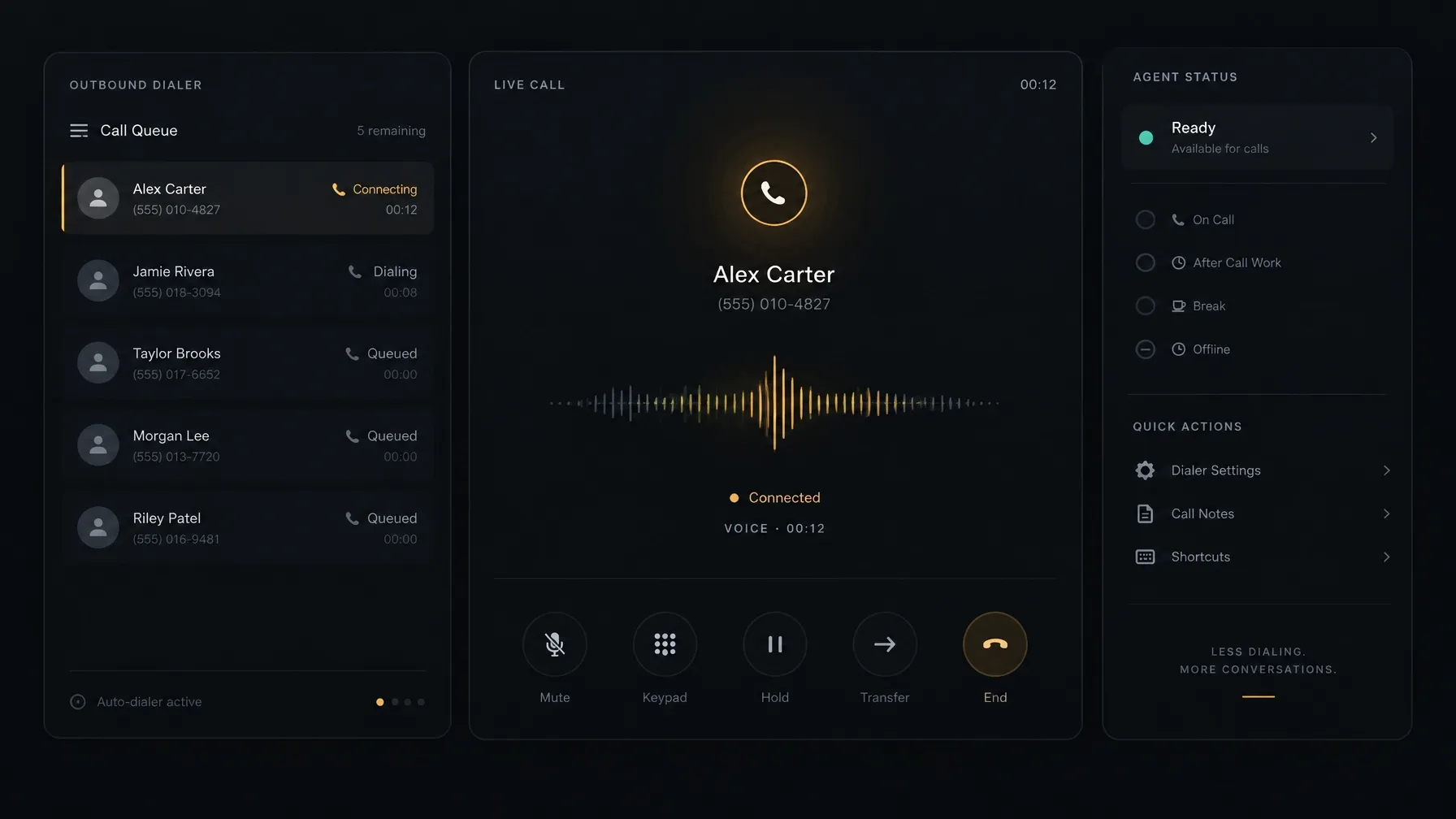
Dialing automation still needs to fit your campaign and calling obligations. Review call outcomes, pacing, and agent availability together so that reducing idle time does not create poor caller experiences or compliance issues.
2. Your CRM and calling tools do not share context
Why it happens: Teams add tools as they grow. The dialer, CRM, and reporting system may each hold part of the customer story, with agents responsible for moving information between them.
How it drains revenue: Reps repeat data entry, miss details from earlier conversations, or fail to log an agreed next step. Managers then spend time reconciling records instead of addressing sales problems.
What to fix: Map the information agents need before, during, and after a call. Keep call outcomes, notes, customer history, and callbacks available in the workflow. Before buying a platform, confirm how it handles your records and whether it supports the data exchange you need.
A prospect who asked for a proposal on Friday should not have to explain that request again on Monday. When call history and next steps are easy to find, the next conversation can pick up where the last one ended.
NexusDialer’s public site describes built-in contact, company, and deal records, pipeline stages, call history, outcomes, notes, and callbacks. It also describes CSV import and export. If your operation depends on a separate CRM, confirm its specific integration and data requirements before planning a rollout.
3. You measure calls but not call performance
Why it happens: Activity metrics are easy to collect. Call attempts and talk time can show whether agents are working, but they do not explain whether the work is producing useful outcomes.
How it drains revenue: A campaign can generate a high volume of attempts while producing few qualified conversations or completed sales. If you only review activity, it is hard to spot where the process is breaking down.
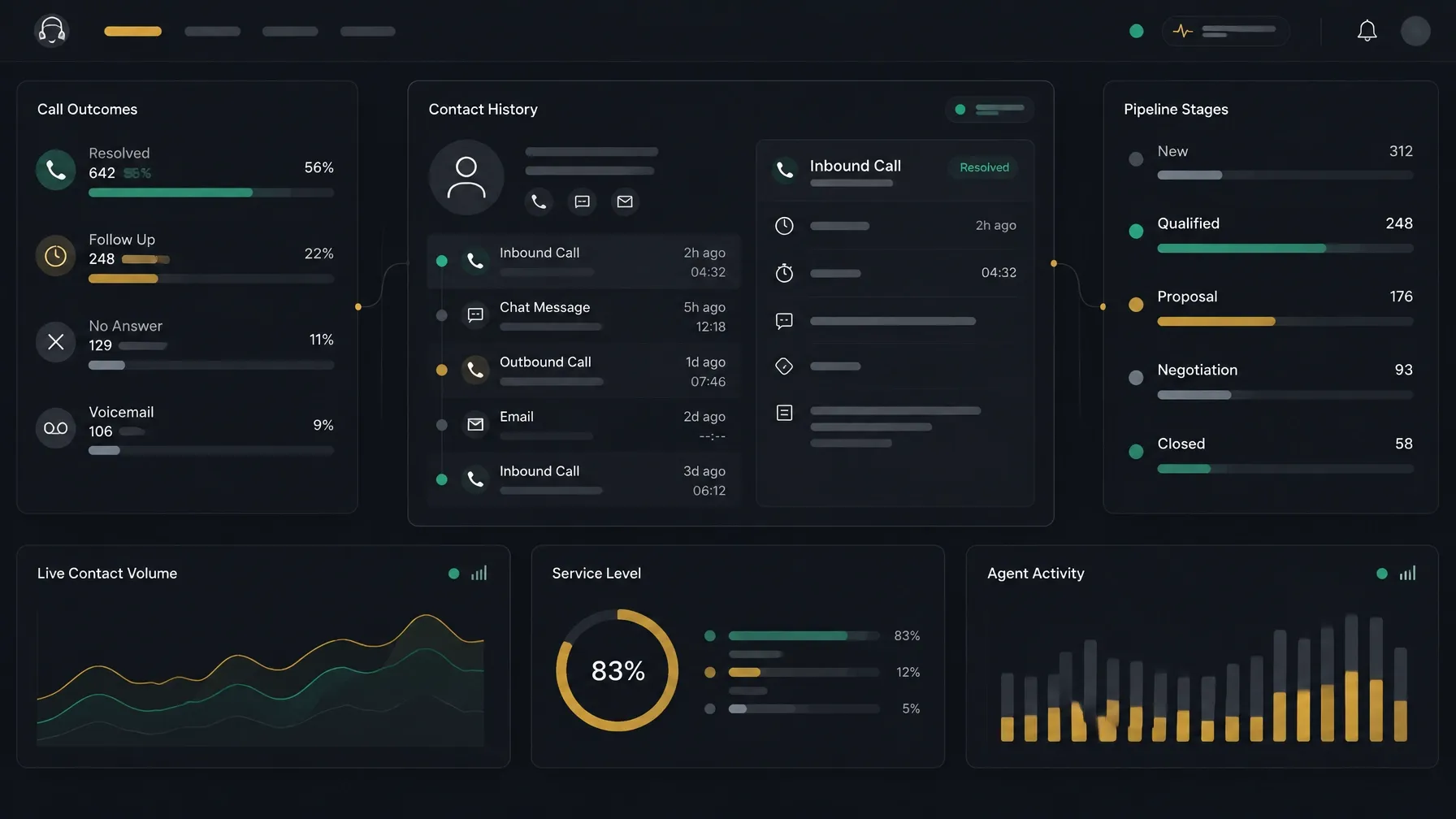
What to fix: Build a simple funnel for each campaign: attempts, answered calls, meaningful contacts, qualified opportunities, follow-ups, and closed revenue. Define each measure clearly and review them together.
For example, if attempts are steady but qualified conversations are falling, the issue may be the contact list, calling window, or lead mix. If prospects are engaging but few deals close, review the conversation and the steps that follow it. The fix depends on where the funnel narrows.
4. High-value leads get buried in the queue
Why it happens: Teams may call leads in upload order, follow a broad rotation, or rely on agents to decide who deserves attention. Those approaches can overlook buying signals, recent activity, or an agreed callback.
How it drains revenue: A warm prospect can become harder to reach while an agent spends time on contacts less likely to respond or convert.
What to fix: Set clear prioritization rules. Consider lead source, recency, stated interest, deal stage, and promised follow-up time. Review whether those rules are helping agents reach the right prospects sooner, and adjust them based on outcomes.
A prospect who requested a call after reviewing a proposal should not sit behind an untouched list simply because their record appears lower down. Make callback commitments visible and give agents a clear next-contact queue.
5. Long gaps between calls go unexplained
Why it happens: Idle time can come from many sources: manual work, slow list loading, a shortage of ready contacts, system delays, or a mismatch between staffing and campaign demand.
How it drains revenue: Paid capacity sits unused, and managers may respond by adding more leads or staffing without first understanding the source of the delay.
What to fix: Separate idle time by cause. Review how long it takes to move from one call to the next, how much time agents spend on after-call work, and whether lists are ready when the team needs them. Address the specific bottleneck rather than treating all idle time as the same problem.
If agents are waiting because a list runs out before a shift ends, better campaign preparation may help. If they are entering the same details in several places, simplifying the workflow may help more than adding another list.
6. Agents repeat mistakes because coaching is disconnected from calls
Why it happens: Managers may have limited time to review conversations. Coaching can become occasional, general, or based on a small number of examples rather than a clear pattern.
How it drains revenue: Reps may continue to miss discovery questions, respond inconsistently to objections, or end calls without agreeing on a next step. The same issue can affect more than one conversation before anyone notices.
What to fix: Choose specific behaviors to coach. Review calls against those behaviors, give agents a practical focus, and check whether they use it in later conversations. Keep feedback tied to actions the rep can control.
For example, if promising conversations repeatedly end without a date for the next contact, coach reps to confirm the next step before ending the call. Then review later calls to see whether that behavior changes.
Call review tools can help managers organize this work, but check what is actually available in your deployment. NexusDialer’s public site shows call records and a call-review example; it notes that post-call transcription and AI analysis require configuration, and that live transcription is not available. Confirm recording, analysis, and coaching capabilities with the team before relying on them.
7. Warm leads do not get their promised follow-up
Why it happens: Agents may capture a callback in notes but not set a clear reminder. A busy queue, shift change, or incomplete handoff can leave the task without an owner.
How it drains revenue: The prospect waits, the context gets harder to recover, and another call may be needed just to re-establish the conversation.
What to fix: Record the next action while the conversation is fresh. Set a date and time, assign ownership, and make overdue callbacks visible. Review follow-up completion alongside sales outcomes.
If a buyer asks for pricing after an internal review, “follow up later” is not a workable plan. A dated callback with an owner gives the rep a clear task and gives the manager a way to see whether it happened.
8. Your analytics report activity instead of revenue
Why it happens: Reports often focus on the data that is easiest to collect, such as call attempts or agent status. Revenue may live in a separate system, or teams may use different definitions for the same metric.
How it drains revenue: Leaders can see that the contact center is busy without knowing which campaigns, lead sources, or workflows contribute to revenue. That makes it harder to direct staffing and spending toward the work that pays off.
What to fix: Connect call outcomes to business outcomes. Review revenue by campaign and lead source, along with conversion, follow-up completion, and productive agent time. Use consistent definitions and investigate changes before shifting budget or staffing.
Start with a question your team needs to answer, such as: Which campaign produces the most qualified opportunities? Then identify the records and reports needed to answer it. Do not assume that a dashboard includes a measure just because it would be useful. Confirm what the product tracks and how the data is calculated.
Make contact center efficiency visible
Contact center profitability depends on more than call volume. You need to know where agent time goes, how well your team prioritizes prospects, and whether conversations lead to a clear next step and measurable revenue.
Start with a baseline. Review one campaign from first attempt through follow-up and closed outcome. Find where time or opportunity is lost, make one practical change, and check the results against the same measures.
NexusDialer’s public site describes progressive and predictive dialing, built-in contact and deal workflows, pipeline stages, call outcomes, and callbacks. It also notes that calling requires workspace approval and telephony setup. Its public pages do not specify every analytics, recording, or AI capability, so confirm those details for your deployment before making a decision.
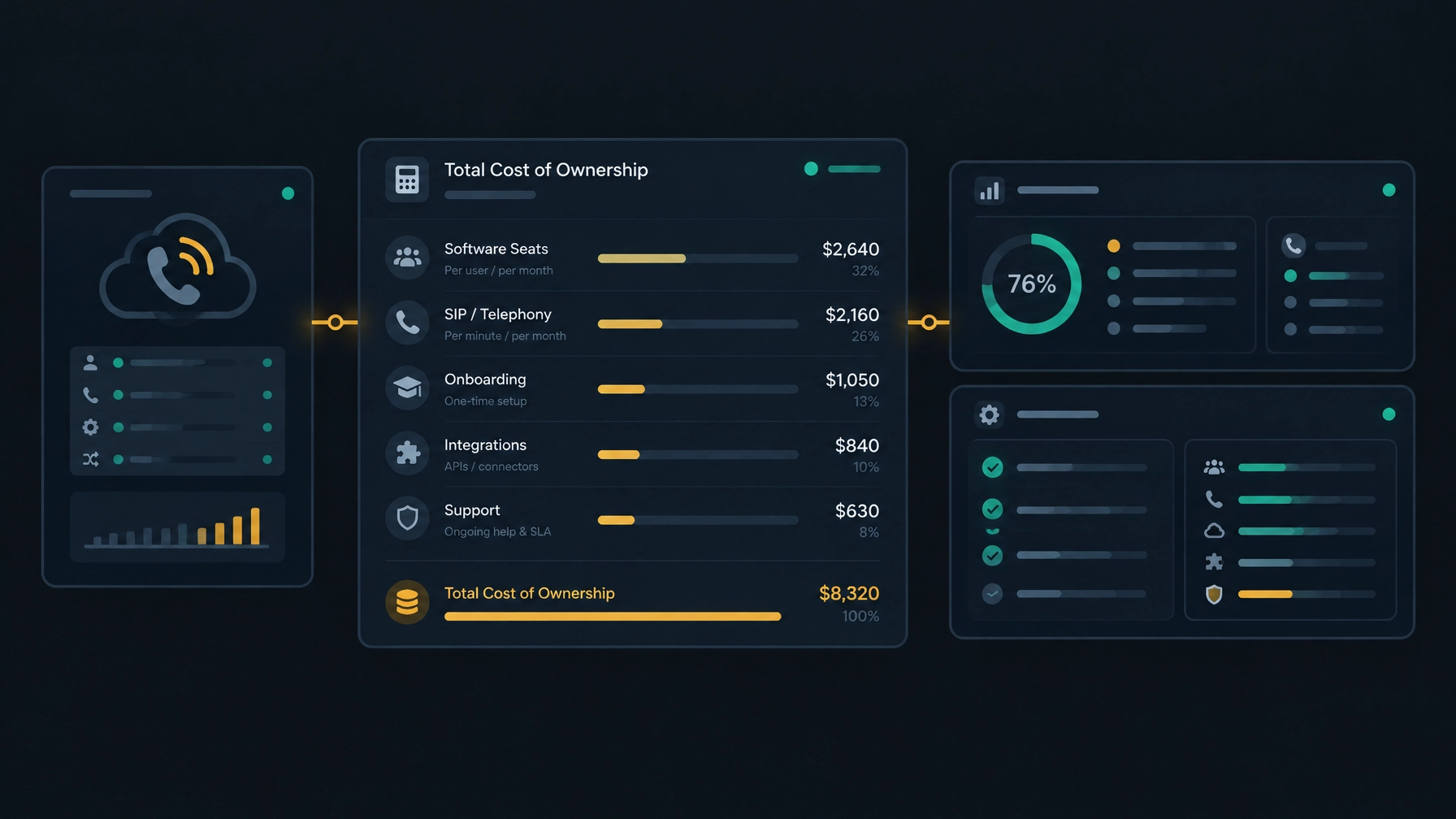
For another way to assess operational spend, read How to Reduce Contact Center Costs Without Switching SIP Providers. You can also explore NexusDialer and create an account to begin setup.
Frequently asked questions
How do you measure contact center efficiency?
Track how effectively your team uses its time and resources to produce useful outcomes. Review call attempts alongside live conversations, follow-ups, qualified opportunities, agent idle time, and revenue. Use consistent definitions so you can compare campaigns fairly.
What is the difference between a busy and a profitable contact center?
A busy center handles a lot of activity. A profitable center connects its operating costs and agent time to revenue and other business outcomes. High call volume alone does not show whether the work is worth its cost.
How can a dialer improve sales productivity?
A dialer can reduce manual steps and help organize outbound calling. The impact depends on list quality, calling setup, agent availability, and campaign rules. Measure live conversations and outcomes, not just attempts.
What contact center analytics should managers review?
Start with measures tied to a decision: campaign outcomes, conversion, follow-up completion, agent time, and revenue by lead source. Add measures that help explain problems, such as call outcomes or time between calls.
Can NexusDialer use an existing SIP provider?
NexusDialer’s public site says organizations can configure their own SIP trunks. Calling requires workspace approval and telephony setup, so confirm compatibility, responsibilities, and costs with the NexusDialer team before moving ahead.