What Happens When Your Sales Team Makes 10,000 Calls a Month? The Technology Behind High-Performance Calling
Ten thousand calls a month sounds like a volume target. In practice, it is a test of how well your entire sales operation works. If your team makes calls across 20 working days, that is about 500 attempts each day. Every delay between calls, missing contact detail, unclear follow-up, and hard-to-read report repeats across the…
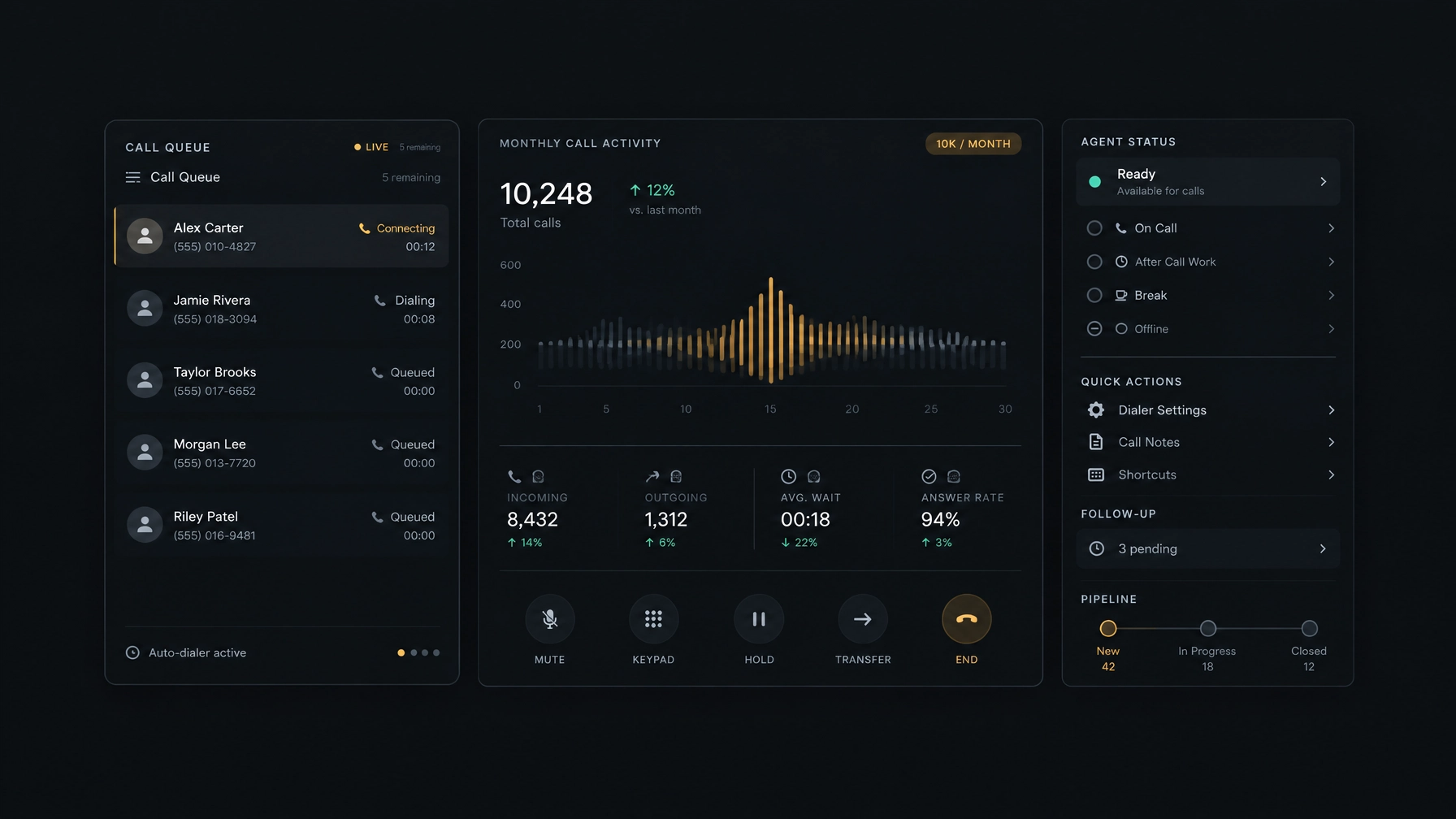
Ten thousand calls a month sounds like a volume target. In practice, it is a test of how well your entire sales operation works.
If your team makes calls across 20 working days, that is about 500 attempts each day. Every delay between calls, missing contact detail, unclear follow-up, and hard-to-read report repeats across the workload. Even small inefficiencies can take time away from live conversations and make it harder to see which campaigns are working.
The goal of high-volume outbound calling is not simply to dial more numbers. It is to help agents reach the right people, keep useful context close to each conversation, and give managers enough visibility to improve the work.
Here is what to look for in the technology behind a scalable calling operation.
1. Dialing that fits the conversation
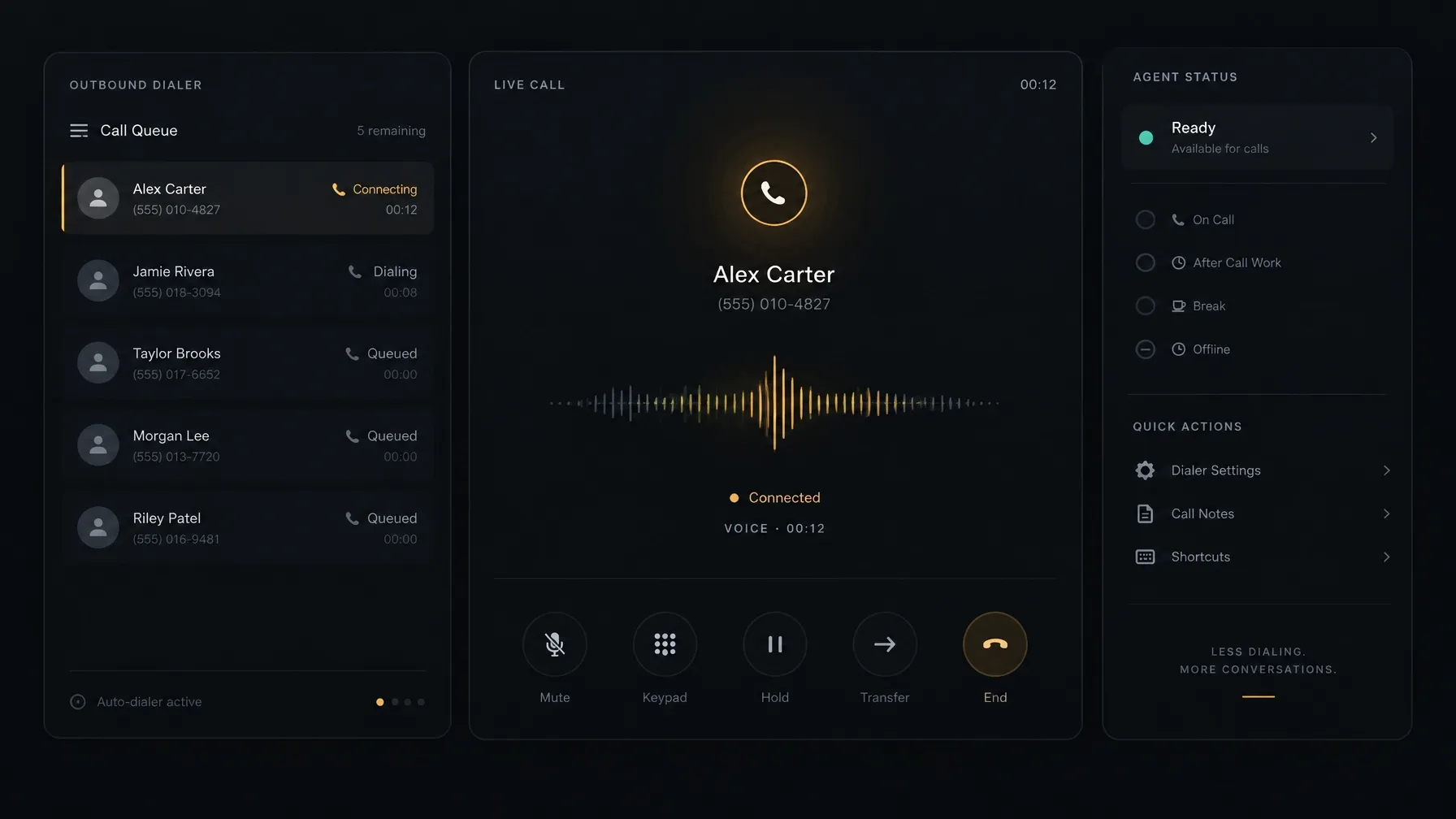
Manual dialing can add repetitive steps to an agent’s day. A dialer can help organize campaign lists and move agents through their next calls. The right dialing mode depends on the pace and context each campaign needs.
Predictive dialing for larger calling queues
Predictive dialing software uses dialing rules to place calls for a campaign. In a high-volume workflow, it can help reduce the time agents spend manually starting each attempt. The setup needs careful attention: call pacing should match agent availability, campaign goals, and applicable rules.
Progressive dialing for a steadier pace
Progressive dialing places the next call as an agent becomes ready. This can suit teams that want a structured flow while keeping each call connected to an available agent. It may be a better fit when agents need to review a contact or handle more involved conversations.
Neither mode is right for every list. A team calling established business contacts with individual follow-ups may need a different pace from one working through a large, broad prospect list. Test the workflow against your campaign goals, then review the results.
Call timing is a process, not a preset
There is no single best time to call every prospect. Your team can compare answer rates and outcomes across relevant segments, while respecting contact preferences and the rules that apply to your calls. Keep campaign schedules, call dispositions, and follow-up steps clear so agents know what to do next.
2. Lead management that keeps context close
Call volume creates more activity to track. If contact records, call outcomes, and next steps live in separate places, reps can lose time searching for context or entering the same details more than once.
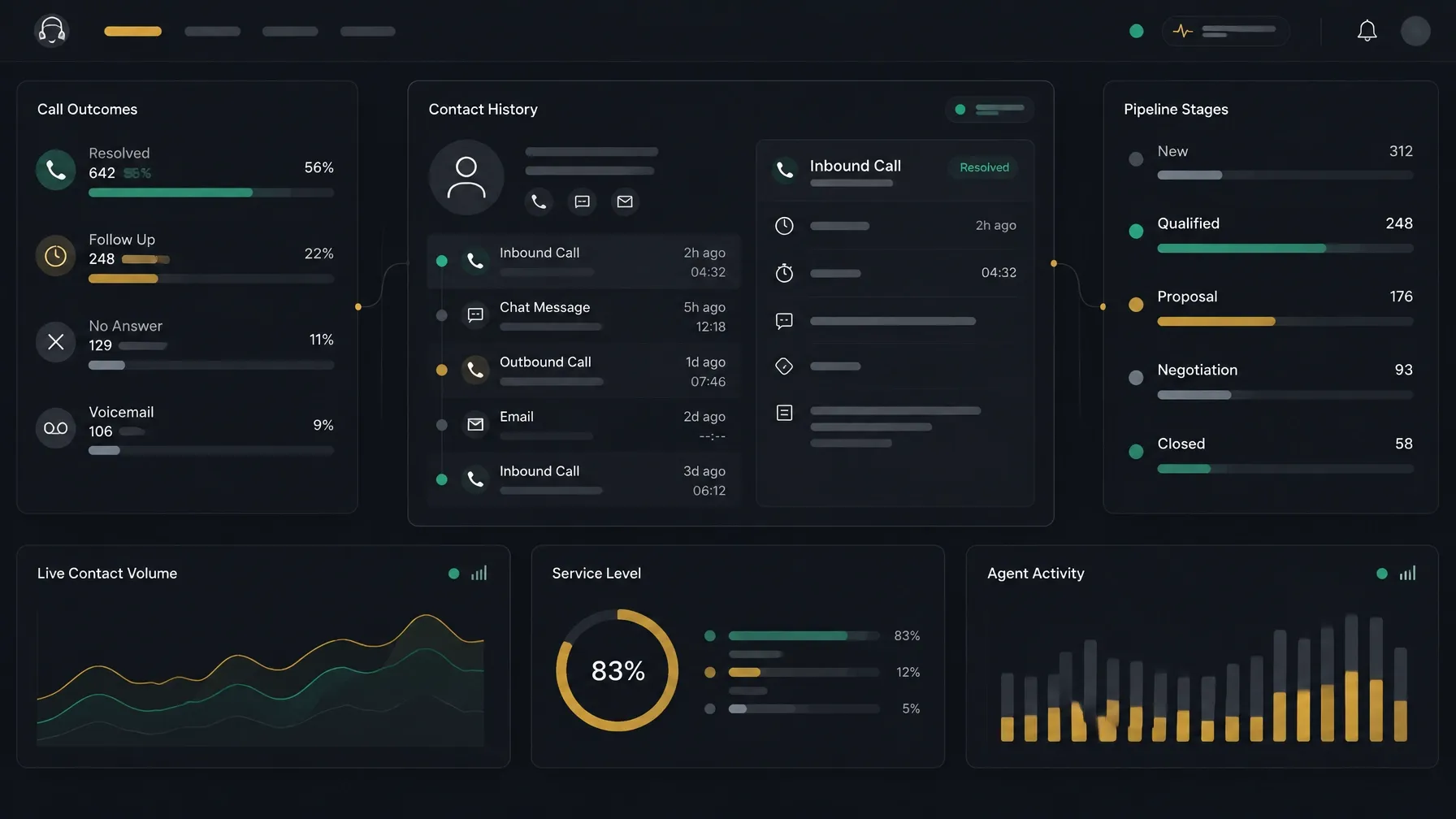
A connected lead-management workflow helps agents prepare for a conversation and record what happened. Look for a way to:
- Keep contacts and companies organized.
- See relevant call history and notes.
- Record outcomes consistently.
- Set callbacks with a clear next step.
- Track opportunities through pipeline stages.
Lead prioritization can also help teams decide which contacts to work first. You might sort by campaign, prior interaction, account type, or a signal your team tracks. Make sure the logic is understandable to agents and managers, and review whether it is producing useful conversations rather than just more attempts.
When your team handles a prospect with a potential buying signal, the next step should be easy to see. An agent should be able to record the detail, set a follow-up, and leave enough context for the next person who opens the record.
3. Call infrastructure that can grow with you
Scaling outbound sales is not only a software decision. Your team needs a calling setup that works with its existing telephony arrangements and supports its operating model.
Before changing providers, check whether a platform can use your current SIP trunks. Bring Your Own SIP (BYOS) can let you keep your existing provider while configuring the software and calling workflow around it. Compatibility, setup, and costs depend on your deployment, so confirm the requirements with both providers.
Mobile access may also matter when managers or agents work away from the main office. Check what the platform supports on mobile, and confirm that the same call history, contact details, and follow-up process are available where your team needs them.
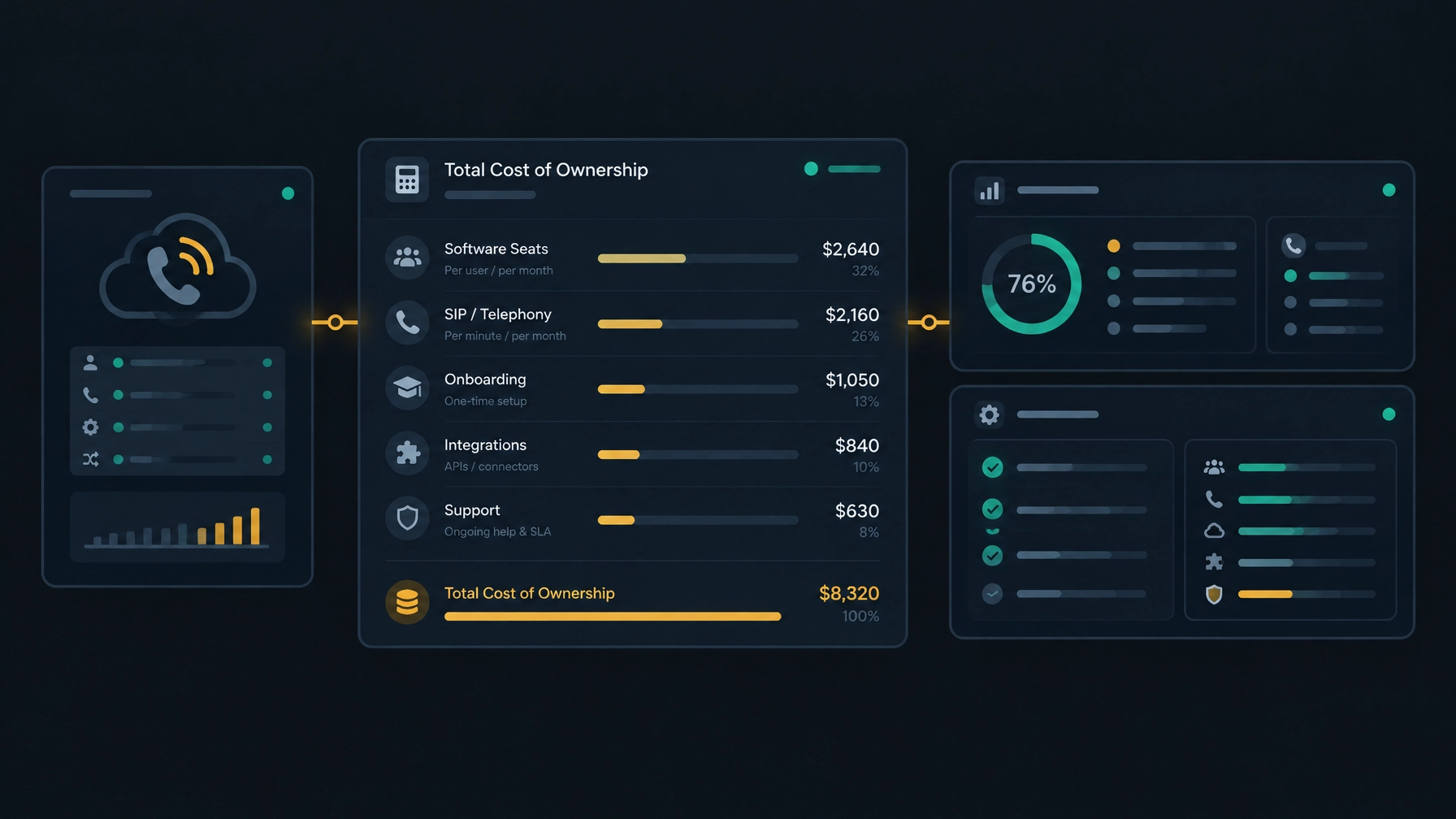
NexusDialer’s public website says teams can configure their own SIP trunks before calling begins. It also notes that calling opens after workspace approval and telephony setup. If you are comparing platforms, confirm the setup steps and availability for your own requirements. You can read more about reducing contact center costs without switching SIP providers.
4. Visibility and coaching that scale
At 10,000 calls a month, listening to every conversation is not a practical review method. Managers need a clear way to see what is happening across the team, then choose where to focus.
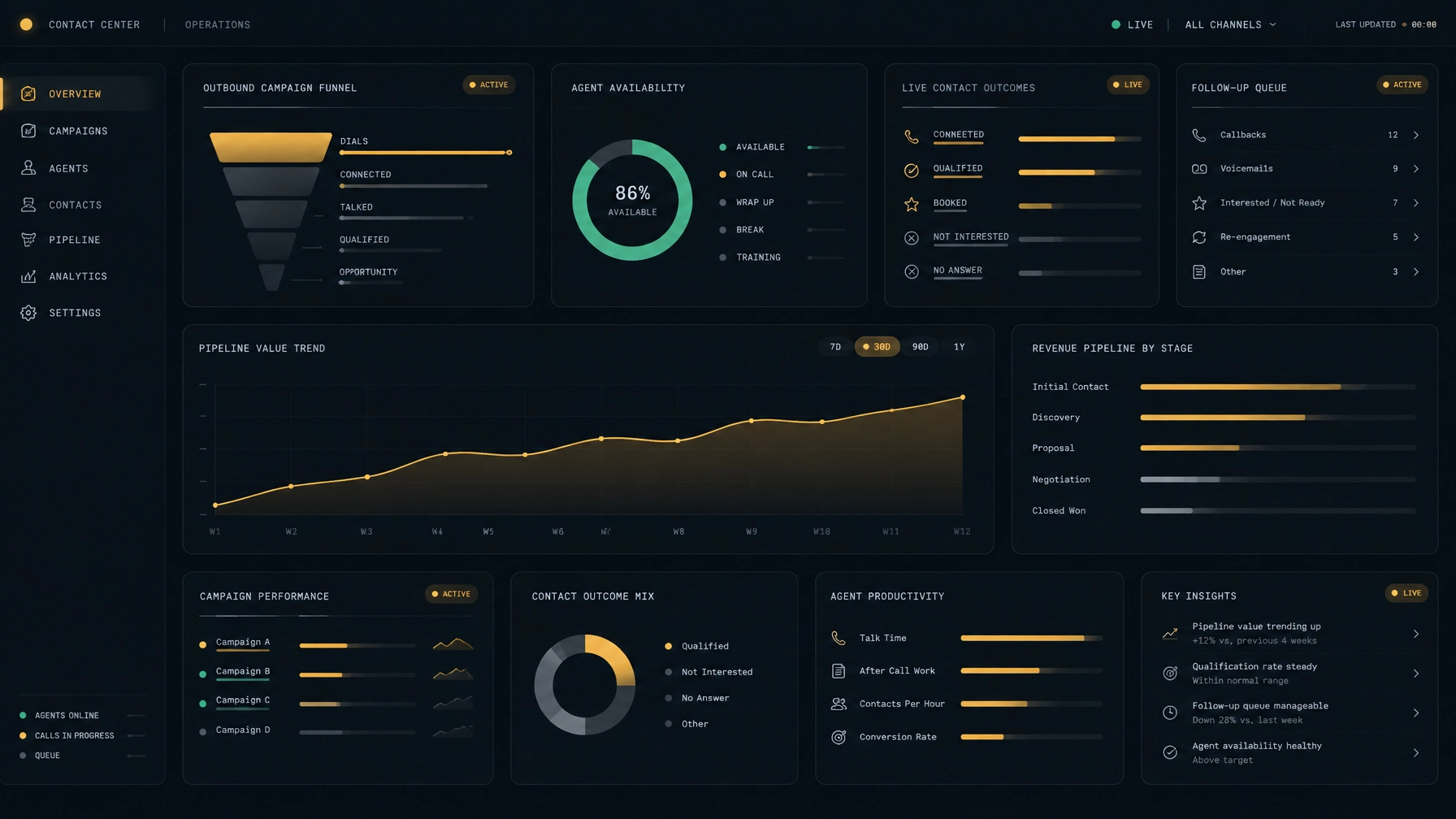
Start with the basics: agent status, campaign activity, call outcomes, callbacks, and pipeline movement. Review those measures together. A high number of attempts may look productive, but it does not tell you whether agents reached useful contacts or completed agreed follow-ups.
Call reviews can help managers identify patterns. For example, if prospects repeatedly ask the same question, the team may need a clearer script or better product information. If agents often agree on callbacks but miss the next step, the process for saving and assigning callbacks may need attention.
Choose measures that answer operational questions:
- Are agents spending time on live conversations or waiting between tasks?
- Which campaign outcomes lead to a useful next step?
- Are callbacks being saved and completed?
- Where do agents need coaching or updated guidance?
- Are call activity and pipeline progress telling a consistent story?
Use call recording, live coaching, and automated quality scoring only if they are available and configured for your deployment. Confirm what is included, what requires setup, and what is not currently supported before relying on those features.
5. Campaign management that values outcomes
A campaign should give agents a clear list, a consistent workflow, and a way to record what happened. Managers should be able to compare campaigns using the same definitions for outcomes and follow-ups.
For example, a software company might run one campaign for new prospects and another for customers approaching renewal. The lists, scripts, call pace, and next steps may differ. Keeping those workflows distinct makes it easier to see which activity is creating useful conversations and which needs adjustment.
Before you scale a campaign, check the list for duplicates and outdated contact information. Define call outcomes, retry rules, contact limits, and opt-out handling. Make sure the team understands when to stop calling a contact and how to record that request.
Outbound calling also comes with legal and policy obligations that vary by call type and location. Build compliance checks into your campaign planning, keep appropriate records, and consult qualified counsel about the rules that apply to your business. The FTC’s Telemarketing Sales Rule is one U.S. resource for understanding relevant requirements.
How NexusDialer fits into the workflow
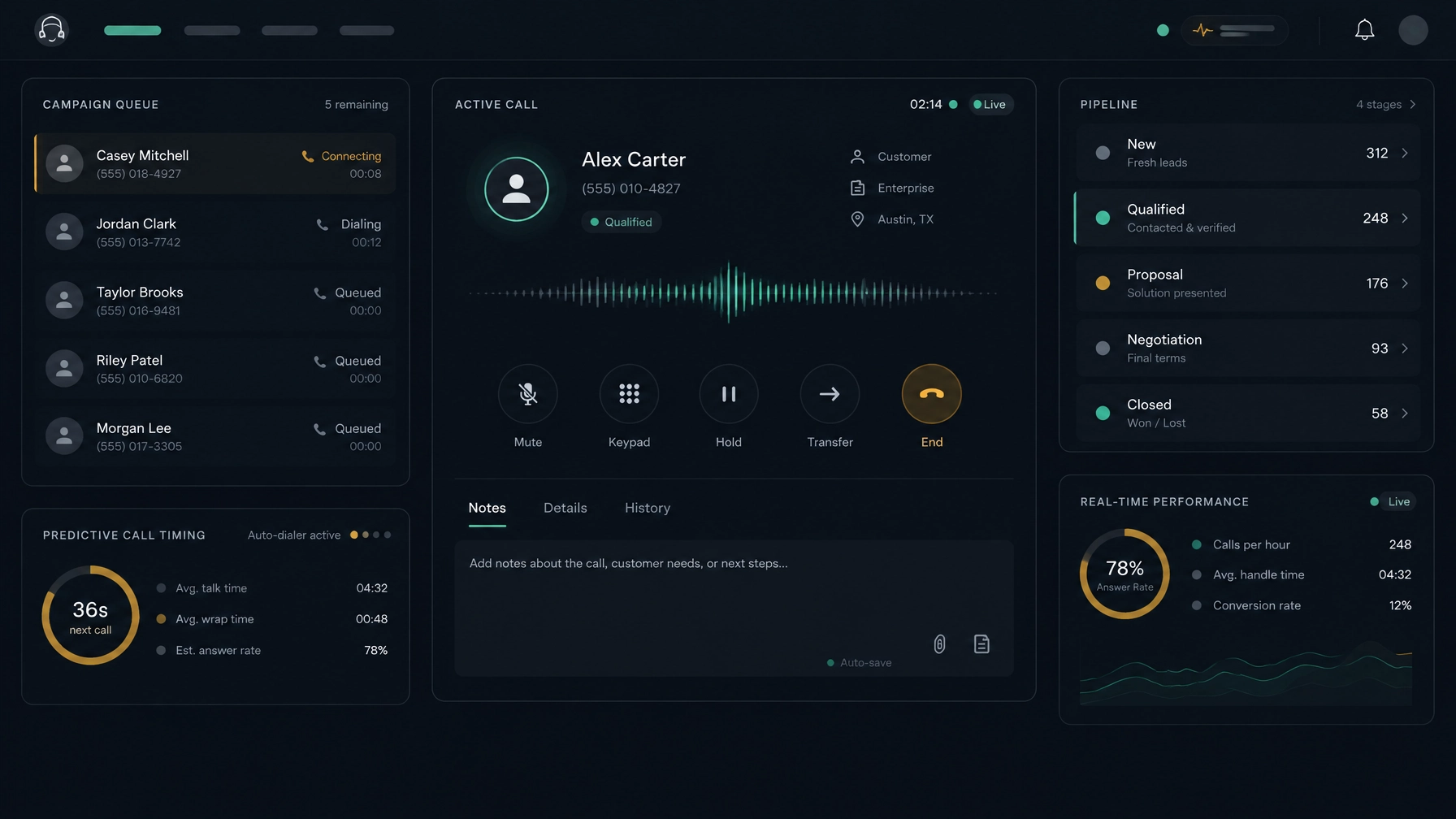
NexusDialer brings calling and contact workflows into one workspace. Its public website describes progressive and predictive dialing for campaign lists, a built-in CRM for contacts, companies, and deals, and pipeline stages teams can configure. Agents can save call outcomes, notes, and callbacks. Managers can see team status and review call records.
The public site also states that teams can import and export contacts and lists using CSV, and configure their own SIP trunks before calling. Some capabilities depend on workspace approval and telephony setup. Post-call transcription and AI analysis require configuration and are off by default; live transcription and audio supervision are not currently available, according to the site.
That makes a practical starting point: map your calling workflow, confirm the setup your team needs, and check which features are available for your deployment. Explore NexusDialer or create an account to begin setup.
Frequently asked questions
What does high-volume outbound calling mean?
It describes an operation that makes a large number of outbound call attempts as part of a repeatable sales or contact-center workflow. The number alone does not show whether the operation is effective. Contact quality, follow-up, agent workload, and campaign outcomes matter too.
What is the difference between predictive and progressive dialing?
Predictive dialing uses campaign dialing rules to place calls in advance of agent availability. Progressive dialing places the next call as an agent is ready. Which one fits depends on your list, conversation needs, and operating requirements.
How can a sales team improve agent productivity?
Reduce avoidable manual steps, keep contact history and call outcomes accessible, and make callbacks easy to record. Then review agent status and campaign results to find specific bottlenecks. Do not use call volume alone as a measure of productivity.
Can a team keep its existing SIP provider?
Potentially. A platform with BYOS SIP support may allow a team to configure its existing SIP trunks. Confirm technical compatibility, setup requirements, responsibilities, and total costs before making a decision.
What should we review before scaling a calling campaign?
Check list quality, contact rules, agent capacity, dialing mode, call outcomes, callback ownership, and reporting. Run a controlled test, then adjust based on the results and your compliance requirements.
Meta title: High-Volume Outbound Calling: Technology for 10,000 Calls a Month
Meta description: See how dialers, lead management, SIP flexibility, coaching, and campaign workflows help sales teams manage high-volume outbound calling.