How Much Does Outbound Dialer Software Really Cost? A Business Buyer’s Guide
Outbound dialer software pricing can be hard to compare. One vendor may quote a monthly price per agent. Another may charge by the minute, bundle calling into a plan, or price by usage. Telecom charges, setup work, integrations, and contract terms can sit outside the headline price. That makes it easy to compare the wrong…
Outbound dialer software pricing can be hard to compare. One vendor may quote a monthly price per agent. Another may charge by the minute, bundle calling into a plan, or price by usage. Telecom charges, setup work, integrations, and contract terms can sit outside the headline price.
That makes it easy to compare the wrong numbers. To budget well, look beyond the subscription and estimate the cost of running the platform for your team. This guide explains the common pricing models, the charges buyers often miss, and a straightforward way to compare quotes.
Start with the pricing model
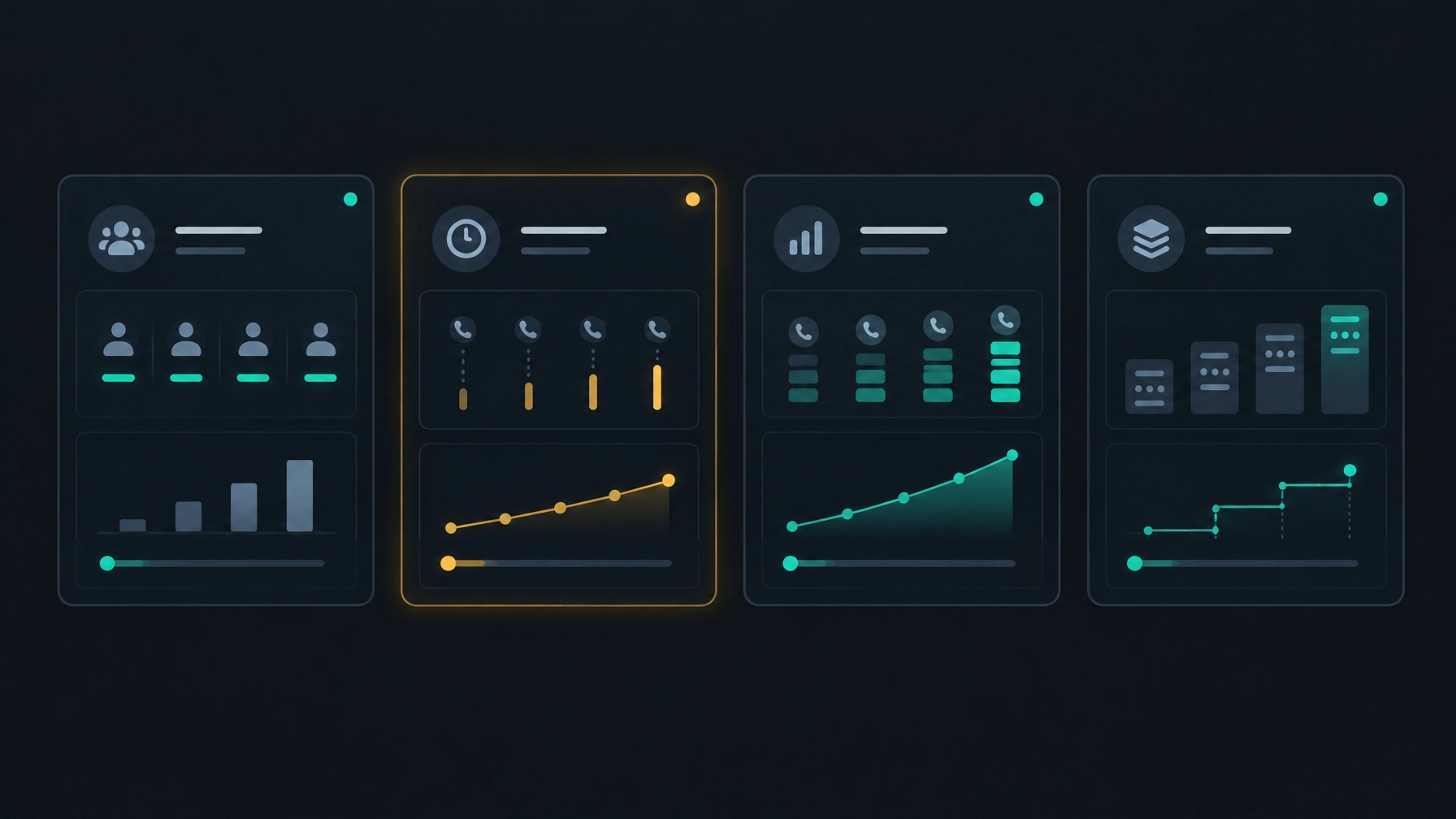
Vendors may use one model or combine several. Ask how each fee is calculated, what it includes, and what happens as your calling volume changes.
Per agent or seat
You pay a recurring fee for each user who needs access. This model is simple to forecast when your team size is stable.
Check what counts as a seat. Some providers charge for every named user; others price around concurrent usage or capacity. Also ask whether managers, administrators, and occasional users need paid seats.
Per minute
The software fee may be separate from voice charges, which are billed according to calling activity. This can give you a clearer view of platform and telephony expenses, but your monthly bill will depend on how calling is measured.
Ask whether the carrier bills for connected time only, or also for ringing, unanswered attempts, voicemail, transfers, or other call activity. Check how destinations, phone numbers, and taxes affect the bill. A carrier’s published rates, such as Telnyx’s SIP pricing, can help you understand the kinds of details to review. Your own contract and deployment determine your actual charges.
Per usage
Some plans charge according to activity such as call volume, active campaigns, or other defined units. This can suit teams whose usage changes over time, but the pricing unit needs to be clear.
Ask for a sample invoice based on your expected activity. Confirm whether there are minimum charges, thresholds, or overage fees.
Tiered plans
A tiered plan sets different prices or allowances based on factors such as users, usage, or included capabilities. Compare the limits as well as the price. A lower tier may not include the functions or capacity your team needs, while an upper tier may include items you will not use.
Look beyond the software fee
A dialer subscription is only one part of the budget. Request an itemized quote so you can see the full cost of using the platform.
Telephony and SIP charges
Check who provides voice service and how you will be billed. If the dialer vendor supplies telephony, ask what is included and what is billed separately. If you use your own SIP provider, review your current carrier rates, usage terms, and any setup requirements for connecting the provider to the platform.
Do not assume that switching dialers means switching carriers, or that keeping your carrier guarantees savings. The effect on your total cost depends on your contract, call volume, destinations, and setup. Read more about evaluating that approach in NexusDialer’s guide to reducing contact center costs without switching SIP providers.
Onboarding and migration
Ask whether setup, training, data migration, or campaign configuration carries a separate fee. Even when a vendor does not charge for these services, your team may need to spend time preparing contact lists, configuring workflows, and getting agents ready.
Find out what support is included during launch and what happens if you need help later.
Integrations and add-ons
List the tools your team needs the dialer to work with. Ask which connections are supported for your specific use case, whether setup is included, and whether an integration requires another subscription or service.
Confirm the same for any optional features you plan to use, such as call recording, storage, reporting, or additional support. Do not assume they are included just because they appear in a product demo.
Contract and billing terms
The effective cost can change with minimum user counts, minimum usage, annual commitments, renewal terms, or restrictions on reducing seats. Before signing, ask how billing changes when your team grows or contracts.
Review the cancellation notice period, renewal date, early termination terms, and any annual price adjustments. A lower monthly equivalent may not be the better fit if it requires a commitment your business cannot comfortably meet.
What moves the price up or down?
Your quote will reflect the scale and complexity of your operation. These factors can help explain differences between vendor proposals:
- Team size and access: The number of agents, managers, and other users who need access.
- Calling volume: How many calls you make, how long they last, and how your vendor or carrier measures usage.
- Dialing workflow: The calling modes and campaign controls your team needs.
- Telephony setup: Whether you use a vendor’s voice service or your own SIP provider, and what configuration that requires.
- Data and workflow needs: The contact records, pipeline steps, reporting, and any data exchange your team requires.
- Support and implementation: How much help you need to configure, launch, and maintain the system.
- Contract flexibility: Whether you need month-to-month options, changing seat counts, or predictable committed costs.
A smaller team may focus on the subscription and setup. A larger or higher-volume team should pay close attention to usage, capacity, support, and how records move through its workflow. Your own call patterns and requirements matter more than a generic price range.
Calculate total cost of ownership
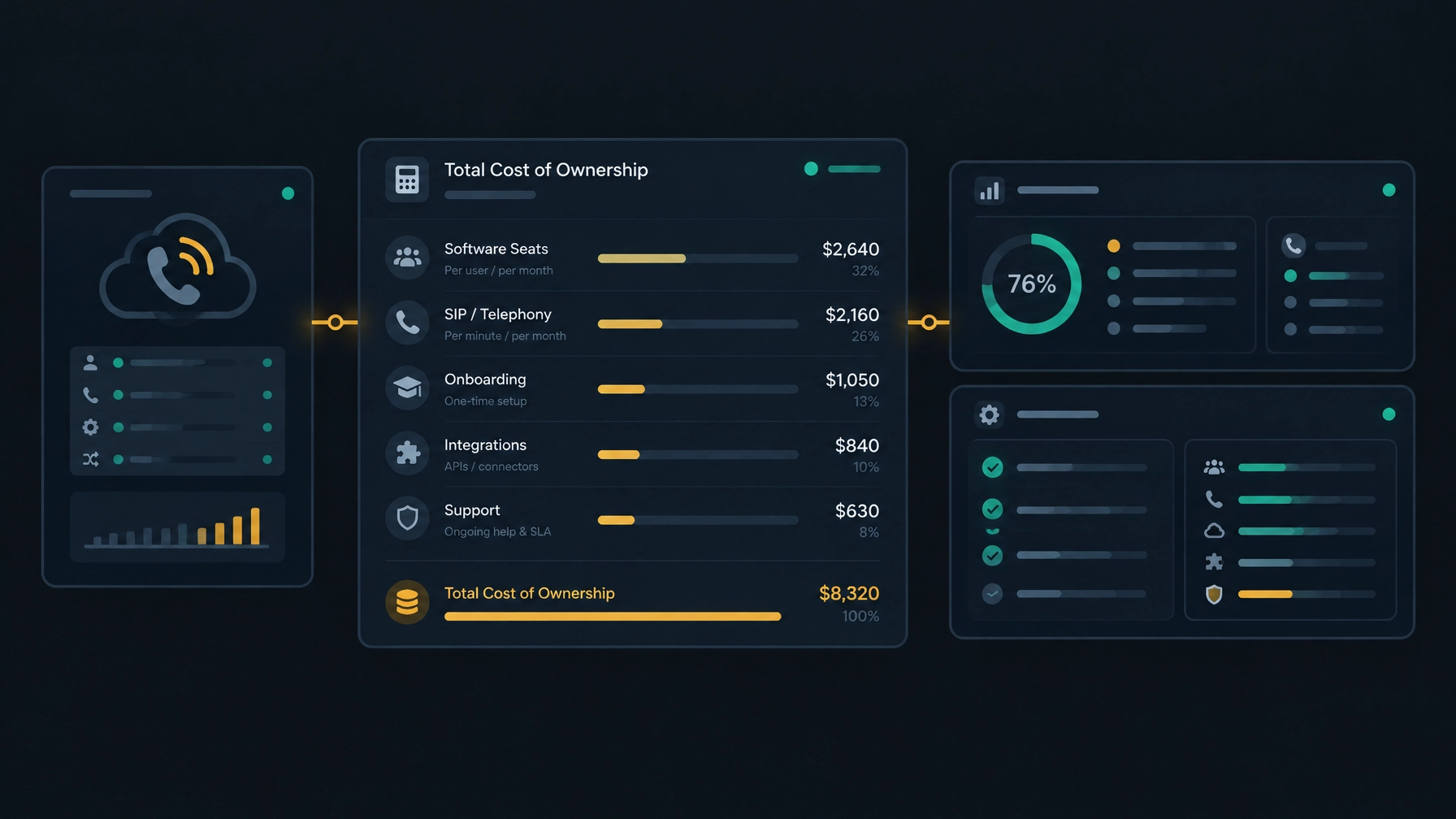
To compare vendors, estimate the cost over a consistent period. Include recurring charges and one-time work.
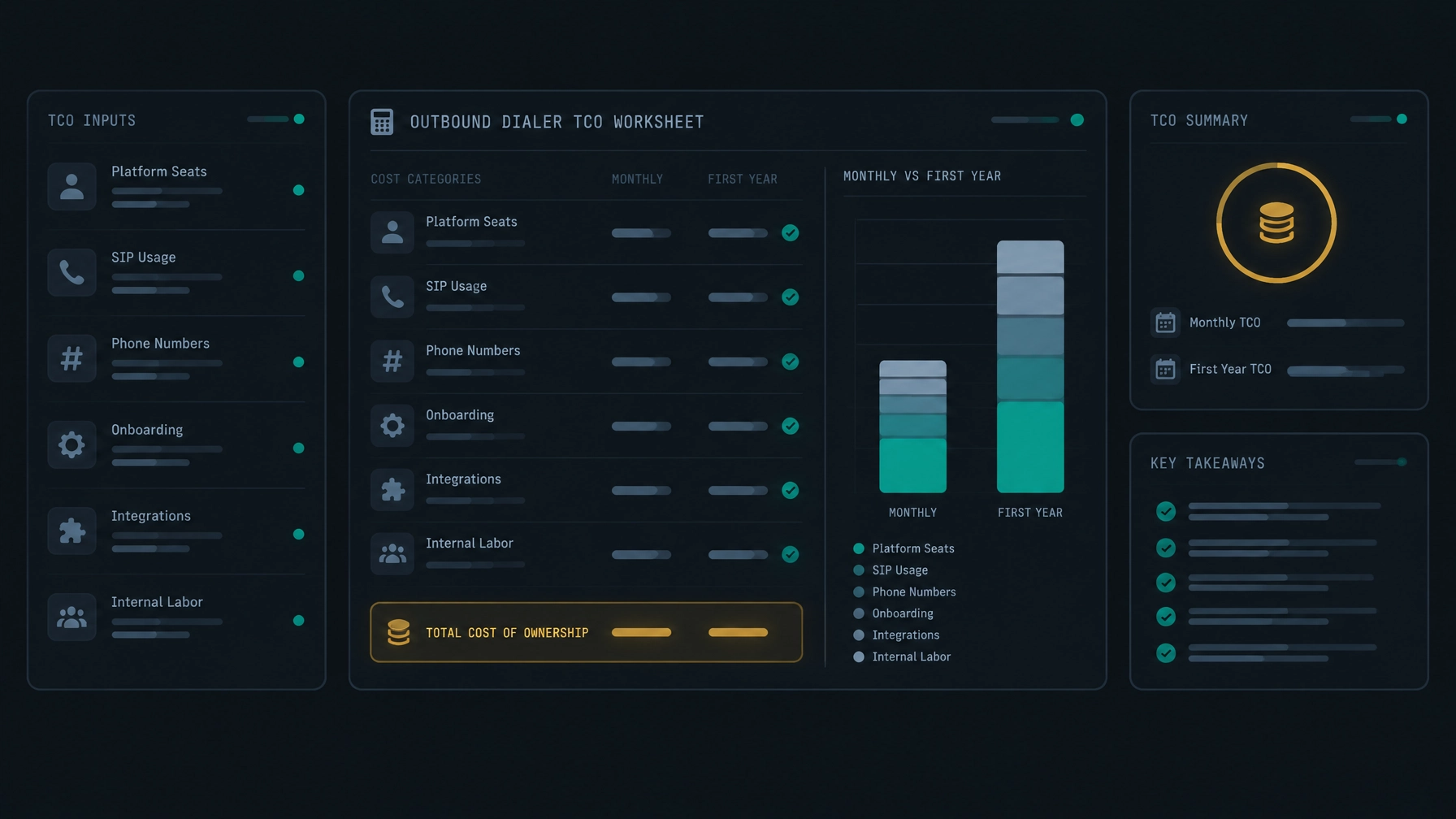
First-year total cost = recurring platform fees + telephony and number charges + add-ons and support + onboarding, migration, and integration costs + internal time spent on setup and administration.
For a recurring monthly charge, calculate the annual amount by multiplying it by 12. Add usage charges based on the vendor’s definition of billable activity. Include one-time fees in the period when they apply.
A practical example
Suppose you are budgeting for a 20-agent sales team. One proposal has a per-seat subscription and separate SIP charges. Another uses a different billing model and includes some services in its plan.
Create a worksheet for each proposal and enter the actual quoted amounts:
| Cost item | Vendor A | Vendor B |
|---|---|---|
| Platform or seat fees | Enter quote | Enter quote |
| Telephony and phone numbers | Enter quote | Enter quote |
| Onboarding and migration | Enter quote | Enter quote |
| Required add-ons and support | Enter quote | Enter quote |
| Internal setup and admin time | Estimate | Estimate |
| First-year total | Calculate | Calculate |
Use the same team size, expected calling activity, destinations, and evaluation period for both vendors. If a quote does not give you enough detail to fill in a row, ask for clarification before comparing totals.
This is more useful than comparing monthly subscription prices alone. It also gives you a baseline to revisit after launch, when actual call records and invoices show how closely your estimates matched your team’s usage.
Compare the full setup, not just the quote
Before choosing a vendor, check these points with each provider:
- Ask for an itemized price. Separate platform fees, telephony, numbers, setup, support, and add-ons.
- Clarify billable usage. Confirm how calls and minutes are counted, including unanswered attempts and voicemail.
- Test your expected volume. Have the vendor explain how the quote changes when your team’s call activity increases or decreases.
- Confirm your SIP options. If you want to keep your current provider, ask whether your trunks can be configured and what that requires.
- Check workflow fit. Confirm the dialing modes, records, reporting, and user access your team needs are available in the proposed setup.
- Read the terms. Review seat minimums, renewal, cancellation, and price-change conditions.
- Estimate the first year. Include launch effort and internal time, not only the recurring fees.
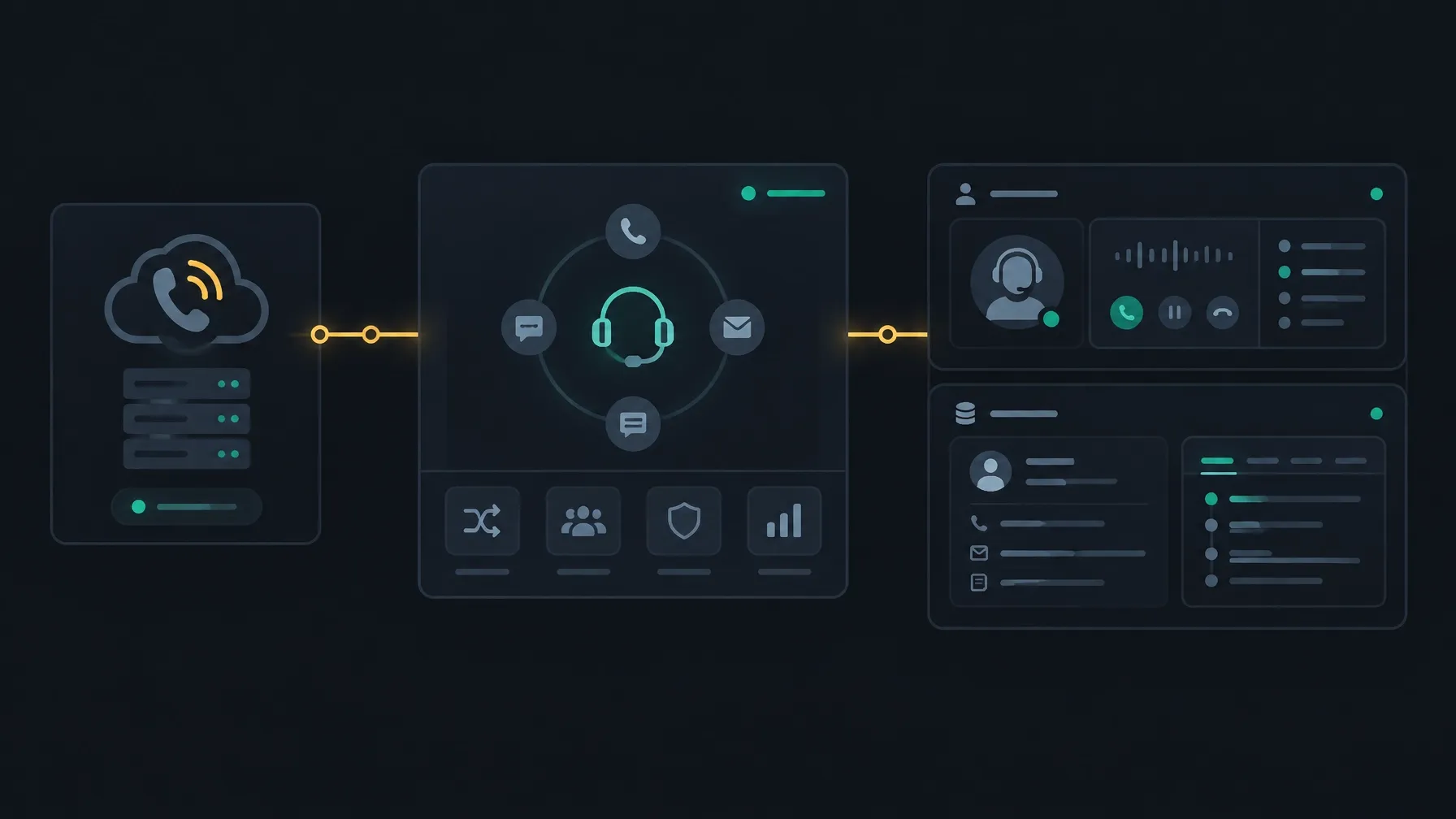
A platform that lets you configure your existing SIP trunks may give you more choice about your voice provider. NexusDialer’s website says organizations can configure their own SIP trunks, with telephony setup reviewed before calling opens. That flexibility may help you avoid treating a carrier change as a requirement, but it does not guarantee a lower bill. Compare your current carrier costs with the complete platform and setup costs.
What NexusDialer pricing includes
NexusDialer does not publish pricing on its website. Contact the team to discuss your team size, calling requirements, and setup needs before budgeting for a deployment.
The website describes progressive and predictive dialing, contact and deal records, pipeline stages, call history, notes, callbacks, and CSV imports and exports. It also notes that calling opens after workspace approval and telephony configuration. Confirm which capabilities and setup steps apply to your team before making a purchase decision.
Explore NexusDialer or contact the team to discuss your setup.
Frequently asked questions
How much does outbound dialer software cost?
There is no single price that applies to every team. Costs depend on the vendor’s billing model, team size, call activity, telephony, setup, and contract terms. Ask vendors for an itemized quote based on your requirements.
What affects dialer software cost the most?
The main factors are usually user or platform fees, voice usage, implementation, required add-ons, and contract commitments. Which one matters most depends on your team and calling setup.
Is predictive dialer pricing different from other dialer pricing?
It can be. Vendors may price by seat, usage, or a tier that reflects the functions and capacity offered. Compare what the plan includes and how your team will be billed, rather than assuming the dialing mode alone determines the price.
Does outbound dialer software include phone service?
Not always. Some providers bundle calling; others charge separately or let you use your own SIP provider. Ask who supplies voice service and what fees appear on each bill.
Can keeping my SIP provider lower my total cost?
It may give you flexibility and avoid making a carrier change part of the software purchase. Whether it saves money depends on your carrier terms, calling patterns, configuration needs, and platform costs. Compare the full setup before deciding.