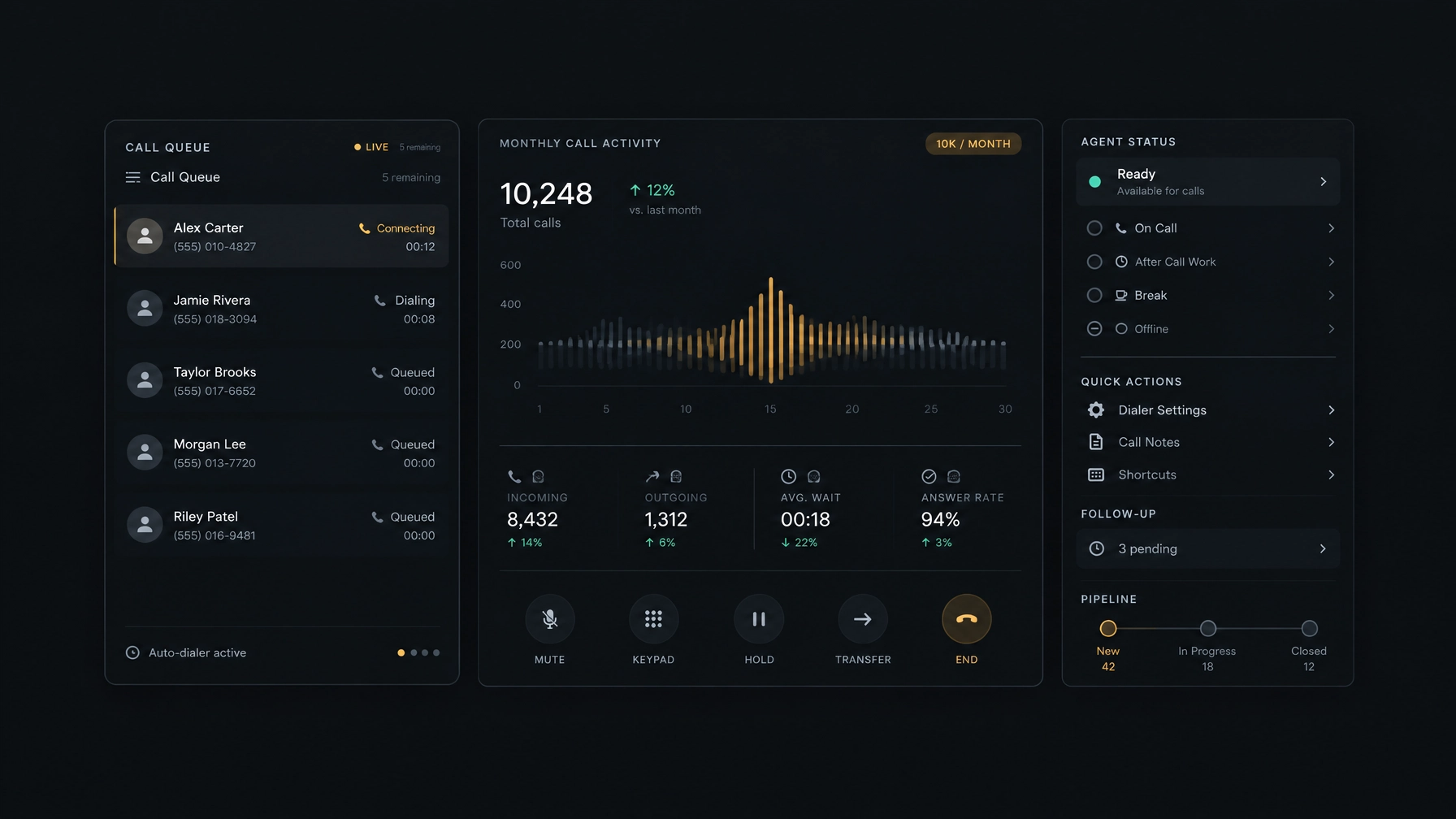
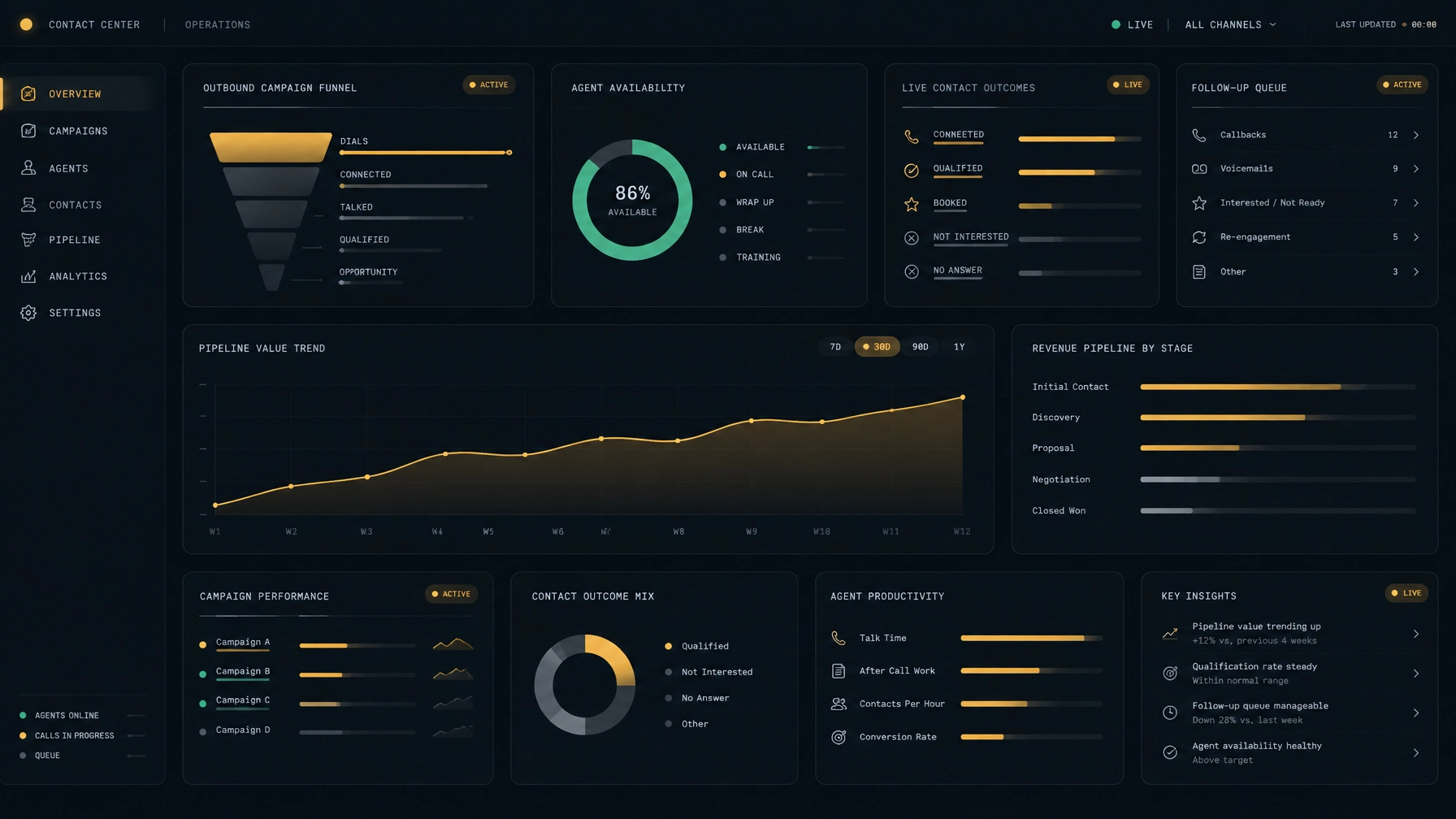
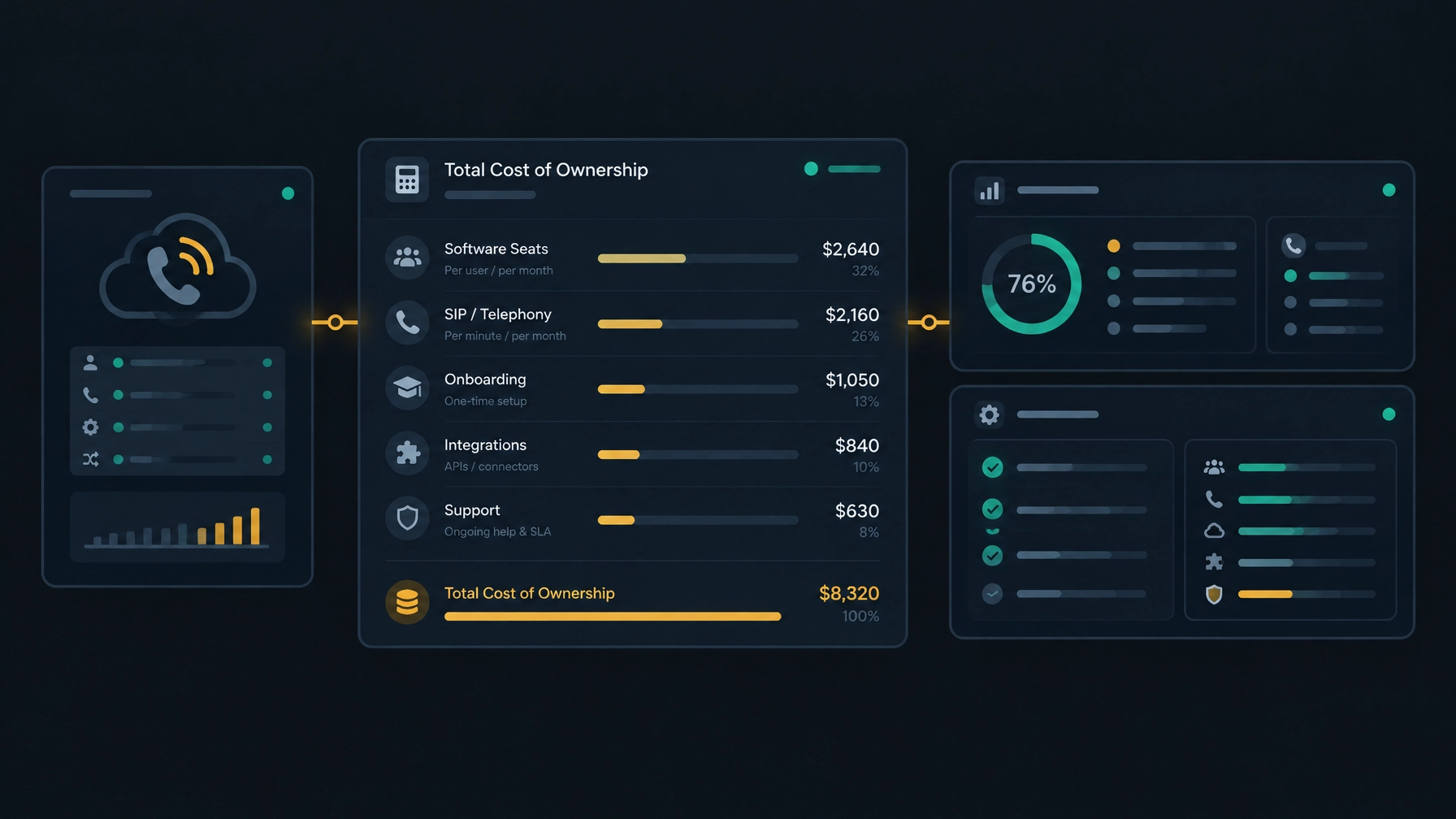
The Modern Contact Center Playbook: How Successful Businesses Scale Calls, Agents, and Customer Conversations
Contact centers have moved beyond rows of phones and spreadsheets. Teams now use cloud platforms, connected customer records, and AI-assisted tools to organize calls and review results. The goal is not to add technology for its own sake. It is to help your team handle more work without losing customer context or control. That becomes…
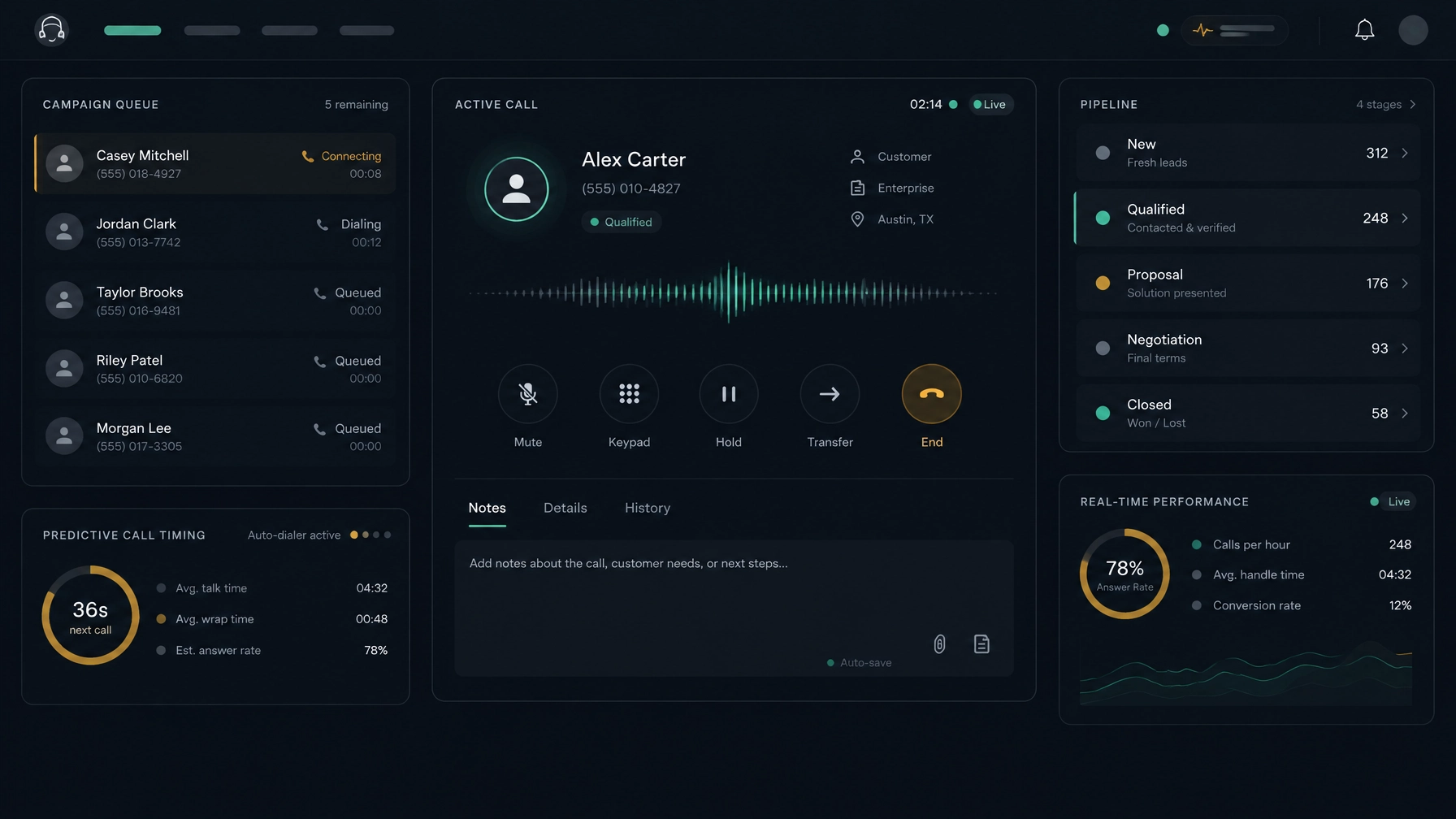
Contact centers have moved beyond rows of phones and spreadsheets. Teams now use cloud platforms, connected customer records, and AI-assisted tools to organize calls and review results. The goal is not to add technology for its own sake. It is to help your team handle more work without losing customer context or control.
That becomes harder when your operation grows. A process that works for a small team can break down as call volume rises, more agents join, or managers need clearer reporting. Manual dialing creates gaps between calls. Disconnected records make follow-up harder. A team may be busy all day without knowing which campaigns or conversations are moving work forward.
A modern contact center playbook gives you a practical way to scale. It starts with your customers and workflows, then connects calling, agent support, customer records, and reporting around the work your team needs to do.
What defines a modern contact center?
A modern contact center is typically cloud-based, data-driven, and supported by automation. But the term can describe very different setups. Some platforms focus on customer service across voice and digital channels. Others focus on outbound sales and contact management. Start with the jobs your team needs the platform to support.
Look for three qualities:
- Cloud-based: Your team can access the service without depending on a single on-site phone system. Check how setup, capacity, availability, and support work for your deployment.
- AI-assisted: Automation may help pace calls, summarize interactions, or identify patterns. Confirm what the AI actually does, what data it uses, and whether a person reviews its output.
- Data-driven: Managers can review activity and outcomes in a consistent way, then use what they learn to adjust campaigns, coaching, or staffing.
These qualities matter most when they work together. A dialer should support the calling workflow. Customer information should be available where agents need it. Reports should help you decide what to change next.
Scale calls with the right dialing workflow
More calls do not automatically mean better results. The aim is to use agent time well while keeping your calling practices appropriate for the campaign and the people you contact.
Match the dialing mode to the work
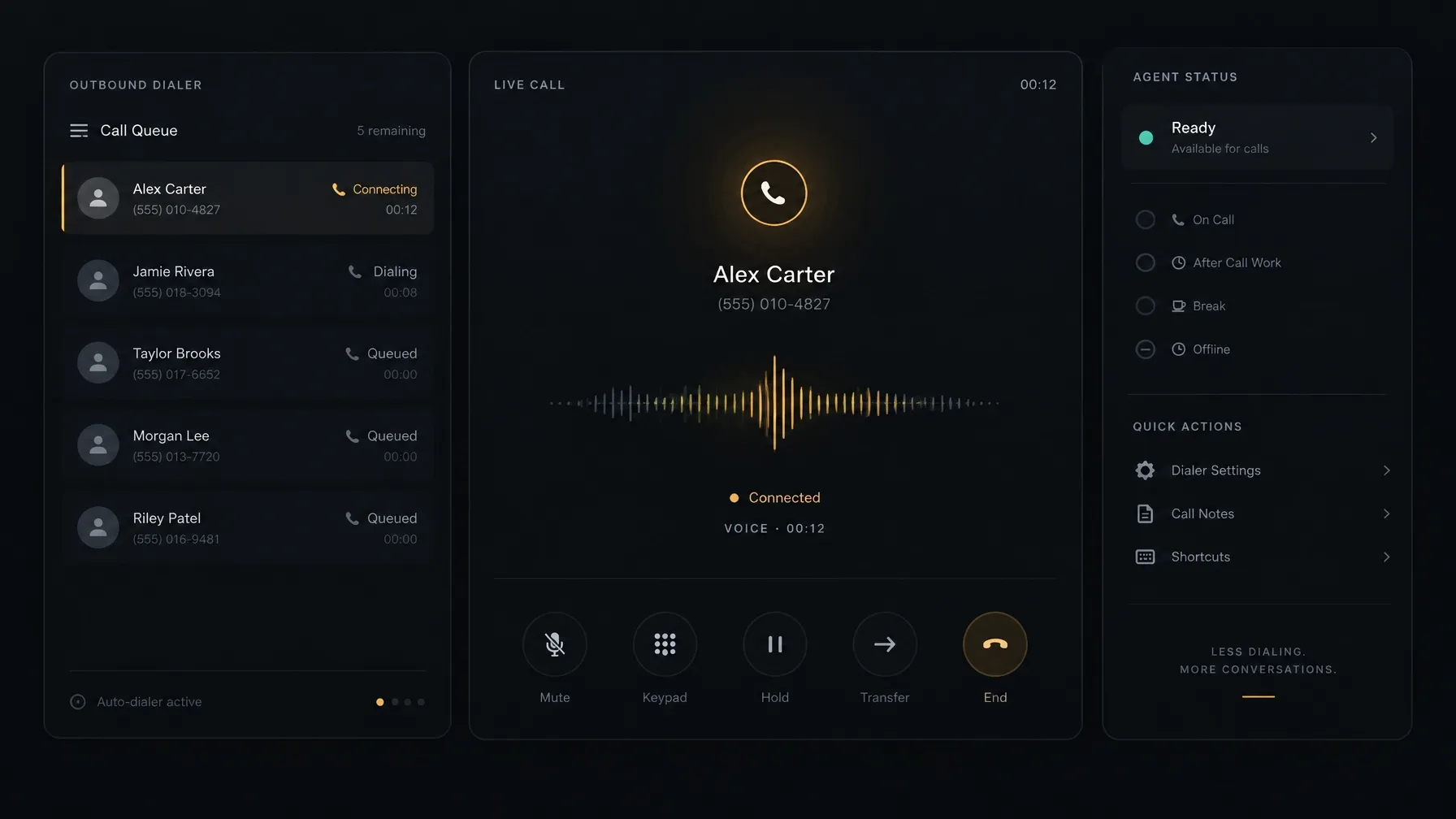
A progressive dialer advances through contacts in sequence, typically placing the next call when an agent is ready. A predictive dialer uses call and agent-availability information to pace attempts. The right option depends on your campaign, call patterns, team capacity, and compliance requirements.
Consider the nature of the conversation, too. A short, repeatable campaign may suit a more automated workflow. A high-value conversation may need more preparation and a slower pace. In either case, give agents a clear way to see who they are calling, record the outcome, and set a next step.
Treat call timing as an operating decision
Use your own campaign results to review when people are more likely to answer and when follow-ups are due. Keep calling windows, contact preferences, do-not-call requests, and applicable rules in view. Do not assume a dialer can determine the right time for every person or campaign without configuration and review.
For more on evaluating dialer workflows while keeping your current telephony provider, see how to reduce contact center costs without switching SIP providers.
Scale agents with clear routines and useful coaching
Hiring more agents is only one part of scaling. You also need a consistent way to prepare people, support them during the work, and help them improve.
Make onboarding repeatable
Give new agents a defined workflow for preparing, calling, and following up. Show them where to find contact history and scripts, how to record outcomes, and how to schedule a callback. When every person uses a different process, managers have a harder time spotting issues and agents may miss agreed next steps.
Call records and post-call review can also support coaching. Review an interaction, identify one specific behavior, and agree on a practical action for the next call. AI-assisted analysis may help organize review, but check how it works in your environment and keep a person involved in coaching decisions.
Give each role the right view
Admins, managers, frontline reps, and closers have different jobs. An admin may need to manage workspace setup. A manager may need to see team status and reports. A rep needs quick access to the contact and next action. A closer may need a clear view of deal progress and follow-up tasks.
Role-based workspaces can reduce clutter and make routine tasks easier to find. When you evaluate a platform, ask which views each role can use and what permissions control access to customer and call data.
Check access beyond the office
Mobile access can help some teams work away from a desk, but do not assume every platform offers the same mobile experience. Confirm which tasks agents and managers can complete on a mobile device, what calling setup is required, and whether the experience meets your security and support needs.
Scale conversations with connected customer context
When information sits in separate systems, agents may have to search for the last call, ask customers to repeat details, or enter the same outcome more than once. A contact center platform should make it easier to see what has happened and decide what needs to happen next.
Keep the customer record close to the call
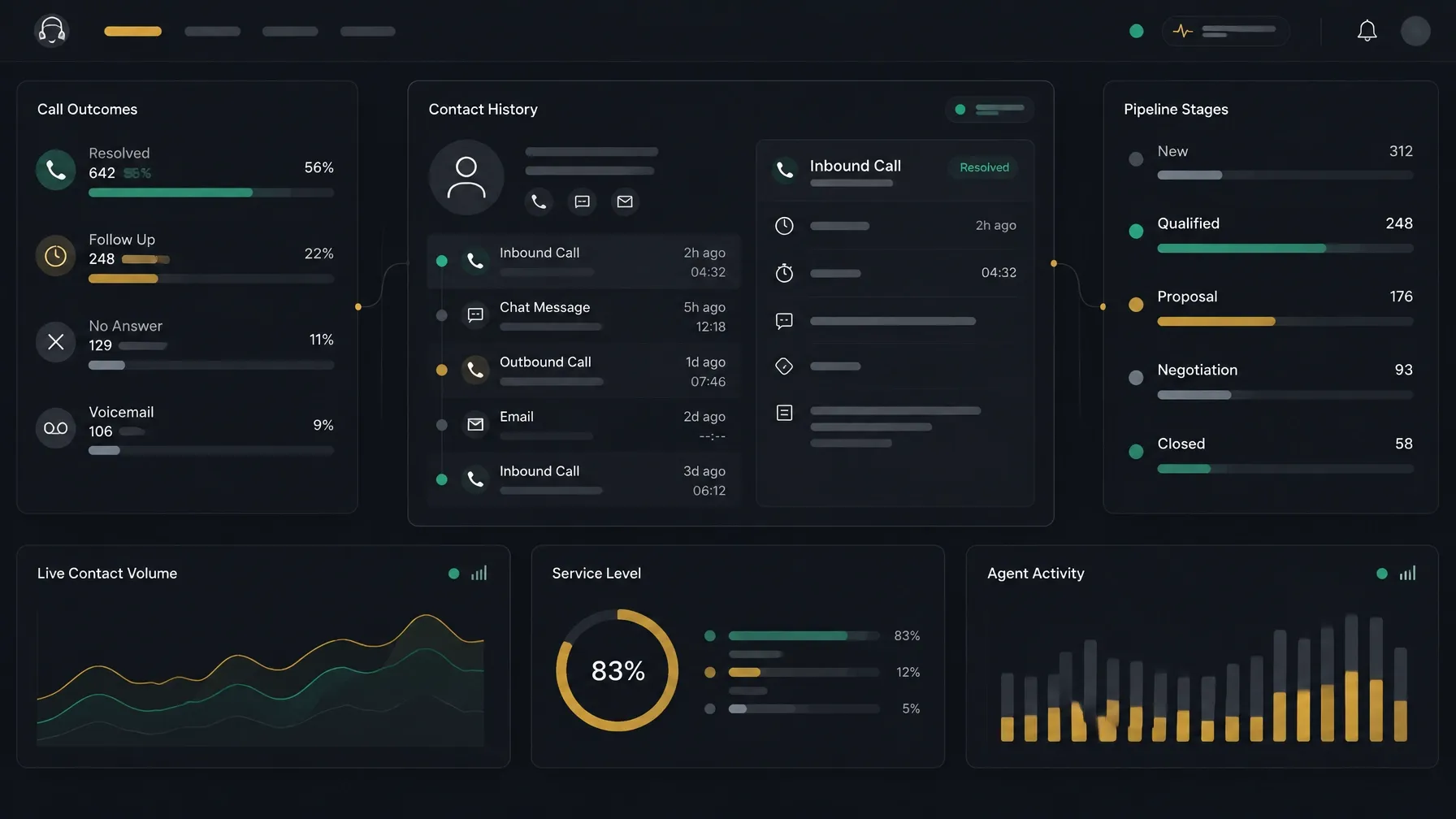
A built-in CRM can bring contacts, companies, deals, call history, notes, and follow-up tasks into one workflow. Visual pipeline management can help a sales team see where opportunities stand and what action is due.
Before choosing a platform, check whether it includes a CRM or connects with the CRM you already use. Ask which records and fields are supported, how data moves between systems, and whether your team can import and export what it needs. Do not assume that a product supports a particular third-party integration unless the provider confirms it.
Use contact intelligence with care
Enriched profiles and buying signals can help agents prepare for a conversation. Make sure the information is relevant, current, and collected and used appropriately. Your team should know which signals to trust and when to verify details directly with the customer.
Turn reporting into a next step
Real-time team status can help managers see who is ready, on a call, or wrapping up. Historical reports can help compare campaigns and review outcomes. Predictive analytics may also help prioritize leads, but ask how the prediction is produced, what information it relies on, and how your team can check whether it is useful.
What to evaluate when choosing a contact center platform
A cloud contact center solution should fit your workflows as well as your technical and operational requirements. Use a structured evaluation instead of relying on a feature list.
- Define the work. List the call types, campaigns, agent roles, customer records, and follow-up steps your team needs to support.
- Test the calling setup. Confirm which dialing modes are available, how your SIP provider fits into the deployment, and what setup is required before calls can begin.
- Check the agent workflow. Test how agents view contact details, take notes, save outcomes, and arrange callbacks.
- Review CRM and data handling. Verify whether the platform offers a built-in CRM, supports the integrations you need, and provides the import or export options your operation requires.
- Inspect reporting and AI. Ask which reports and AI-assisted features are available, whether they need configuration, and how people can review the results.
- Confirm access and controls. Check role-based permissions, mobile availability, support responsibilities, and relevant data policies.
- Run a representative pilot. Use a real workflow and a limited group. Review call quality, records, reporting, setup effort, and support before you expand.
Keep legal and compliance requirements in the evaluation. Rules can vary by location, call type, and campaign. Confirm the requirements that apply to your operation with qualified counsel and configure your processes accordingly.
NexusDialer as one example of the modern playbook
NexusDialer brings outbound calling and contact-management workflows together. Its public site describes progressive and predictive dialing, a built-in workspace for contacts, companies, deals, and pipeline stages, and call history with outcomes, notes, and callbacks. It also describes role-based workspaces and reports, plus a team view that shows rep status.
Some capabilities depend on setup. NexusDialer states that calling begins after workspace approval and telephony configuration, and teams can configure their SIP trunks. Post-call transcription and AI analysis require configuration. Live transcription and audio supervision are not currently available, according to the public product information.
These details matter when you plan a rollout. Confirm your requirements with the team before you assume a particular integration, mobile workflow, or capability is available for your deployment. The NexusDialer website provides product and setup information, and you can create an account to begin workspace setup.
Frequently asked questions
What is a modern contact center?
A modern contact center uses cloud-based tools, connected customer information, automation, and reporting to support customer conversations. The exact capabilities depend on whether the team handles sales, service, or both.
How does a contact center scale without adding unnecessary complexity?
Start by mapping the work your team already does. Improve the calling, customer-record, and follow-up workflows first. Pilot changes with a representative team, then expand based on what you learn.
What is the difference between progressive and predictive dialing?
Progressive dialing moves through contacts as agents become ready. Predictive dialing uses information such as agent availability and call outcomes to pace calls. Availability and behavior vary by platform and configuration.
Should a contact center platform include a built-in CRM?
It depends on your current systems and needs. A built-in CRM can keep call and deal workflows together. If you already use a CRM, verify the platform’s specific integration and data-exchange capabilities before you select it.
What should I check before choosing a cloud contact center solution?
Review calling workflows, telephony compatibility, CRM and data handling, reports, AI features, access controls, support, setup requirements, and total cost. Test the platform with a real workflow before expanding.
A scaling plan works best when it connects the calls your team makes with the people, records, and next steps behind those conversations. Define the work first, test the platform against it, and expand in measured stages. Explore NexusDialer to review its calling and contact-management workflows.
Meta title: The Modern Contact Center Playbook for Scaling Teams
Meta description: Learn how a modern contact center can scale calls, agents, and customer conversations with smarter dialing, connected records, and clear platform evaluation.