How to Reduce Contact Center Costs Without Switching SIP Providers
Learn how BYOS, smarter dialing, connected CRM workflows, and clear cost tracking can help lower contact center expenses while keeping your SIP provider.
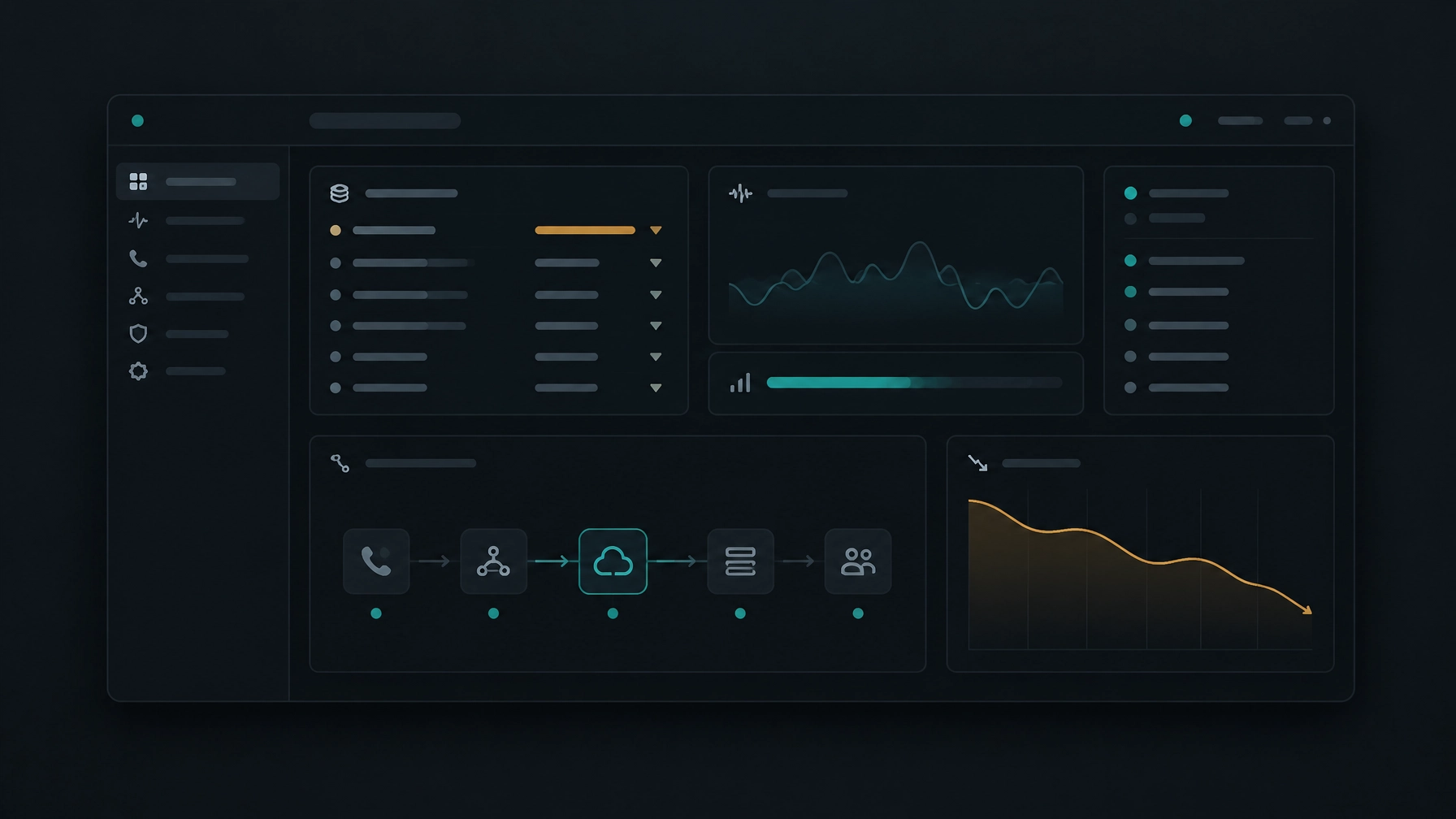
A contact center’s phone bill is only part of its operating cost. Manual dialing can leave agents waiting between calls. Disconnected tools can make them enter the same information more than once. Poor visibility into call outcomes can lead to repeat attempts, unused capacity, and hours spent reconciling reports.
You may not need to replace your SIP provider to address these costs. A more practical first step is to examine how your carrier, dialer, CRM, and reporting tools work together. With the right platform, you can keep your existing telephony relationship while improving how your team uses it.
Find the costs behind the phone bill
Traditional contact center setups often grow one tool at a time. A business might add a separate dialer, CRM, call-recording tool, reporting service, and workforce application. Each tool can have its own subscription, setup requirements, and support process.
The costs also show up in daily work:
- Agents spend time dialing numbers and logging call details manually.
- Managers pull reports from different systems to understand campaign results.
- Reps call the same prospect more than once because outcomes do not sync promptly.
- Teams pay for more concurrent call capacity than they use, or discover too late that they need more.
- Poor call quality, failed routing, or unclear ownership can create repeat work and longer resolution times.
These costs are not identical across businesses. A BPO handling several client campaigns will have different capacity and reporting needs from an in-house sales team. Start by measuring your own operation before changing contracts or software.
Track total telephony and platform spend alongside useful operating measures: cost per handled contact, call attempts per contact, live connections, agent idle time, after-call work, and campaign outcomes. Reviewing these measures together can reveal whether the main opportunity is carrier pricing, unused capacity, manual work, or a combination.
Keep the carrier. Improve the tools around it.
What BYOS means
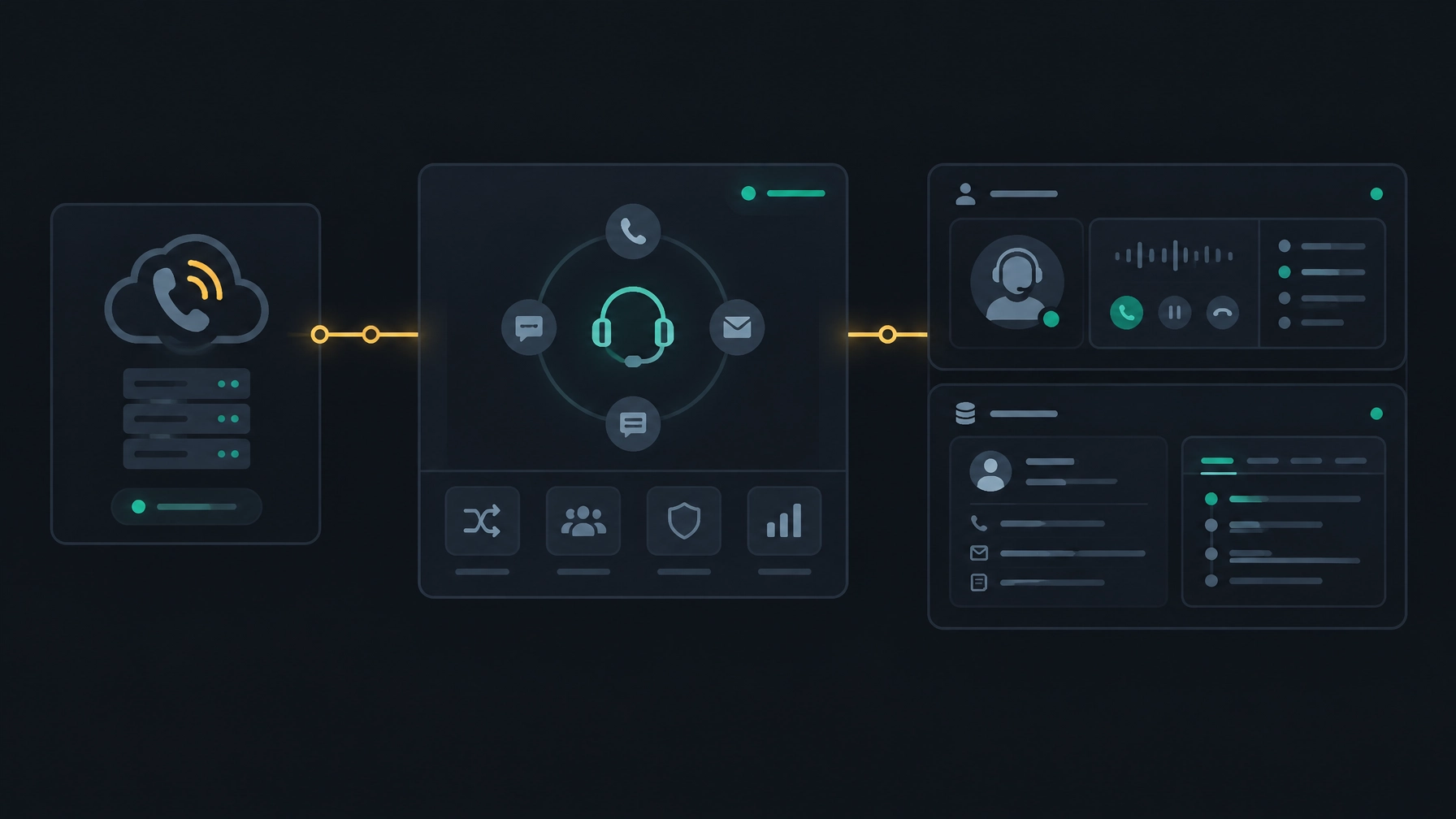
Bring Your Own SIP (BYOS), sometimes called Bring Your Own Carrier, means using your existing SIP provider with a separate contact center or dialer platform. The carrier still provides voice connectivity through your SIP trunks. The software platform provides the calling workflows and tools your team uses.
The exact setup depends on your carrier, network, and platform. Before adopting BYOS, confirm how SIP trunks will be configured, what call types and locations are supported, and which party is responsible for call routing and troubleshooting.
How BYOS can give you more control
Using your existing provider can let you modernize your contact center without treating a carrier change as a prerequisite. You can evaluate software separately from voice service, retain a provider relationship that already fits your business, and compare the platform’s costs with your current setup.
That flexibility does not guarantee a lower bill. BYOS can still involve platform fees, implementation work, network changes, or other charges. Compare the full cost, not just a quoted per-minute rate.
Ask your carrier and platform provider:
- Are there setup, channel, or BYOS fees?
- How will call records and charges be matched for billing review?
- Who handles a call-quality issue that crosses the carrier and software platform?
- What happens to your numbers and configuration if you change platforms later?
- Are backup routes, regional calling, and emergency-calling requirements supported for your deployment?
Keep your carrier terms, current call-detail records (CDRs), and expected call volumes in view while you assess options.
Use agent time more deliberately
Manual dialing involves more than entering a number. Agents may search a list, place a call, wait for an answer, record the outcome, and find the next contact. When those steps happen across separate tools, time spent between conversations can add up.
Predictive dialing automates parts of outbound calling by using factors such as agent availability and call outcomes to pace attempts. The aim is to reduce idle time and connect answered calls with available agents. It is one way to improve agent productivity, but the result depends on your list quality, answer patterns, campaign settings, and agent capacity. Genesys explains the basic mechanics of predictive dialing.
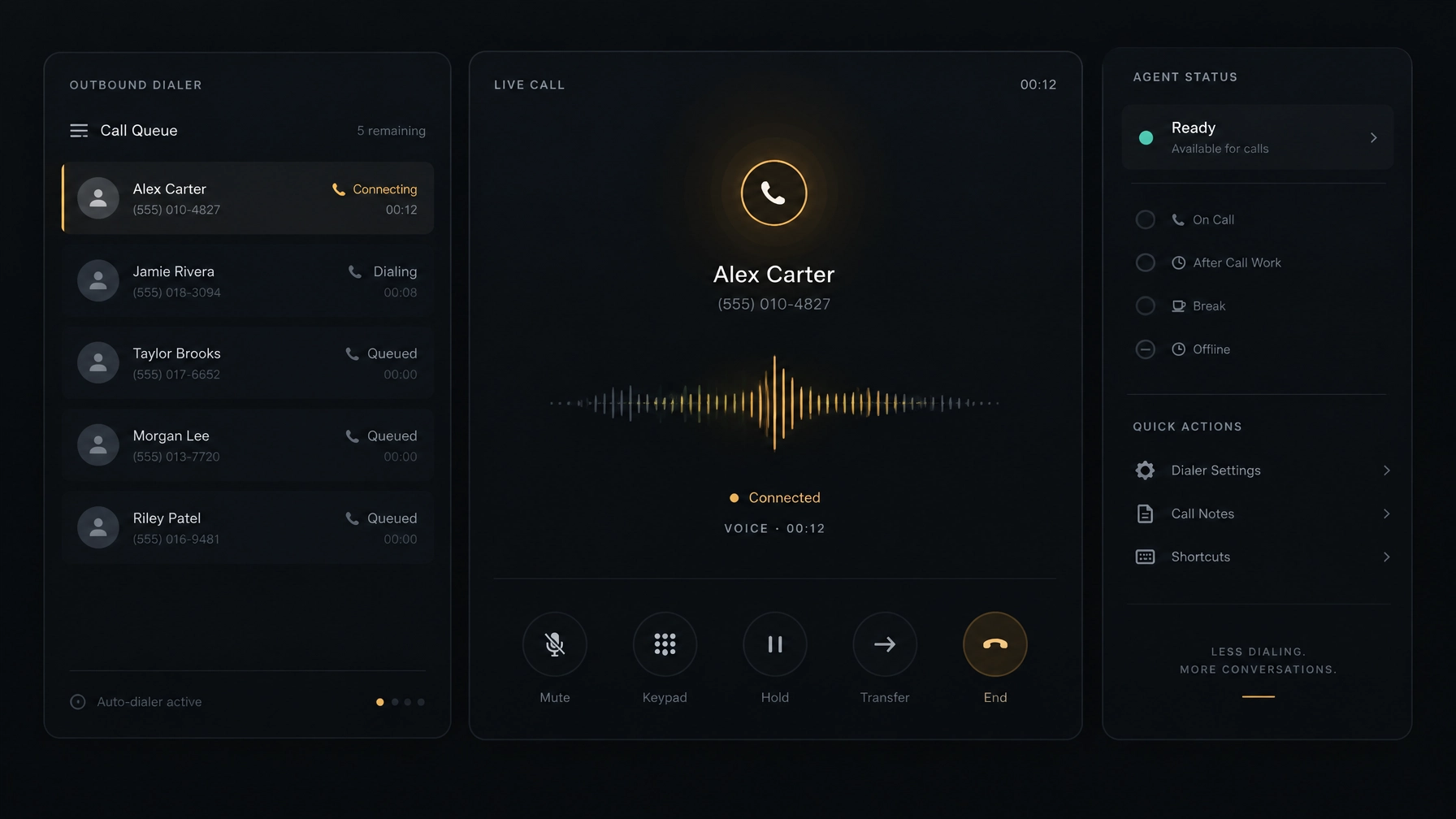
Use dialing modes that suit the work. For example, a team that needs agents to review each contact before calling may prefer a preview workflow. A high-volume campaign may evaluate progressive or predictive dialing. NexusDialer supports progressive and predictive dialing; the right mode for your operation depends on your workflow and calling setup.
Measure more than call volume. Review live connections, agent idle time, abandoned calls, follow-up completion, and campaign results. High dialing speed is not useful if it creates poor experiences, compliance risk, or extra callbacks.
Compliance matters. Predictive dialing rules vary by location and call type. In the United States, the FTC Telemarketing Sales Rule includes conditions for the predictive-dialer call-abandonment safe harbor, while FCC rules address other aspects of calls, including consent in certain circumstances. Requirements can depend on the details of a campaign. Check the current rules with qualified counsel, and set dialer controls and recordkeeping to match your obligations.
Connect the call to the customer record
A call becomes more expensive when the agent has to rebuild context. If the CRM does not contain recent outcomes, reps may ask customers to repeat information, miss agreed follow-ups, or contact a person who should no longer be on a list.
A connected workflow puts relevant contact history, notes, call outcomes, and next steps close to the call. It can also reduce manual data entry and make it easier for a manager to review campaign activity. If you already use a CRM, check whether the platform supports your specific integration before you assume it will. Some products provide a built-in CRM instead of connecting to external systems.
NexusDialer includes contact, company, and deal records, pipeline stages, call history, outcomes, notes, and callbacks. Its website describes CSV contact and list imports, as well as workspace SIP configuration before calling begins. It does not name third-party CRM integrations on the pages reviewed for this article. Confirm your integration and setup requirements with the team before planning a migration.
Use analytics to find what to fix next
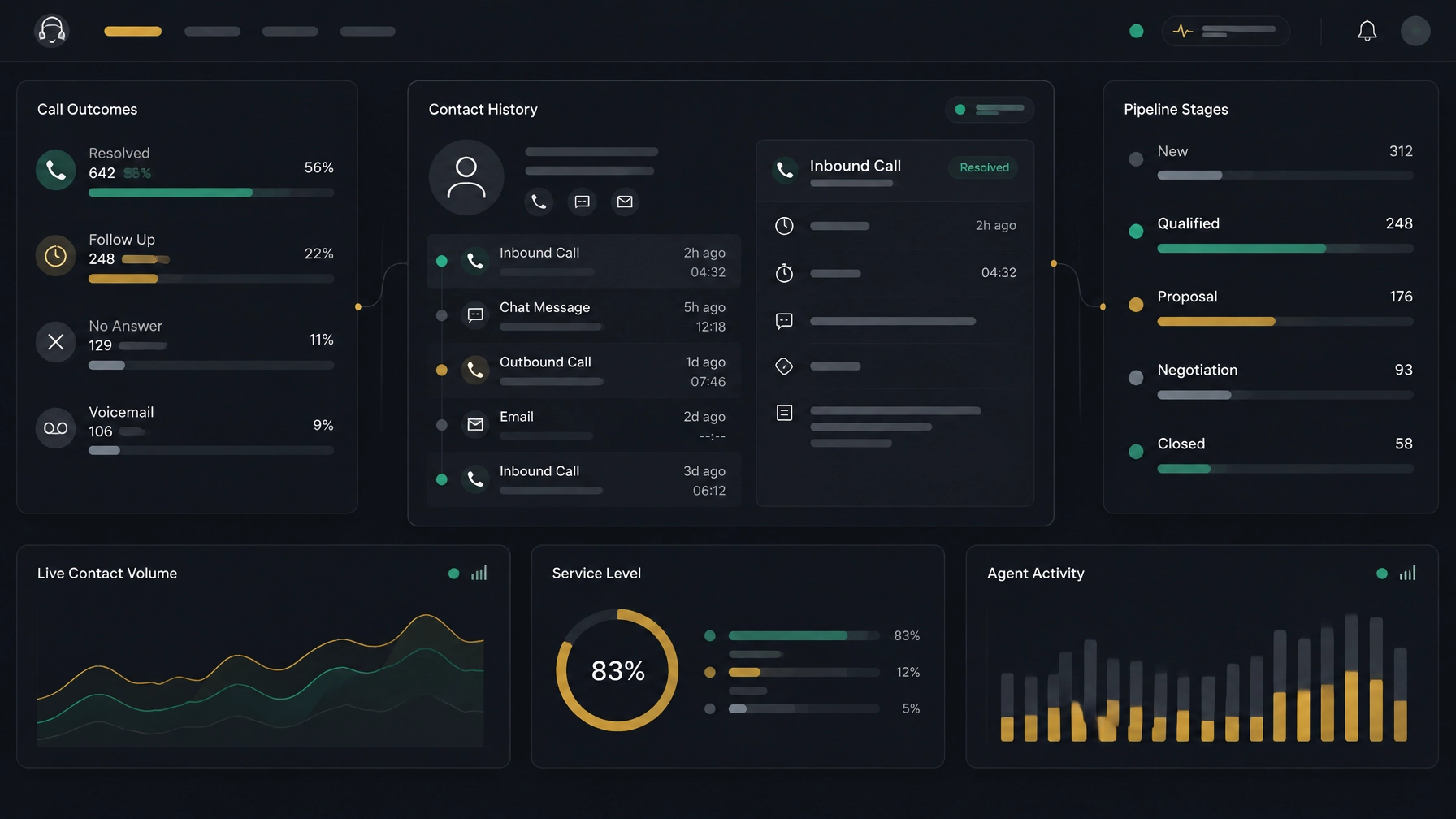
A dashboard is useful when it helps you make a decision. Start with measures that connect spend to work completed:
- Telephony: cost by destination, campaign, and call outcome.
- Capacity: peak concurrent calls compared with configured capacity.
- Agent workflow: idle time, handle time, and after-call work.
- Campaign quality: live connection, follow-up, and conversion outcomes.
- Reliability: failed calls, call quality issues, and routing problems.
For instance, if one campaign shows rising call costs but few live connections, review list quality, calling windows, and attempt rules before buying additional capacity. If agents spend a long time logging outcomes, simplify the workflow or connect the call disposition to the record.
Agree on clear metric definitions. “Cost per call” can mean cost per attempt, answered call, or completed contact. Those measures are not interchangeable. Comparing like with like helps you see whether a change actually improves efficiency.
Choose a platform with the full cost in view
Before you select new contact center software, assess the whole operating model.
- Check SIP compatibility. Confirm that your carrier and trunk configuration can be used, and identify any setup or ongoing charges.
- Review calling workflows. Check which dialing modes, agent controls, and campaign options are available for your use case.
- Verify CRM fit. Confirm whether the platform connects to your current CRM, offers a built-in CRM, or supports data exchange in another way. Ask which records and fields move between systems.
- Inspect reporting. Make sure you can review the campaign, agent, and call measures you need, and export records for reconciliation where required.
- Plan for security and continuity. Ask about access controls, support responsibilities, backup options, call records, and relevant data-retention policies. Voice systems have specific availability and quality needs; NIST’s VoIP security guidance discusses security and network considerations.
- Calculate total cost. Include carrier charges, software, implementation, network work, support, recording or storage, and staff time. Compare the total with the current environment.
- Pilot before rollout. Test a representative campaign or team. Check call quality, routing, CRM records, reporting, and support escalation before expanding.
Modernize without making a carrier switch the first step
Reducing contact center costs is not simply a matter of finding a lower SIP rate. You need to see where spend and agent time go, keep calling workflows efficient, and make results visible enough to guide the next change.
NexusDialer may suit teams that want to configure their own SIP trunks alongside progressive or predictive dialing and built-in contact and pipeline workflows. The public site notes that calling opens after workspace approval and telephony setup, so confirm requirements and availability for your deployment before making a plan.
Explore NexusDialer or create an account to begin setup.
Frequently asked questions
Can I reduce contact center costs without changing SIP providers?
Yes, it may be possible to keep your current SIP provider while updating the software and workflows around it. BYOS can support that approach, but savings depend on your existing contract, platform fees, configuration, and operating costs. Compare the full monthly cost before you decide.
What is Bring Your Own SIP?
Bring Your Own SIP means using your existing SIP provider’s trunks with a separate contact center platform. The carrier supplies voice connectivity, while the platform supports calling workflows and related tools. Confirm compatibility and responsibilities with both providers.
Does predictive dialing lower telephony costs?
Predictive dialing is designed to pace outbound calls based on agent availability and call outcomes. It can reduce manual dialing work and idle time, but it does not automatically lower carrier rates. Review total spend, agent time, call quality, and compliance together.
What should I measure to understand contact center costs?
Start with carrier and software charges, then compare them with cost per handled contact, call outcomes, agent idle time, after-call work, and campaign results. Define each measure clearly so you can compare changes consistently.
What should I check before enabling a predictive dialer?
Review the rules that apply to your location and campaign, including consent, calling hours, do-not-call requests, call abandonment, and recordkeeping. Configure the dialer and reporting to support those requirements, and seek legal advice for your specific use case.