Why Are Your Business Calls Going Unanswered? 7 Ways to Improve Your Connection Rates
Unanswered calls cost your sales team more than a few minutes. They slow down conversations, delay follow-ups, and make it harder to turn a prospect’s interest into a next step. If your reps are dialing consistently but rarely reaching the right people, the answer may not be to make more calls. Connection rates depend on…
Unanswered calls cost your sales team more than a few minutes. They slow down conversations, delay follow-ups, and make it harder to turn a prospect’s interest into a next step. If your reps are dialing consistently but rarely reaching the right people, the answer may not be to make more calls.
Connection rates depend on several things working together: who you call, when you call, how your number appears, and what happens after an attempt. Here are seven practical ways to improve outbound call connection rates, and make each connection more useful.
1. Call in the prospect’s local time
A call that arrives during a commute, a team meeting, or outside business hours is easy to miss. Your team’s time zone is not necessarily your prospect’s time zone, especially when you sell across regions.
Why it matters: Calling at a sensible local hour gives the person a better chance to answer. There is no universal best time for every audience, so treat timing as something to test, not assume.
How to apply it: Record each prospect’s location and schedule calls by their local time. Compare results by day and time window for each audience segment. Test one change at a time, such as a morning window against an afternoon window, and look beyond raw pickups to see which period creates more useful conversations.
For example, a team selling to operations leaders might find that calls during a busy shift change rarely connect. It can test a different window for that segment while keeping the rest of its approach consistent.
2. Clean the list before dialing
A sales team cannot connect with the right people if the list contains outdated numbers, duplicates, poor-fit contacts, or records without a clear reason for outreach.
Why it matters: A weak list uses rep time on numbers that cannot lead to a relevant conversation. It can also create frustration when prospects receive calls that do not match their role or situation.
How to apply it: Review contacts before adding them to a campaign. Remove duplicates and wrong numbers. Check that names, roles, companies, and phone numbers are current. Group prospects by useful details such as audience, region, source, and reason for contact. Keep opt-outs and do-not-call records out of active lists.
Suppose one campaign uses a mix of recent inbound inquiries and older event contacts. Track the outcomes separately. If the newer inquiries lead to more conversations, give them a distinct queue and tailor the follow-up to their original request.
3. Make your caller ID recognizable
People are less likely to answer a number they do not recognize. Calls may also be flagged or blocked by carriers or device-level filtering. A caller ID issue can affect a campaign even when the list and message are sound.
Why it matters: When prospects cannot tell who is calling, they may ignore the call or assume it is unwanted. Caller ID authentication can help verify that a number is authorized, but it does not guarantee the call will be answered or identified by a recipient.
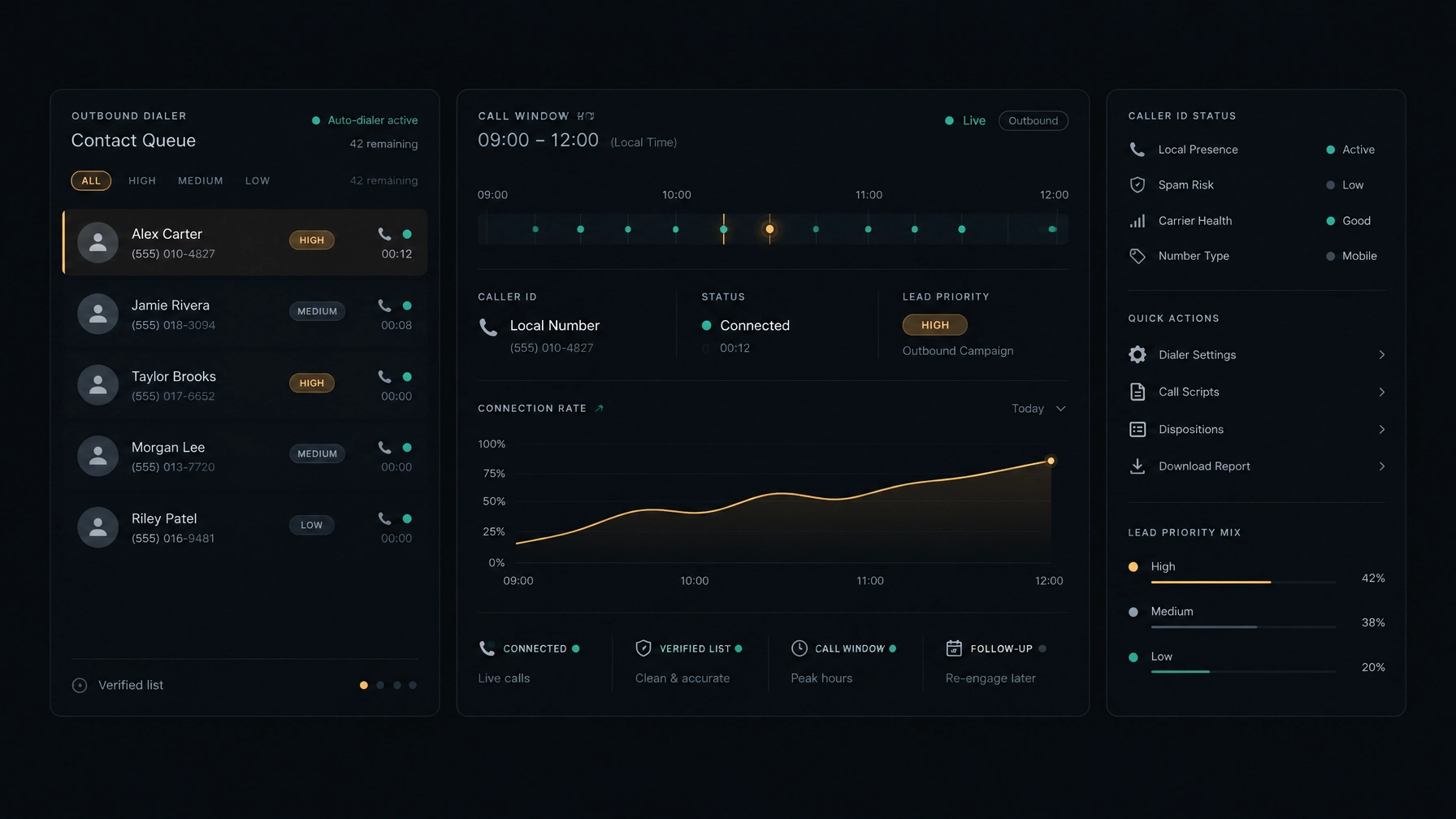
How to apply it: Use numbers your organization is authorized to display. Keep caller information accurate, avoid spoofing or frequent number changes, and ask your carrier or telephony provider about caller-name and number registration options. Monitor call outcomes by outbound number. If a number’s performance drops, investigate with your provider rather than simply increasing volume.
For example, if one team’s calls are connecting less often across several prospect segments, compare its number’s performance with other campaign numbers. That can help you identify a caller-ID or routing issue before you rewrite scripts or replace the list.
4. Match dialing technology to the work
Manual dialing can create gaps between attempts. Dialing technology can help organize and pace outbound work, but the right approach depends on your campaign, agent availability, and compliance requirements.
Why it matters: A sales dialer can help reps work through a queue with less manual effort. But dialing faster is not the same as connecting with more prospects. Poor list quality, unsuitable timing, or a pace that leaves no agent ready to answer can undermine results.
How to apply it: Choose a dialing mode based on the work. Progressive dialing places calls in sequence as agents become available. Predictive dialing uses dialing logic to pace calls around expected agent availability. Review your configuration, call outcomes, and applicable rules before increasing volume.
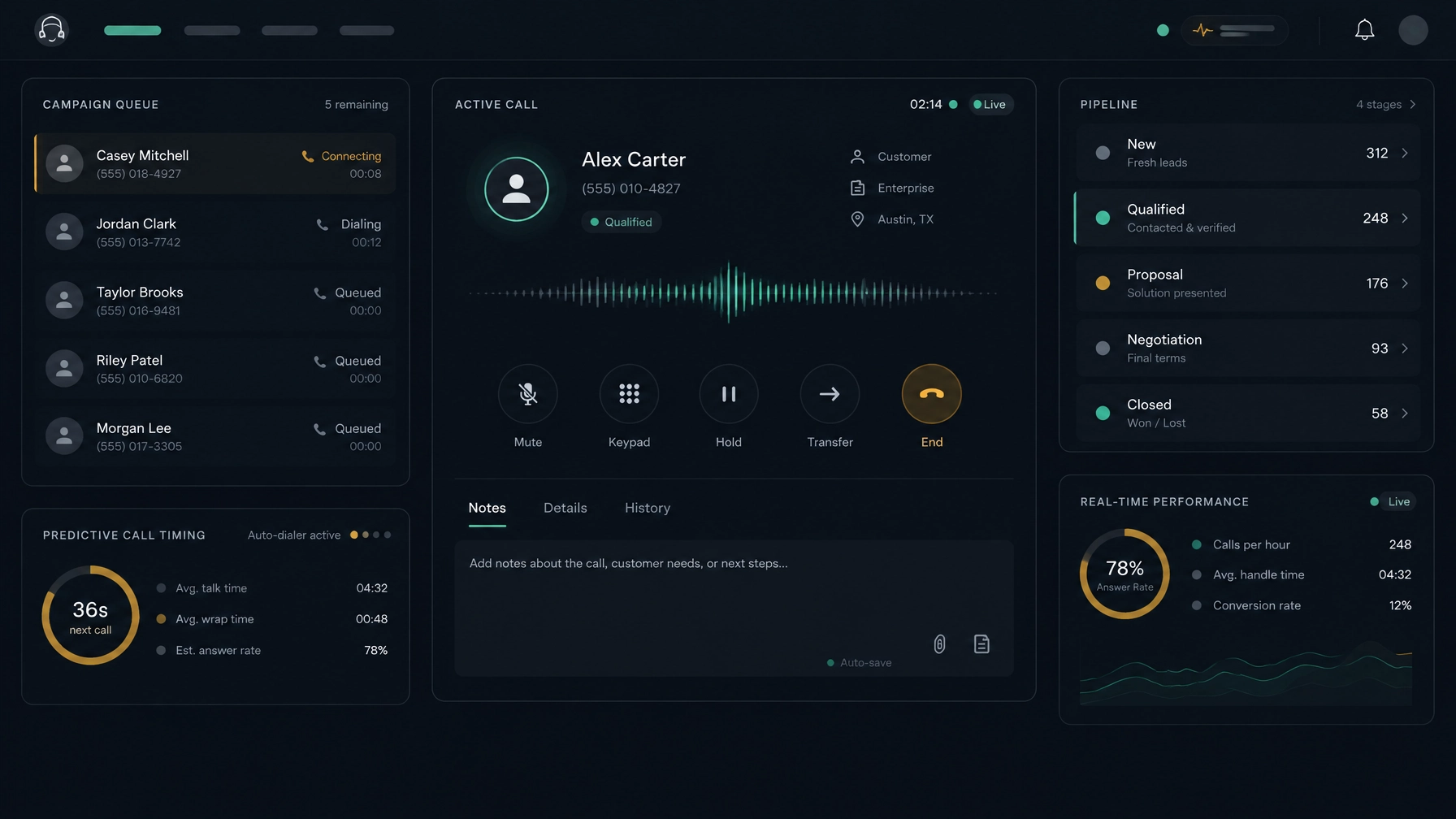
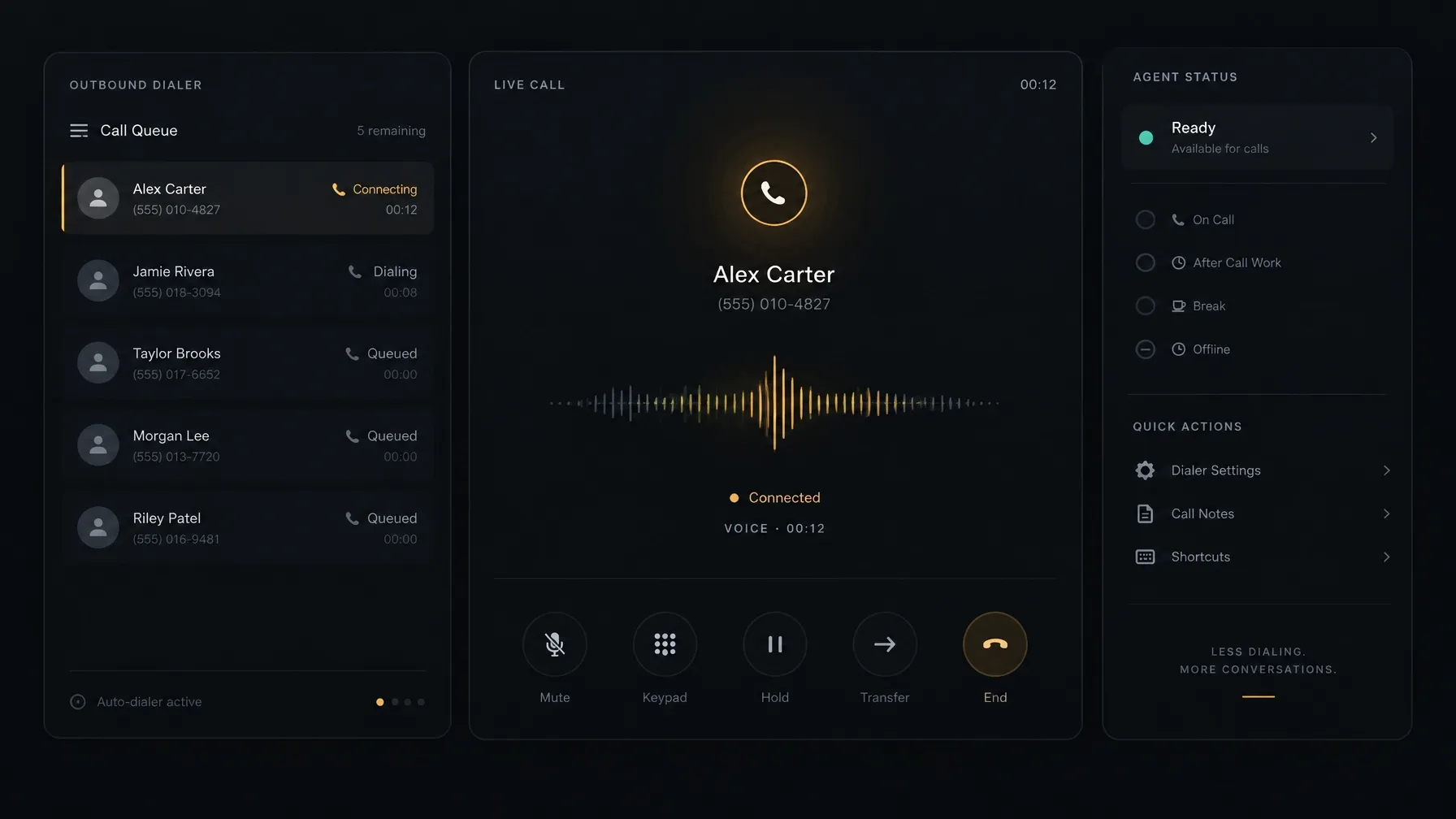
NexusDialer supports progressive and predictive dialing. Its website also describes workspace setup using your organization’s SIP trunks, with calling available after workspace approval and telephony configuration. A built-in workspace keeps contact records, call outcomes, notes, callbacks, and deal information close to the call. That can help reps see what happened before and move to a useful next step afterward.
5. Follow up with a considered cadence
One missed call does not always mean a prospect is uninterested. They may be busy, away from their desk, or simply unable to answer at that moment. At the same time, repeated calls close together can feel intrusive.
Why it matters: A planned cadence gives you more than one reasonable opportunity to reach someone without relying on a string of immediate retries.
How to apply it: Space attempts across different local-time windows. Vary the context of your follow-up, and use other channels only when appropriate and permitted. Leave a short, relevant voicemail when it makes sense. Record requested callback times and stop outreach when someone asks not to be contacted.
For instance, after an unanswered call, a rep might send a concise email referring to the reason for the outreach, then try a different time window later. If the prospect asks for a callback next week, record the date rather than leaving the rep to remember it.
A CRM or dialer that saves call outcomes and callbacks can make this easier to manage. NexusDialer’s contact history supports notes, outcomes, and scheduled callbacks, keeping the agreed next step visible to the team.
6. Make compliance part of the calling process
Compliance is not separate from connection rates. Outreach that ignores consent, local calling rules, or do-not-call requests can create complaints and damage trust. Requirements depend on where you call, who you call, and how you place the call.
Why it matters: A compliant process helps protect prospects from unwanted outreach and gives your team clear rules for what to do next.
How to apply it: Keep consent records where applicable. Maintain and honor suppression lists. Train reps to record opt-outs and wrong numbers accurately. Set calling windows by the prospect’s location, and review whether the dialing method and campaign follow the relevant laws and regulations.
For U.S. telemarketing, the FCC’s current rules cover requirements that can include calling hours, do-not-call requests, consent, and abandoned calls. Rules vary by campaign and jurisdiction, so consult qualified counsel about your specific process. Do not assume that a business-to-business call or a particular dialer mode is automatically exempt.
7. Measure connections, not just attempts
A campaign can produce a high number of dials without reaching many intended prospects. If you measure only call volume, you may miss the reason your results are not improving.
Why it matters: Clear metrics show whether the issue sits with the list, calling window, number, follow-up, or the conversation after pickup.
How to apply it: Define each outcome consistently. Start with:
- Live answer rate: live answers divided by outbound attempts.
- Intended-contact connection rate: live answers from the intended prospect divided by outbound attempts.
- Conversation rate: substantive conversations divided by intended-contact connections.
- Next-step rate: agreed follow-ups, meetings, or other defined outcomes divided by substantive conversations.
Also track wrong numbers, opt-outs, voicemail, and outcomes by number, list source, segment, local time, and attempt. Review the pattern over time. If pickup rates are low across every segment, investigate caller ID, routing, or timing. If prospects answer but decline to talk, review targeting and your opening. If one list source produces many invalid numbers, refresh or replace it.
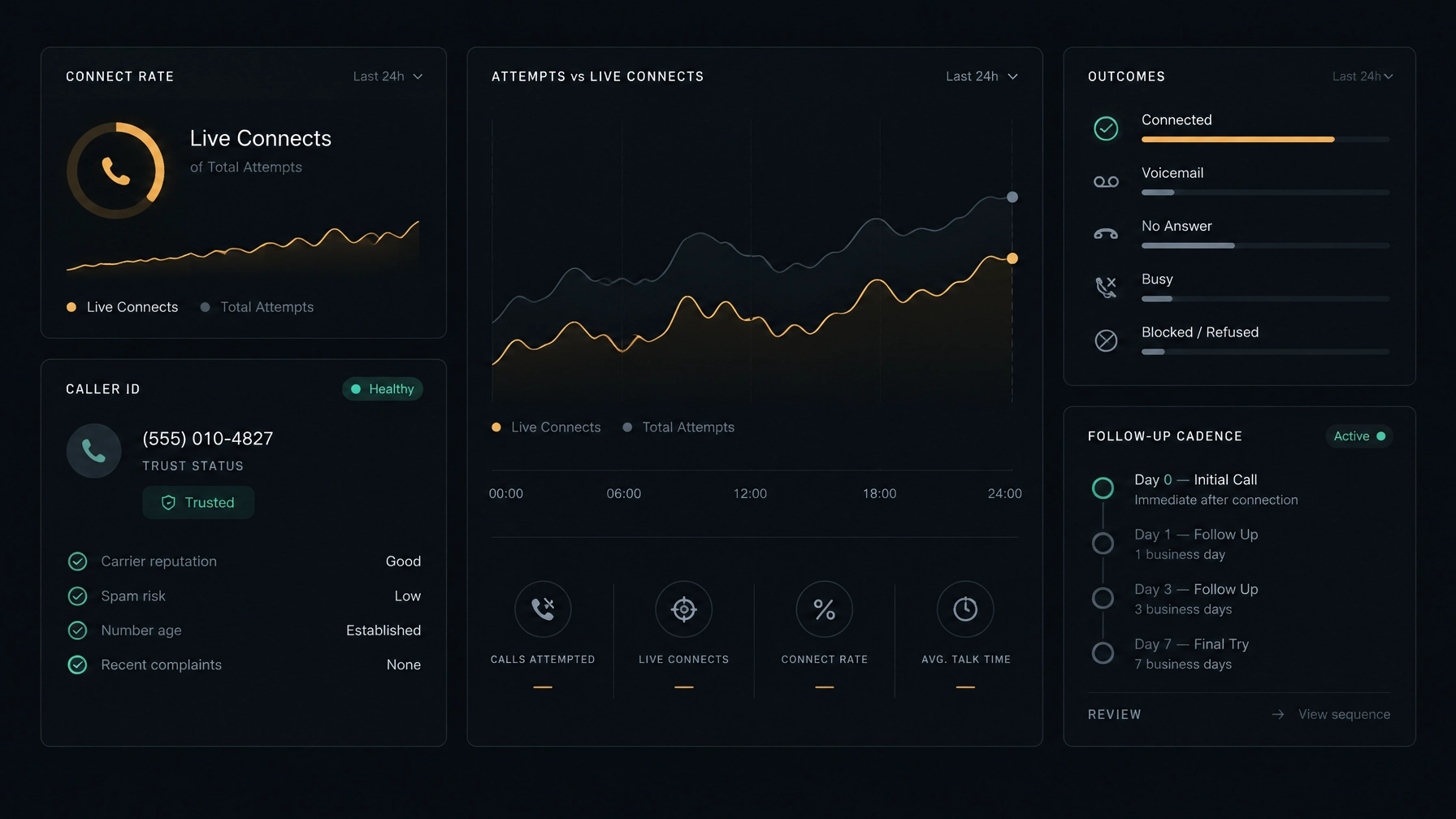
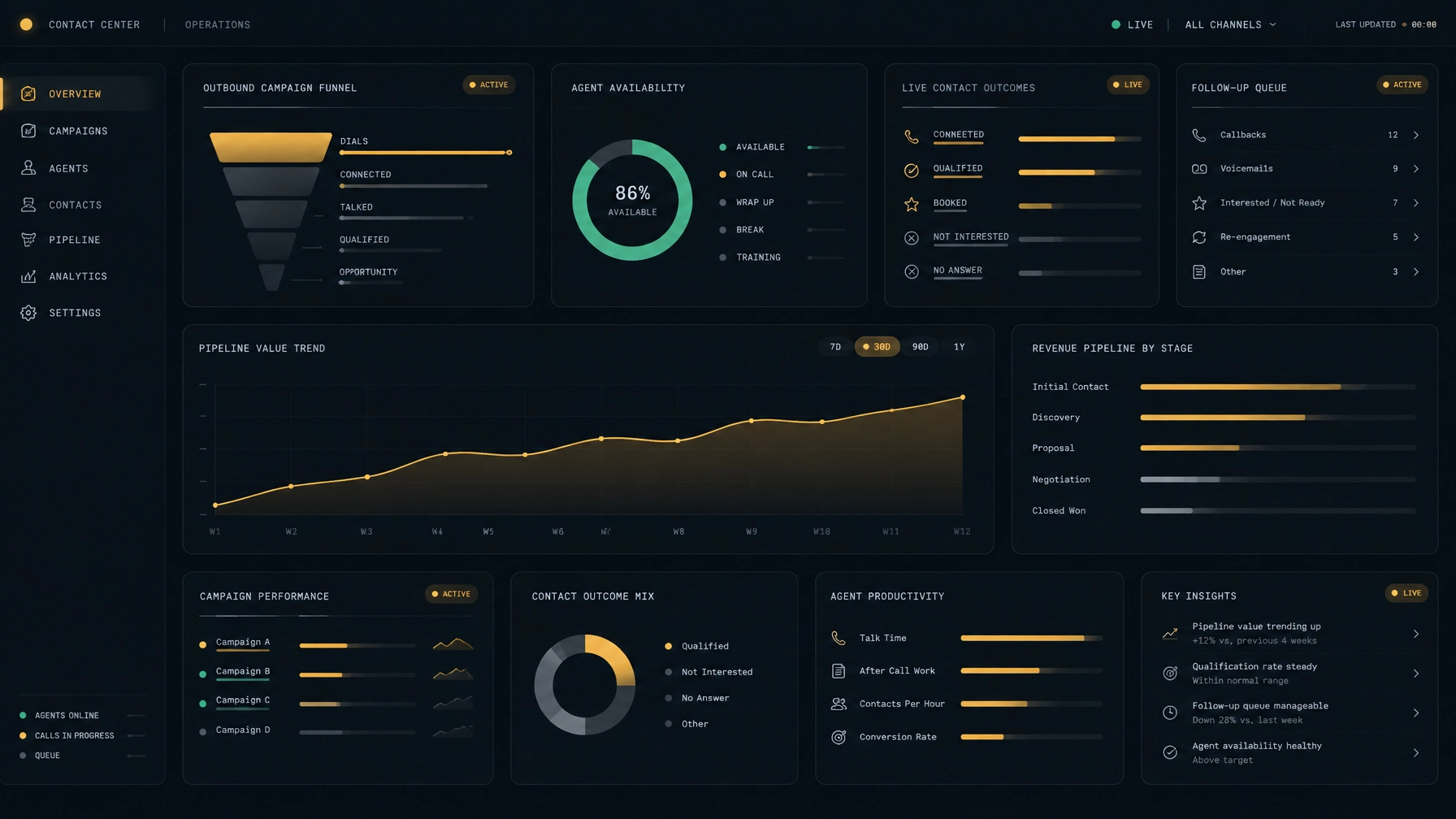
NexusDialer’s website describes reports and a manager view of rep status, alongside a workspace that keeps contact history and call outcomes near the call. Confirm that the reports available for your setup cover the measures your team needs. If you are comparing sales dialer software, check how easily you can review campaign outcomes and turn them into changes to your outbound sales strategy.
Start with the point where connections drop
Improving your outbound call connection rate does not require changing everything at once. Check your list first. Test local calling windows. Review caller ID and dialing setup. Then use consistent metrics to see where prospects stop moving through the process.
NexusDialer brings progressive and predictive dialing together with a built-in CRM, SIP trunk configuration, contact history, call outcomes, and callbacks. Explore NexusDialer to review the workspace and calling setup, or create an account to begin a workspace review. Calling becomes available after approval and telephony configuration.
Frequently asked questions
What is a good outbound call connection rate?
There is no single benchmark that fits every industry, list, or campaign. Define what counts as a connection, then compare your results by audience, list source, caller ID, time window, and attempt. Track qualified conversations as well as pickups.
Why are prospects not answering business calls?
Common causes include stale contact data, inconvenient call times, unfamiliar caller ID, call filtering, and a lack of relevant context. Review those factors before increasing call volume.
Does predictive dialing improve connection rates?
Predictive dialing can pace outbound calls around agent availability, but it does not guarantee more live connections. Results depend on your data, campaign settings, calling practices, and audience. Monitor outcomes and make sure your setup follows applicable requirements.
How many times should a sales team call a prospect?
There is no universal number that works for every prospect or campaign. Set a reasonable cadence, space attempts, vary call windows, and follow applicable rules. Stop when a person opts out or asks you not to call.
How can a CRM help reps reach prospects?
A CRM can keep contact details, call history, notes, and agreed callbacks together. That context helps reps avoid duplicate or mistimed outreach and prepare for the next attempt. Check that your chosen system supports the workflow and records your team needs.