Predictive vs. Progressive vs. Preview Dialing: Which Is Right for Your Sales Team?
Choosing a dialing mode affects how quickly your team works through a list, how much context reps see before a call, and how much control managers have over call pacing. The right choice depends on the conversation you need to have, not just the number of calls you want to place. In this guide to…
Choosing a dialing mode affects how quickly your team works through a list, how much context reps see before a call, and how much control managers have over call pacing. The right choice depends on the conversation you need to have, not just the number of calls you want to place.
In this guide to predictive vs progressive dialer options, we’ll compare predictive, progressive, and preview dialing. You’ll see how each mode works, where it fits, and what to check before using it in your outbound sales calling workflow.
Predictive, progressive, and preview dialing at a glance
| Dialing mode | When calls are placed | Best suited to | Main tradeoff |
|---|---|---|---|
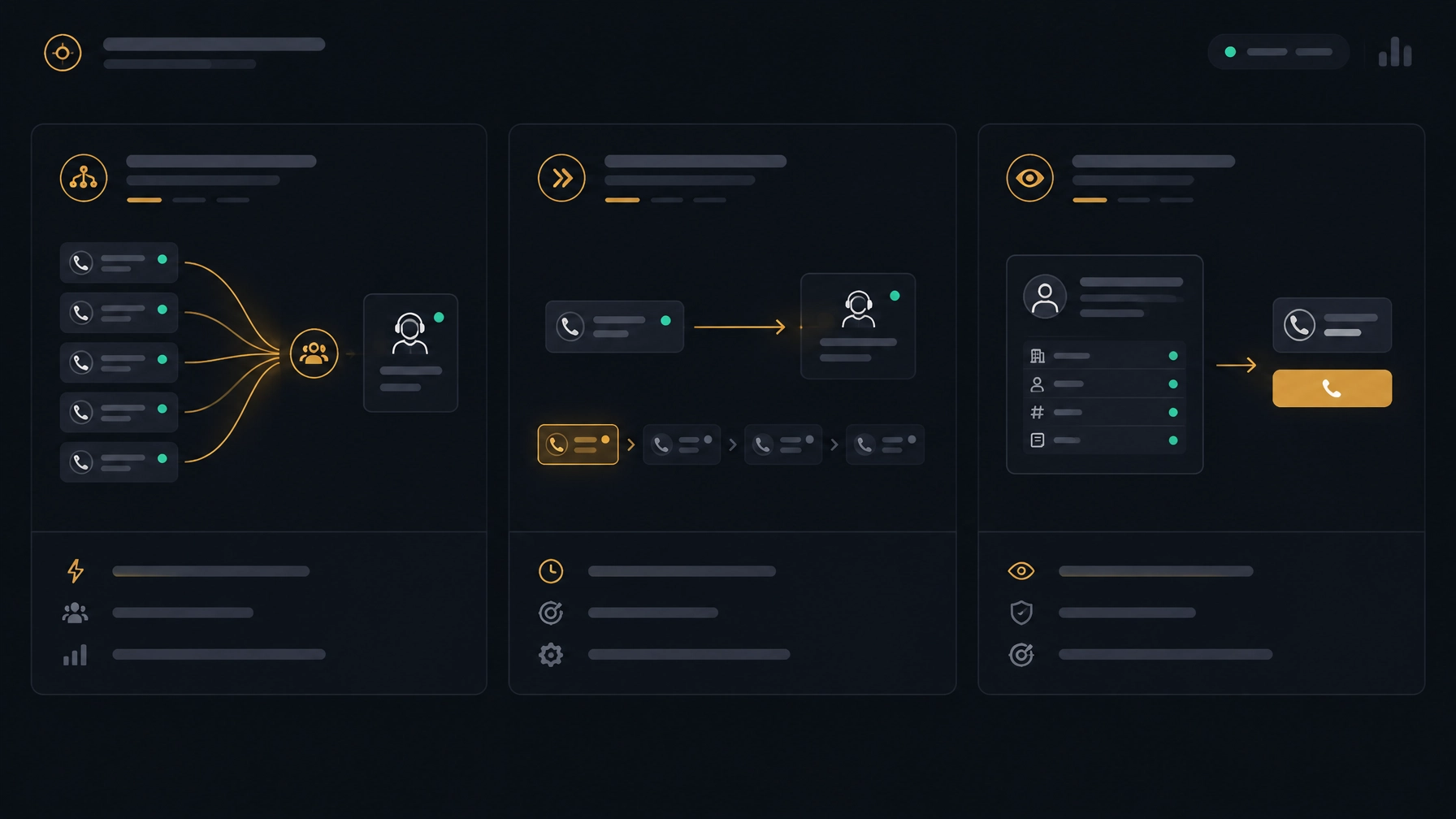
| Predictive | The system calls ahead based on agent availability and campaign patterns | High-volume campaigns with a consistent list and short interactions | Needs careful pacing to avoid answered calls waiting for an agent |
| Progressive | The system starts the next call when an agent is ready | Teams seeking a balance between automation and controlled pacing | Usually less aggressive than predictive dialing |
| Preview | The agent reviews a contact record before choosing to call | Complex, high-value, or relationship-led conversations | More time per contact and fewer calls placed |
Dialer behavior can vary by vendor and configuration. Before comparing sales dialer software, ask how each mode handles call timing, agent availability, contact records, and campaign controls.
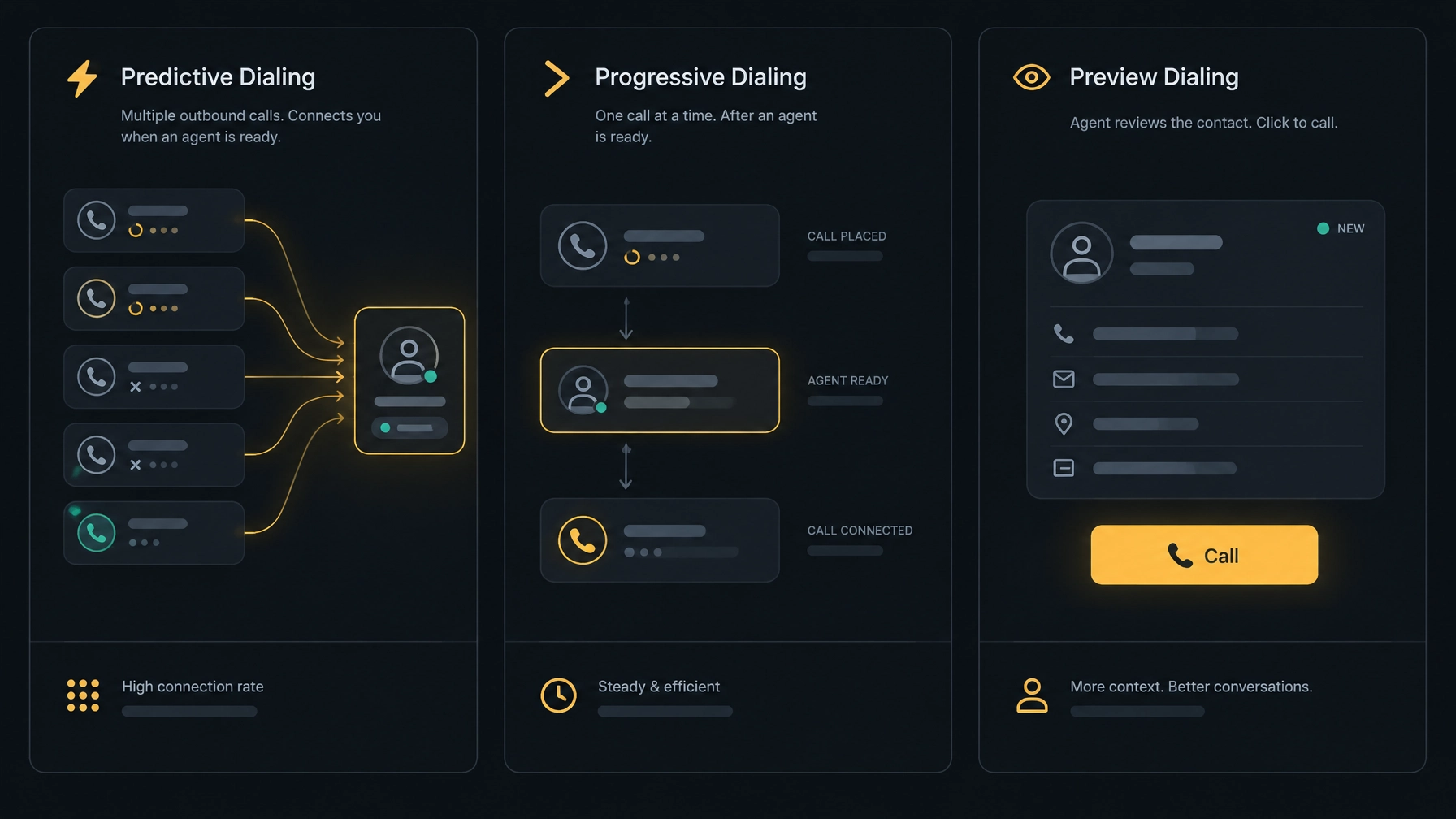
What is a predictive dialer?
A predictive dialer places calls ahead of available agents. It uses campaign and agent activity to estimate when a rep will be ready for another conversation. If a person answers, the system aims to connect the call to an available agent.
This approach can reduce manual dialing and idle time when a team is working through a large list. It can also create a poor experience if a prospect answers before an agent is ready. That delay may lead to silence, a dropped call, or an abandoned call.
When predictive dialing fits
Predictive dialing can suit a team with:
- A large, well-maintained contact list.
- A steady call volume and relatively similar conversations.
- Enough available agents to handle the campaign.
- Managers who can monitor pacing and call outcomes.
It may be less appropriate when agents need to research each account before calling, the list contains many high-value prospects, or the team’s staffing changes often. Poor or outdated contact data can also waste call attempts, regardless of how quickly the dialer places them.
Example: A team calling a large group of business contacts with the same renewal offer may want to test predictive dialing. A rep calling a small set of strategic accounts, where each conversation needs account research, may need more control.
What is a progressive dialer?
A progressive dialer places the next call when an agent is ready. Instead of dialing ahead based on predicted availability, it links the next attempt to the agent’s ability to take the call. Exact behavior varies by platform, so confirm what “progressive” means in the product you are evaluating.
Progressive dialing automates the move from one call to the next while keeping a closer connection between agent availability and call placement. It can be a practical middle ground for teams that want a more orderly outbound sales strategy without predictive pacing.
When progressive dialing fits
Consider progressive dialing when:
- Your team has a moderate or steady call volume.
- Reps need some contact context before speaking with a prospect.
- You want automated call progression with a more controlled pace.
- Your campaigns include follow-ups, renewals, or structured sales conversations.
Example: A business development team can use progressive dialing to move through a qualified list while giving reps a moment to review the contact and previous call outcome before the next conversation.
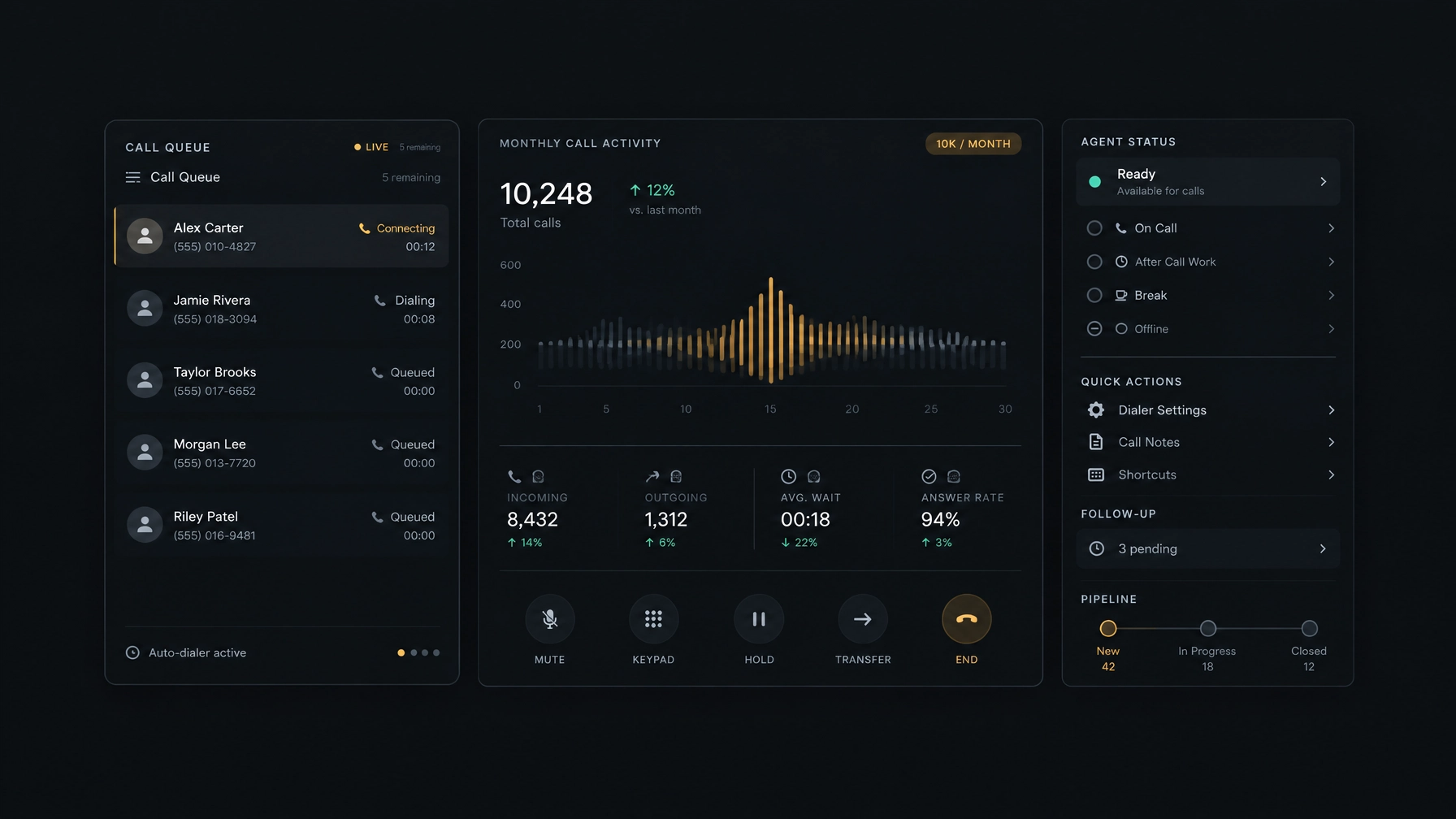
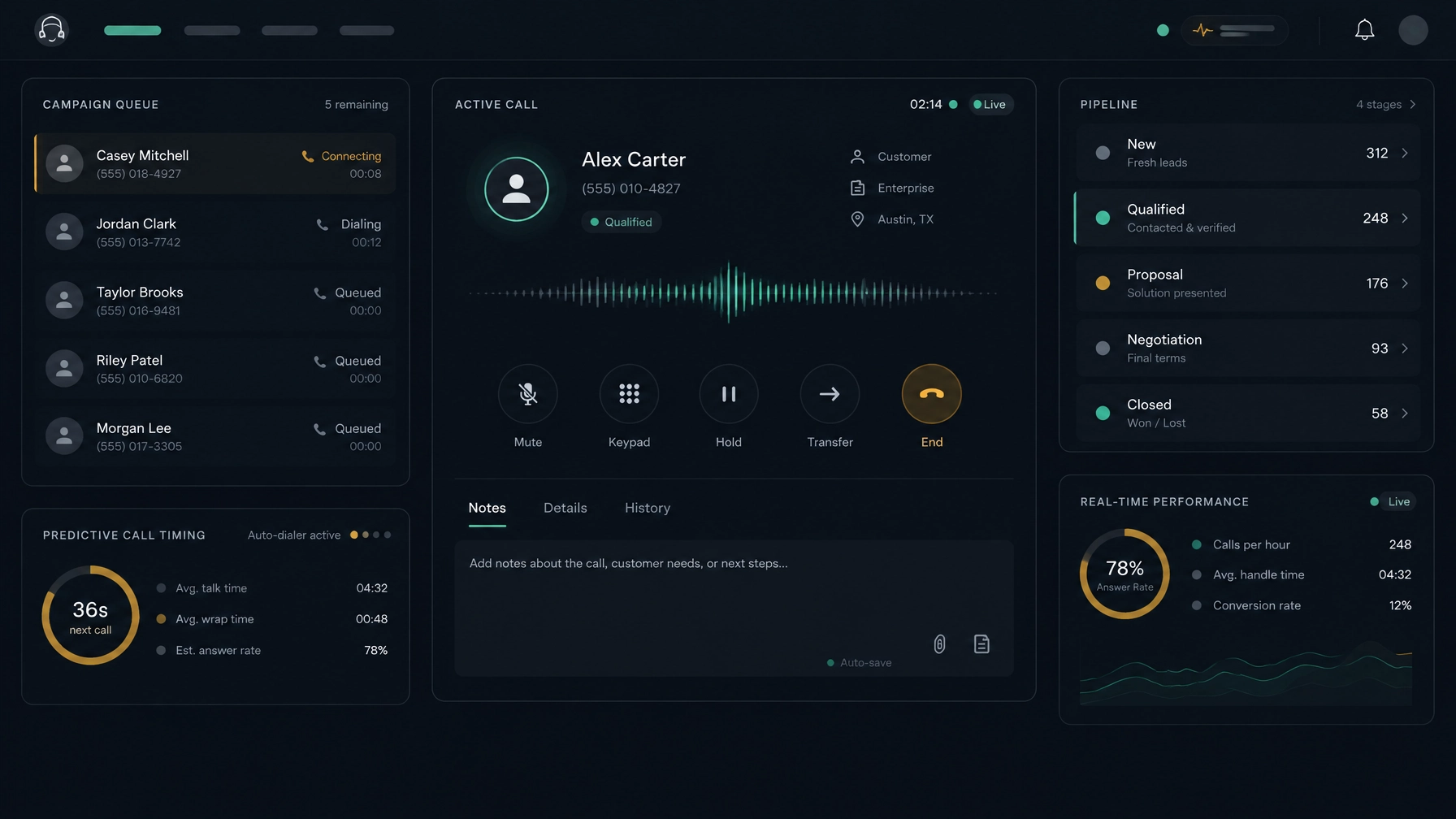
NexusDialer supports progressive dialing. Its built-in CRM keeps contacts, companies, deals, call history, notes, outcomes, and callbacks together. Reps can refer to the recent activity and save a next step after a call. You can explore NexusDialer’s calling and CRM workflows to see whether they fit your team’s process.
What is a preview dialer?
A preview dialer shows the agent a contact record before the agent chooses to start the call. That record might include account details, previous interactions, or other relevant notes. The rep can review the context, prepare an opening, and then place the call.
Preview dialing gives agents the most control over preparation. It also takes more time per contact, so it generally suits quality and context over raw call volume.
When preview dialing fits
Preview dialing may work well for:
- High-value accounts where each conversation needs preparation.
- Complex products or negotiations.
- Sensitive customer situations.
- Smaller lists where a personalized approach matters more than call volume.
Example: An account manager preparing to discuss a contract renewal may need to review the account’s prior conversations and open deal before calling. A preview workflow gives the rep that time.
Do not assume a vendor supports preview mode just because its workspace shows contact details before a call. Ask whether agents can review a record and decide when to initiate each call. NexusDialer’s public product information lists progressive and predictive dialing, but does not claim a preview mode.
Predictive vs progressive dialer: what should you compare?
The difference between predictive and progressive dialing comes down to how far the system calls ahead of an agent.
- Predictive: The dialer places calls ahead based on estimates. It can increase throughput, but needs active pacing and monitoring.
- Progressive: The dialer places the next call when an agent is ready. It offers a more controlled cadence, with less emphasis on dialing ahead.
Neither approach guarantees better sales lead conversion. Results depend on list quality, agent readiness, the reason for calling, and how well you handle follow-up. Measure outcomes such as meaningful conversations, completed next steps, and qualified opportunities, not just attempts.
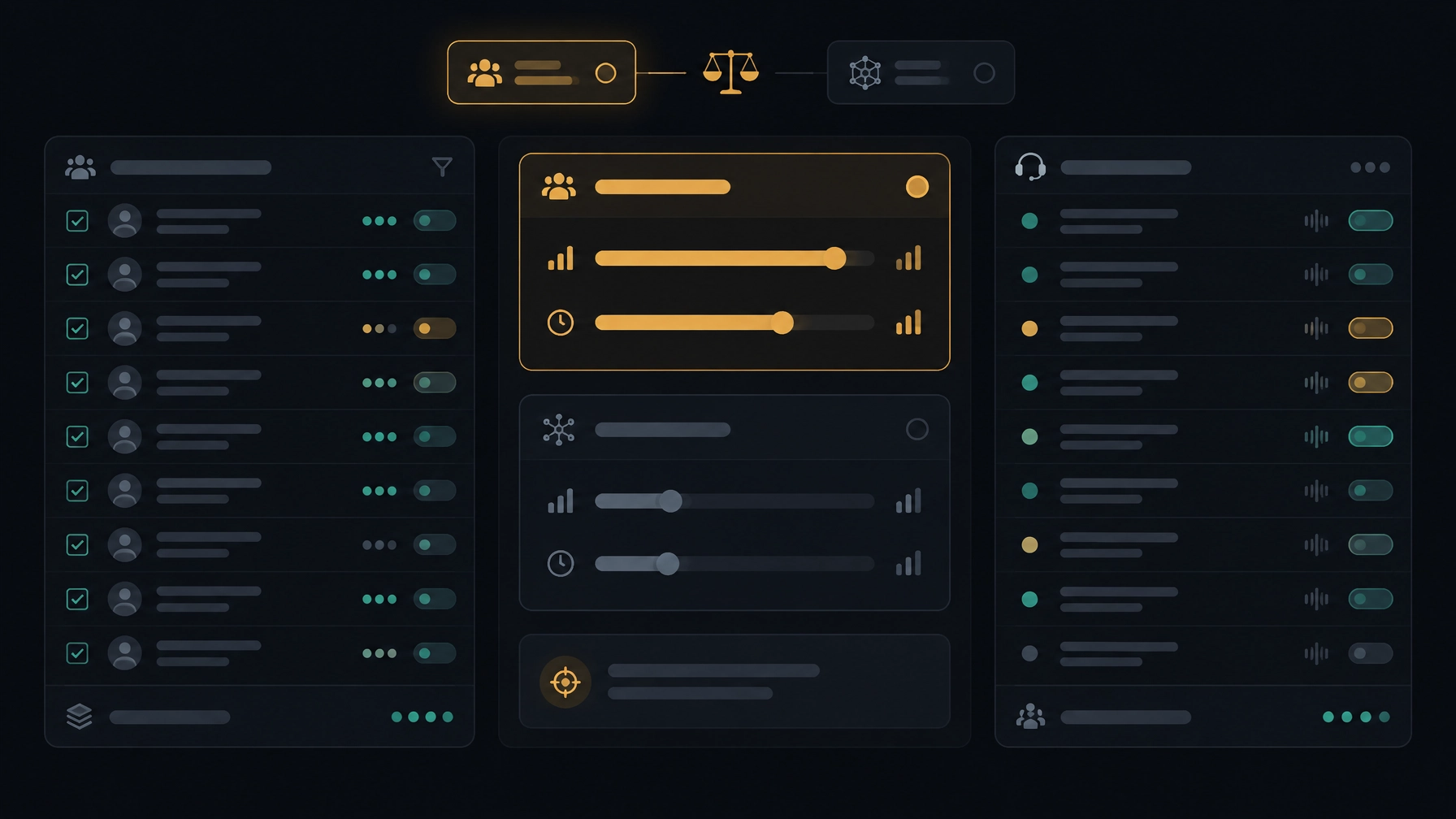
How to choose the right dialing mode
1. Match the mode to your team size and staffing
Predictive dialing needs enough agents available to handle answered calls and requires close attention to campaign pacing. Progressive dialing connects call placement more directly to agent availability. Preview dialing can work with smaller teams, but each rep needs time to review contact information.
Consider your actual staffed hours, breaks, training time, and inbound responsibilities. A campaign’s dialing mode should reflect the agents who are ready to take calls, not just the total number of people on your roster.
2. Check call volume and list quality
Predictive dialing is more useful when you have a substantial list and reliable contact data. If numbers are outdated or records are duplicated, faster dialing can simply produce more wasted attempts.
Progressive and preview workflows can be easier to manage when the list is smaller or when each record needs a closer look. Before choosing, clean your list and define how your team will handle wrong numbers, opt-outs, and callbacks.
3. Consider the conversation
Ask what a rep needs to know before a prospect answers. If the offer and conversation are consistent, predictive or progressive dialing may be appropriate. If agents need to review account history or prepare for a nuanced conversation, progressive or preview workflows may give them more room.
4. Treat compliance as a campaign requirement
Dialing mode alone does not make a campaign compliant. Requirements can depend on location, call purpose, consent, number type, calling hours, opt-out requests, caller identification, and recording practices.
Predictive dialing needs particular attention to answered calls that cannot be connected promptly. But progressive or preview dialing does not remove other obligations. In the United States, review applicable FCC rules on unwanted calls. In the United Kingdom, Ofcom’s guidance on silent and abandoned calls explains why organizations need controls to prevent them. Requirements vary, so get legal advice for your campaign and jurisdictions.
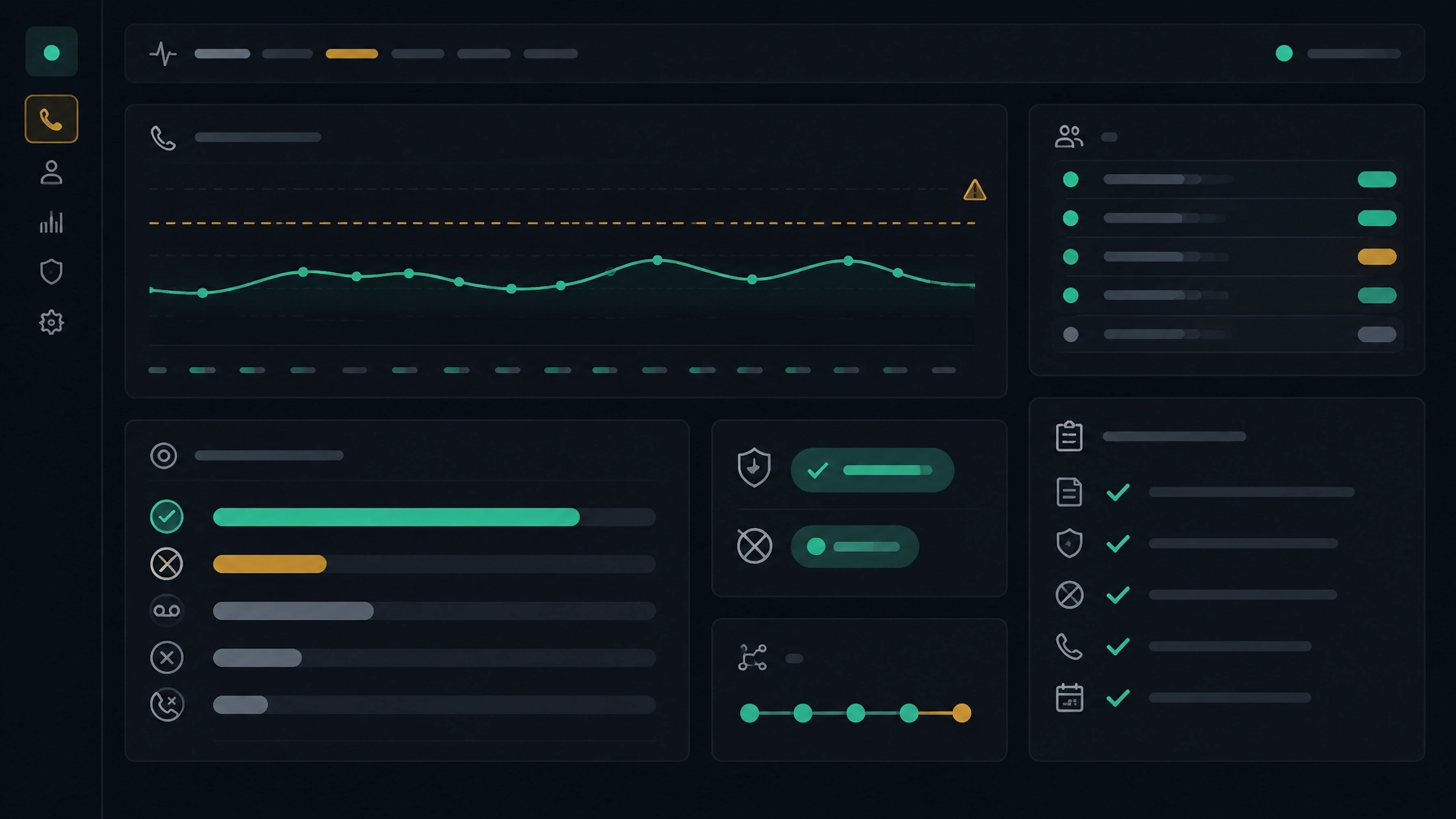
5. Review results and adjust
Start with a small, representative campaign. Track connection outcomes, agent availability, abandoned calls, follow-up completion, and qualified opportunities. Review the results with agents and managers. If a mode increases attempts but not useful conversations, change the list, timing, workflow, or dialing pace.
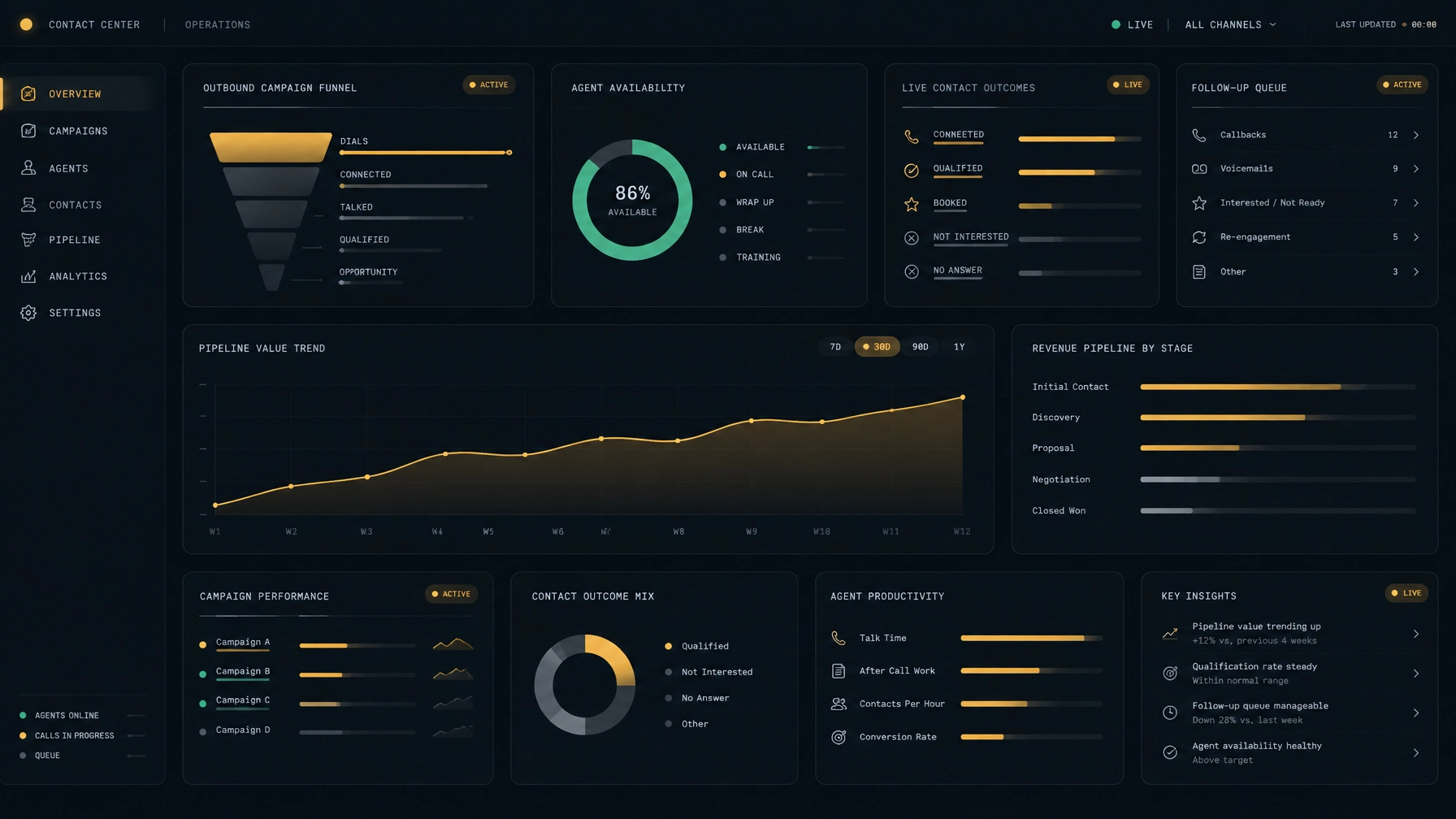
Look for reporting that lets you review campaign activity and agent performance. NexusDialer provides role-based reports, current rep status, and call records for manager review. It also supports BYOS SIP, so teams can configure their own SIP trunks as part of workspace setup. Telephony configuration and calling availability depend on the deployment; confirm your requirements before rollout.
The right dialer is the one that fits the work
Use predictive dialing when you have a large, consistent campaign and can monitor pacing. Choose progressive dialing when you want an automated but more controlled calling flow. Consider preview dialing when agents need to prepare before each contact and call quality matters more than volume.
Before you decide, check the actual behavior of the software, the information agents see, the reporting you need, and the compliance controls required for your campaign. To review NexusDialer’s progressive and predictive dialing, built-in CRM, and SIP setup, explore NexusDialer or start workspace setup.
Frequently asked questions
Is predictive or progressive dialing better for sales?
Neither is best for every team. Predictive dialing can suit high-volume campaigns with reliable lists and active pacing oversight. Progressive dialing can suit teams that want automated calling while keeping the next attempt tied more closely to agent availability.
Does a predictive dialer always call multiple numbers at once?
Predictive dialers commonly place calls ahead of agent availability, but behavior depends on the platform and its configuration. Ask a vendor how it sets the pace, handles answered calls, and gives managers visibility into abandoned or delayed connections.
Is preview dialing more compliant?
No dialing mode guarantees compliance. Preview dialing lets an agent review a contact before initiating a call, but consent, do-not-call rules, calling hours, opt-outs, and other requirements may still apply.
Does NexusDialer support preview dialing?
NexusDialer lists progressive and predictive dialing in its public product information. It does not claim a preview dialing mode. If preview is essential to your workflow, confirm mode availability with any vendor before you choose.
What should I measure when testing a dialer?
Track call outcomes, useful conversations, follow-up completion, agent availability, abandoned calls, and qualified opportunities. Compare the same measures across campaigns, and consider call quality and compliance alongside call volume.
Meta title: Predictive vs. Progressive vs. Preview Dialing: How to Choose
Meta description: Compare predictive, progressive, and preview dialing. Learn how each mode works and choose the right fit for your sales team, call volume, and campaign needs.