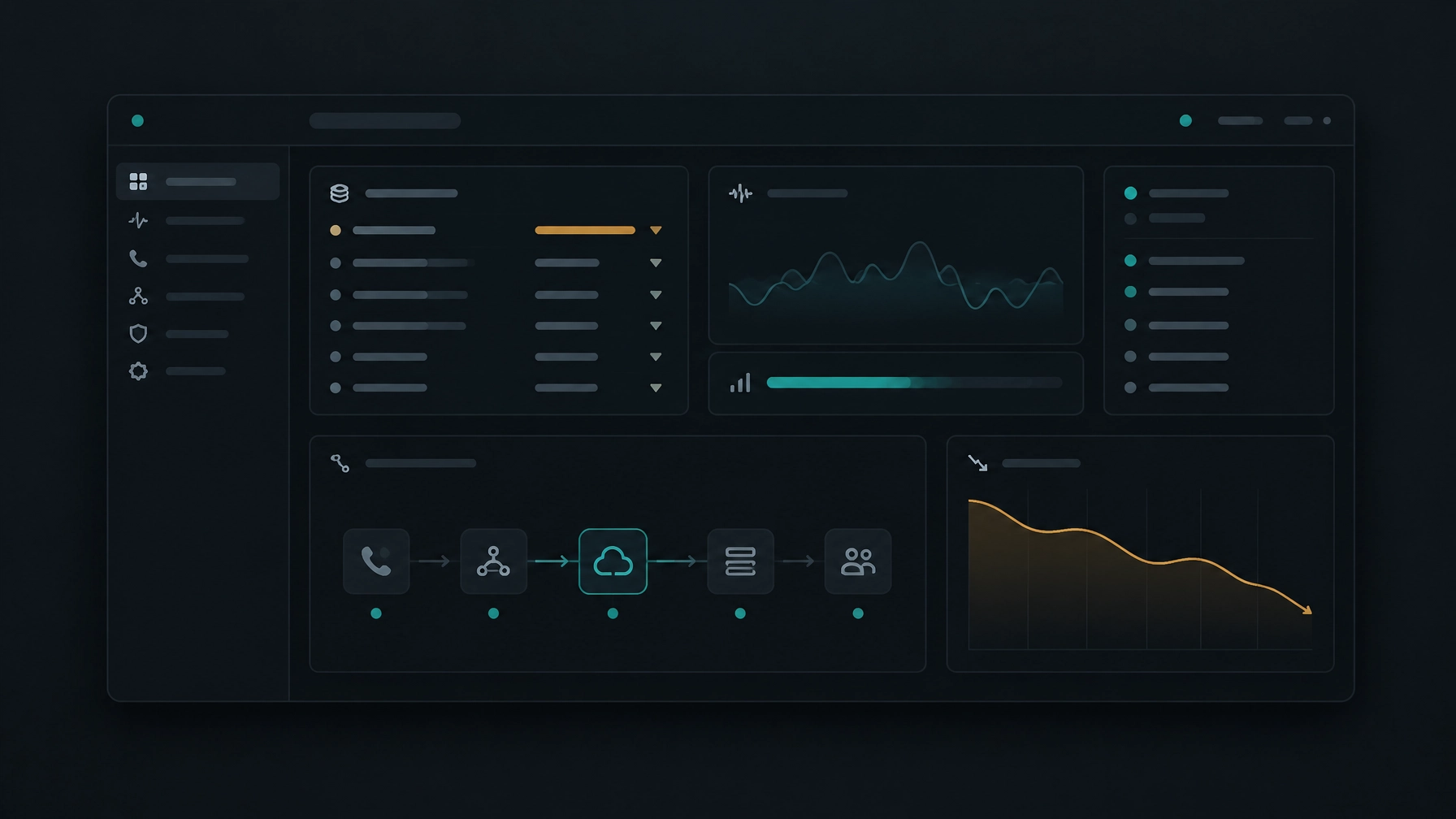
Why Your Sales Team Is Losing Leads: 7 Outbound Calling Mistakes That Are Costing You Customers
Leads rarely disappear in one dramatic moment. More often, they slip away between the first call and the next step: a rep spends too long dialing, reaches out without context, forgets a callback, or records the conversation in a system no one else can see. These gaps weaken sales lead conversion and make it harder…
Leads rarely disappear in one dramatic moment. More often, they slip away between the first call and the next step: a rep spends too long dialing, reaches out without context, forgets a callback, or records the conversation in a system no one else can see.
These gaps weaken sales lead conversion and make it harder to tell whether your outbound sales strategy is working. The good news is that many outbound calling mistakes come from processes you can review and improve.
Here are seven common problems to look for, along with practical ways to address them.
1. Relying too heavily on manual dialing
Why it happens
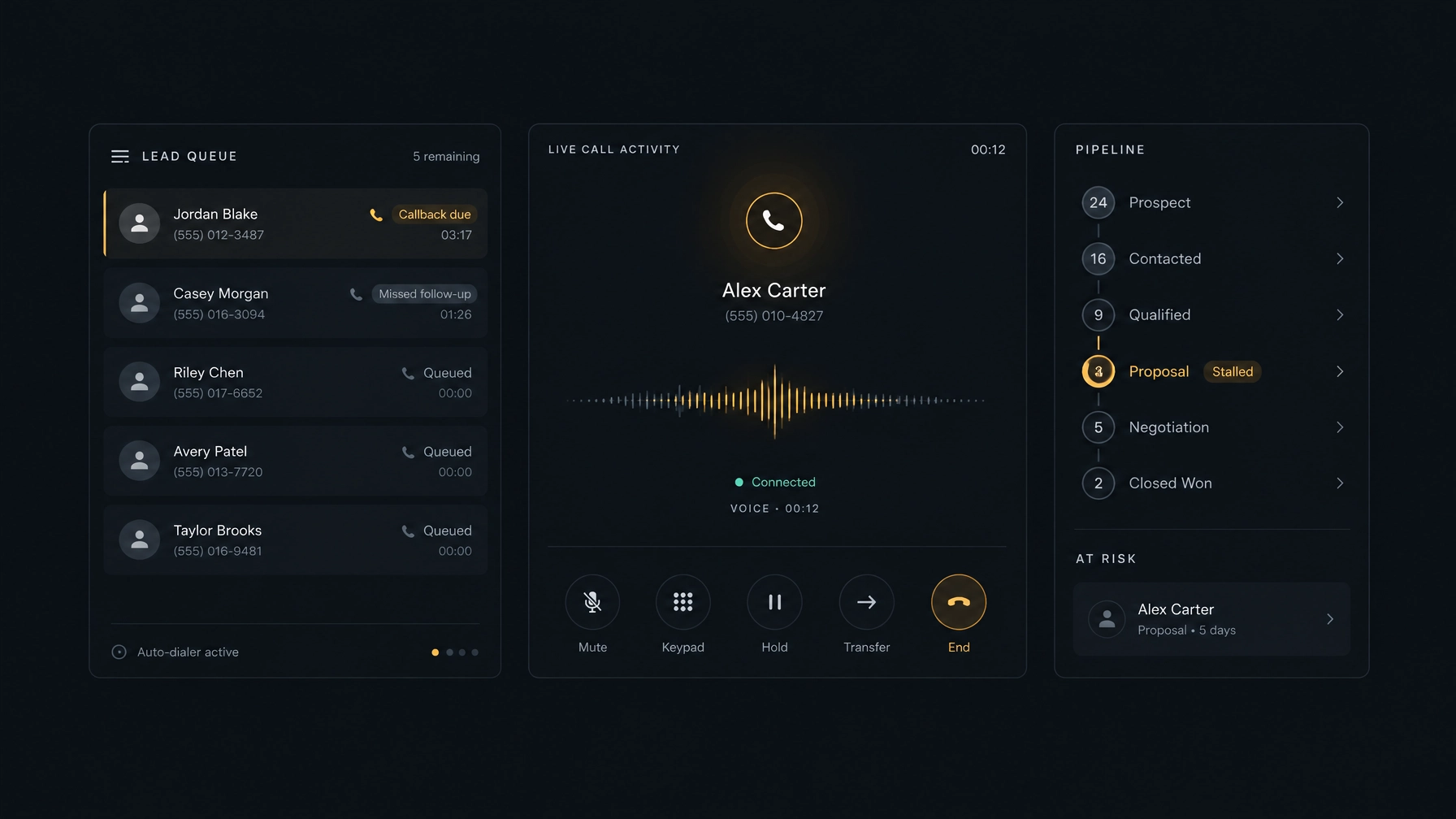
Manual dialing can feel simple to set up. But reps may need to find a contact, check the number, place the call, wait, record the outcome, and then locate the next prospect. Repeating those steps across a long list takes attention away from conversations.
How it affects sales
Time spent navigating tools and entering call details is time not spent preparing, speaking with prospects, or following up. Manual steps can also lead to skipped records and inconsistent logging.
What to change
Map the work around each call. Look for avoidable steps, such as searching for a number in one system and entering the result in another. Choose a dialing workflow that fits the campaign. Progressive dialing can help organize sequential calls. Predictive dialing can pace attempts based on calling activity and agent availability, but you should review its settings and applicable calling rules before use.
For example, a small B2B team may find that reps spend more time switching between a spreadsheet and their phone than speaking with prospects. Moving calls into a structured campaign workflow can make the next contact and call outcome easier to manage.
NexusDialer supports progressive and predictive dialing. You can read more about its calling setup on the NexusDialer website. Calling requires workspace approval and telephony setup.
2. Calling prospects without proper preparation
Why it happens
When teams focus on call volume, preparation can look like a delay. Reps may open a record only after a prospect answers, or rely on memory to recall an earlier conversation. New hires may also lack a consistent way to review context before dialing.
How it affects sales
A call without context can sound generic. The rep may repeat a question the prospect already answered, miss a relevant buying signal, or fail to explain why they are calling. Even a short conversation can lose momentum if the prospect has to start over.
What to change
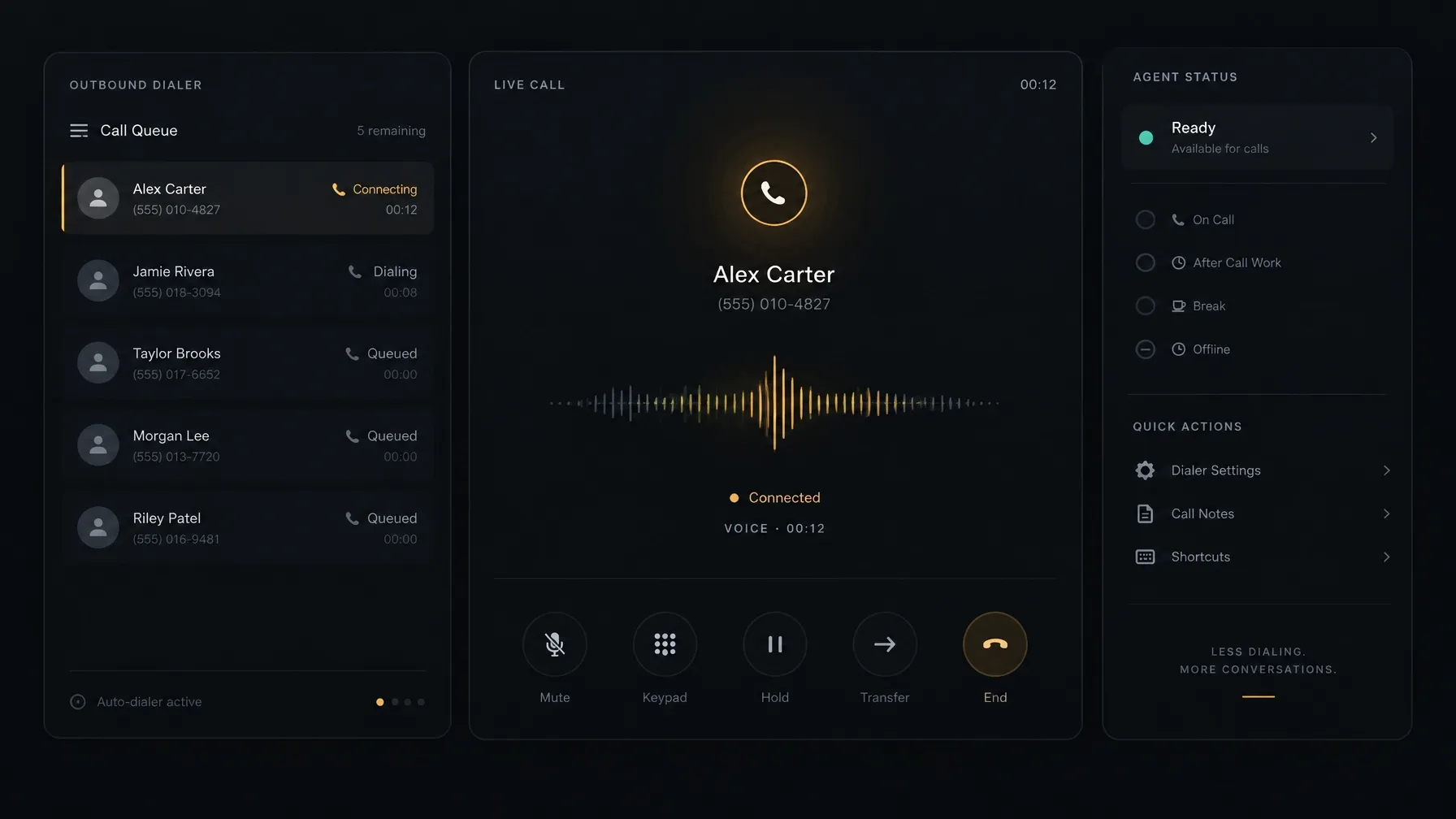
Before calling, give reps a quick way to review the details they need:
- The prospect’s role and organization.
- The last call outcome and notes.
- The reason for the next conversation.
- A clear question or goal for the call.
Keep the preparation focused. Reps do not need to read every field in a record. They need enough context to make the opening relevant and agree on a useful next step.
For example, if a prospect asked for pricing last week, the next call should acknowledge that request and check what information they need to evaluate it. It should not restart the conversation with a generic introduction.
NexusDialer’s call workspace brings contact details, call history, notes, and scripts into the calling workflow. Its contact and deal features can help teams keep this information close to the conversation.
3. Failing to follow up with potential customers
Why it happens
Follow-up often depends on a rep remembering a callback date or finding a note later. If the call ends without a recorded outcome or next action, the lead can quietly fall out of the queue.
How it affects sales
A prospect may be interested but not ready to decide during the first conversation. Without a clear follow-up, your team can lose the chance to continue at a time that suits the prospect. A different rep may also contact them without knowing what was agreed.
What to change
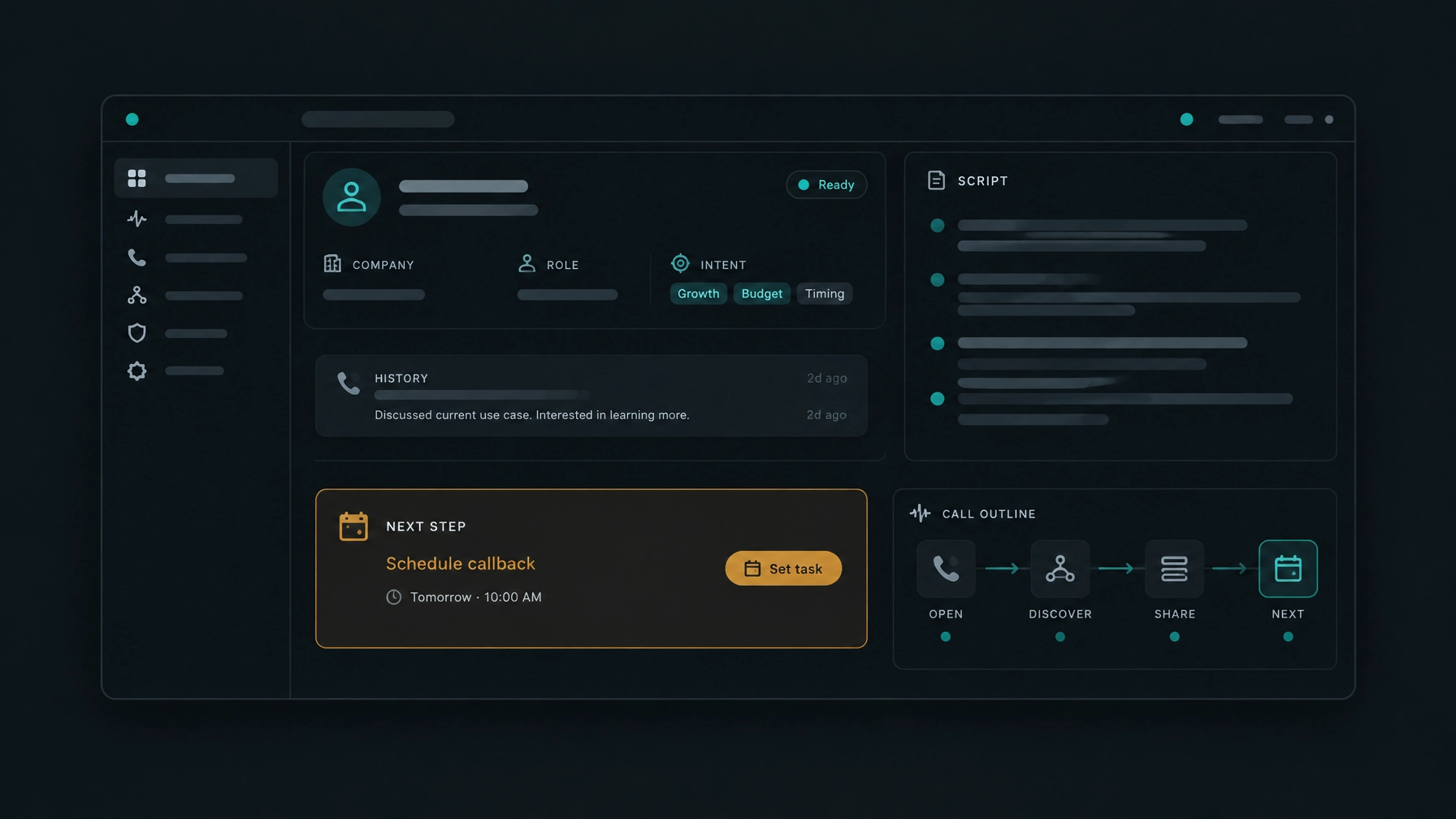
Make the next step part of the call wrap-up. Record the outcome, add a brief note, and set a callback date when the prospect requests one. Use a consistent process for follow-up attempts, and stop outreach when a prospect asks not to be contacted or your policies require it.
Set a cadence that matches your audience and the purpose of the call. Review whether the timing and number of attempts are appropriate rather than assuming every lead needs the same sequence.
For example, a prospect who asks for a call after an internal budget review needs a dated callback, not a vague note to “try again.” Give the rep a simple way to save that date while the conversation is fresh.
NexusDialer supports call outcomes, notes, and callbacks. Those details appear with contact history so the next interaction can pick up where the last one ended.
4. Using disconnected CRM and calling systems
Why it happens
Teams often add calling tools after their CRM is already in place. If the systems do not share the right information, reps may have to enter call results twice or keep separate lists to track follow-up.
How it affects sales
Disconnected records make it harder to see the full history of a lead. Managers may review incomplete activity, reps may duplicate outreach, and teams can struggle to understand which campaigns are moving opportunities forward.
What to change
Start by listing what needs to be available before, during, and after a call. That may include contact details, call history, notes, outcomes, and callback tasks. Then verify how those records move between your calling platform and CRM. Do not rely on a general claim that two systems “integrate.” Confirm which data fields sync, when they sync, and what happens when a record changes.
NexusDialer includes built-in contact, company, and deal records, pipeline stages, call history, outcomes, notes, and callbacks. The public site also describes CSV imports and exports. It does not name specific third-party CRM integrations on the pages reviewed here, so confirm your requirements with the team before planning around an external connector.
5. Ignoring call performance metrics
Why it happens
It is easy to count dials and treat activity as progress. But call volume alone does not show whether reps reach the right people, hold useful conversations, or create qualified opportunities.
How it affects sales
If you track only attempts, you can miss the stage where leads stop progressing. A low number of meetings could point to poor data, weak openings, or an unclear value proposition. Each problem needs a different response.
What to change
Review a simple funnel from attempt to outcome. Depending on your sales process, track:
- Calls placed and contacts reached.
- Conversations held and follow-ups agreed.
- Meetings booked and meetings attended.
- Opportunities created and outcomes by campaign.
Define each measure consistently. Compare results by lead source, campaign, and rep where the data supports it. Use the numbers to ask focused questions, not to rank people without context.
For example, if reps place plenty of calls but reach few prospects, check list accuracy and calling windows before rewriting the script. If prospects answer but rarely agree to a next step, review the opening and qualification process.
NexusDialer offers reports, call records, and a floor view of current rep status. The floor view supports operational visibility; confirm during setup which measures your workspace reports and how frequently they update. See the NexusDialer product overview for current details.
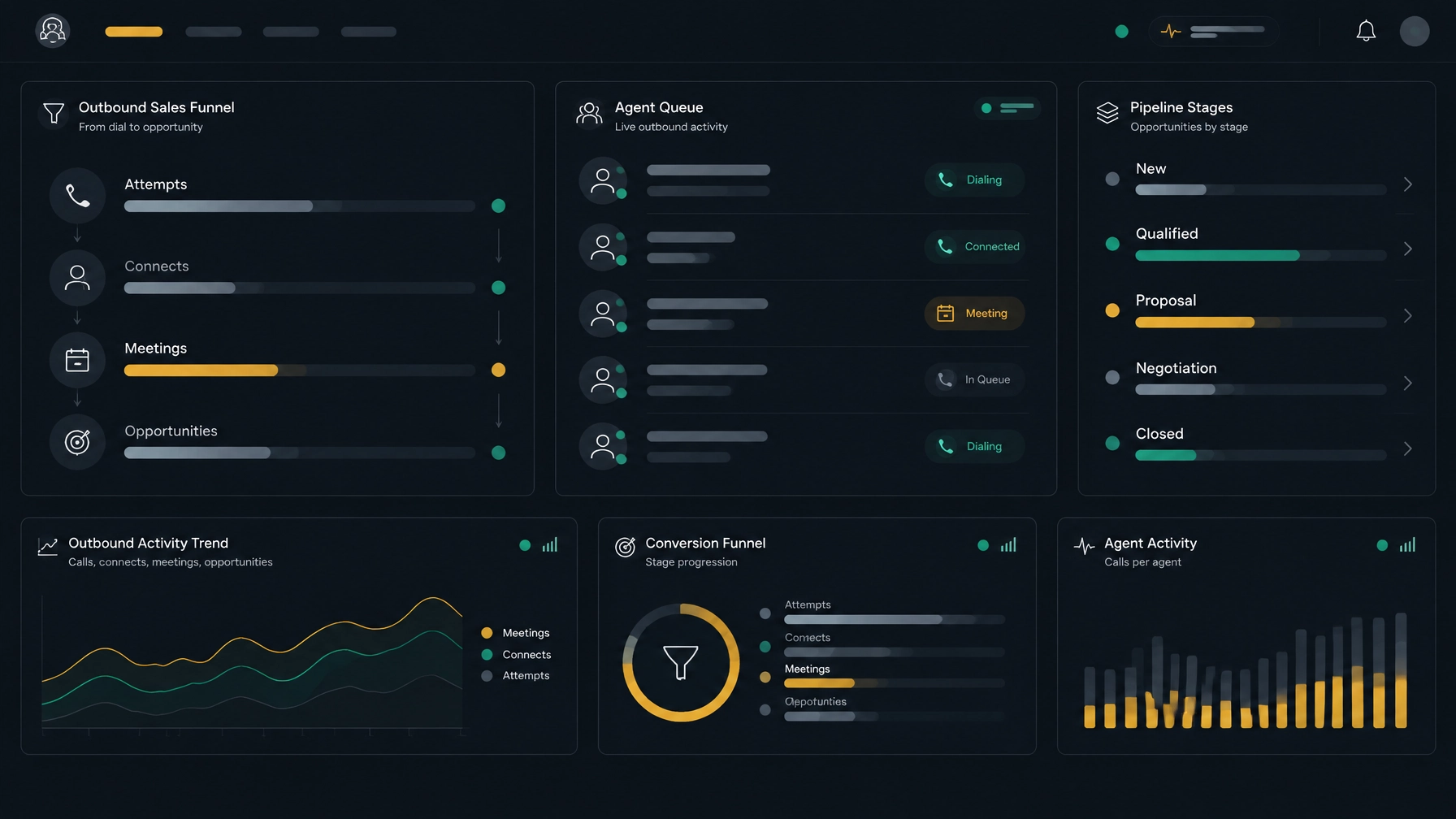
6. Poor lead prioritization and inefficient call distribution
Why it happens
Many teams work through a list in the order it was exported, even when the records differ in age, fit, or intent. Leads may also have unclear ownership, outdated numbers, or duplicate entries.
How it affects sales
Reps can spend time on records that are incomplete or no longer relevant while more promising prospects wait. Unclear ownership can create duplicate calls or leave a lead untouched because everyone assumes someone else is handling it.
What to change
Set clear rules for list quality, ownership, and call order. For example, separate new inquiries from older follow-up records, identify incomplete contact data before a campaign starts, and assign each lead to an owner or queue. Use the prospect’s location and applicable calling hours when scheduling attempts.
Keep prioritization rules practical. If you use intent signals, define which signals matter and how they affect the order of work. Review the queue regularly so stale, duplicate, or incorrectly assigned records do not remain in circulation.
For example, a BPO handling separate client campaigns can use distinct lists and ownership rules to reduce the risk of agents calling the wrong contact on behalf of the wrong client.
NexusDialer supports campaign lists and contact records. Confirm how your team’s list ordering and assignment needs should be configured during workspace setup.
7. Failing to optimize agent productivity
Why it happens
Managers may judge productivity by the number of calls alone. They may also overlook time spent on preparation, after-call work, system navigation, or coaching. On the other hand, pushing for more calls without reviewing quality can create rushed conversations and incomplete records.
How it affects sales
Reps can spend too much time on routine admin, or move through calls without capturing what matters. Managers then have less useful information for coaching, and the team repeats the same avoidable problems.
What to change
Look at the full workflow, not just the dial count. Identify where reps wait, switch tools, or re-enter information. Standardize call outcomes and keep note-taking focused on what the next person needs to know. Review call records with a specific coaching goal, such as asking a clearer discovery question or confirming a dated next step.
Use pacing that fits the campaign and the team’s capacity. Predictive dialing can support outbound calling workflows, but it does not replace good list management, call preparation, or coaching. Also review the rules that apply to your campaign. In the United States, the FTC’s Telemarketing Sales Rule includes requirements relevant to telemarketing. Requirements vary by location and campaign, so consult qualified counsel about your specific obligations.
NexusDialer provides role-based workspaces, call records, and coaching features. Its website notes that post-call transcription and AI analysis require configuration; they are not always on. Confirm the available features and setup requirements for your team.
Build an outbound calling process that keeps leads moving
The most useful fixes often happen between calls: prepare the record, save the outcome, schedule the next step, and review where prospects leave the funnel. Start by choosing one recurring gap, then measure whether a process change improves it.
Modern sales dialer software can help organize these steps. NexusDialer combines progressive and predictive dialing with built-in contact and deal workflows, call history, notes, callbacks, and reports. It also supports SIP trunk configuration, so teams can discuss using their own SIP provider during setup. Calling availability depends on workspace approval and telephony configuration. For external CRM requirements, confirm the specific integration path before making a decision.
Explore NexusDialer to review the product and calling setup, or create an account to begin workspace review.
Frequently asked questions
What are the most common outbound calling mistakes?
Common mistakes include relying on manual dialing, calling without context, missing follow-ups, keeping call and CRM records disconnected, focusing only on dial volume, prioritizing leads poorly, and overlooking agent workflow and coaching.
How can I improve sales lead conversion from outbound calls?
Make each call part of a clear process. Prepare using the lead’s history, use a relevant opening, record the outcome, set a specific next step, and review where prospects drop out of your funnel.
Is predictive dialing right for every sales team?
No. The right dialing workflow depends on your campaign, list quality, agent availability, and applicable calling rules. Review settings and requirements before using predictive dialing, and consider whether a progressive workflow is a better fit.
Does NexusDialer integrate with third-party CRMs?
NexusDialer’s public website describes built-in contact, company, and deal records, plus CSV import and export. It does not list named third-party CRM connectors on the pages reviewed for this article. Confirm a specific integration requirement with the NexusDialer team.
Can I use my existing SIP provider with NexusDialer?
NexusDialer supports SIP trunk configuration, and its website says organisations can configure their own SIP trunks. Compatibility and calling availability depend on the deployment and telephony setup, so discuss your requirements during workspace review.
Publishing metadata, not part of the article
Meta title: 7 Outbound Calling Mistakes That Cost You Leads
Meta description: Learn seven outbound calling mistakes that weaken sales lead conversion, and how to improve dialing, follow-up, CRM workflows, lead prioritization, and team productivity.